
Running an HVAC business with Odoo
Do I need managed IT support for my HVAC business?
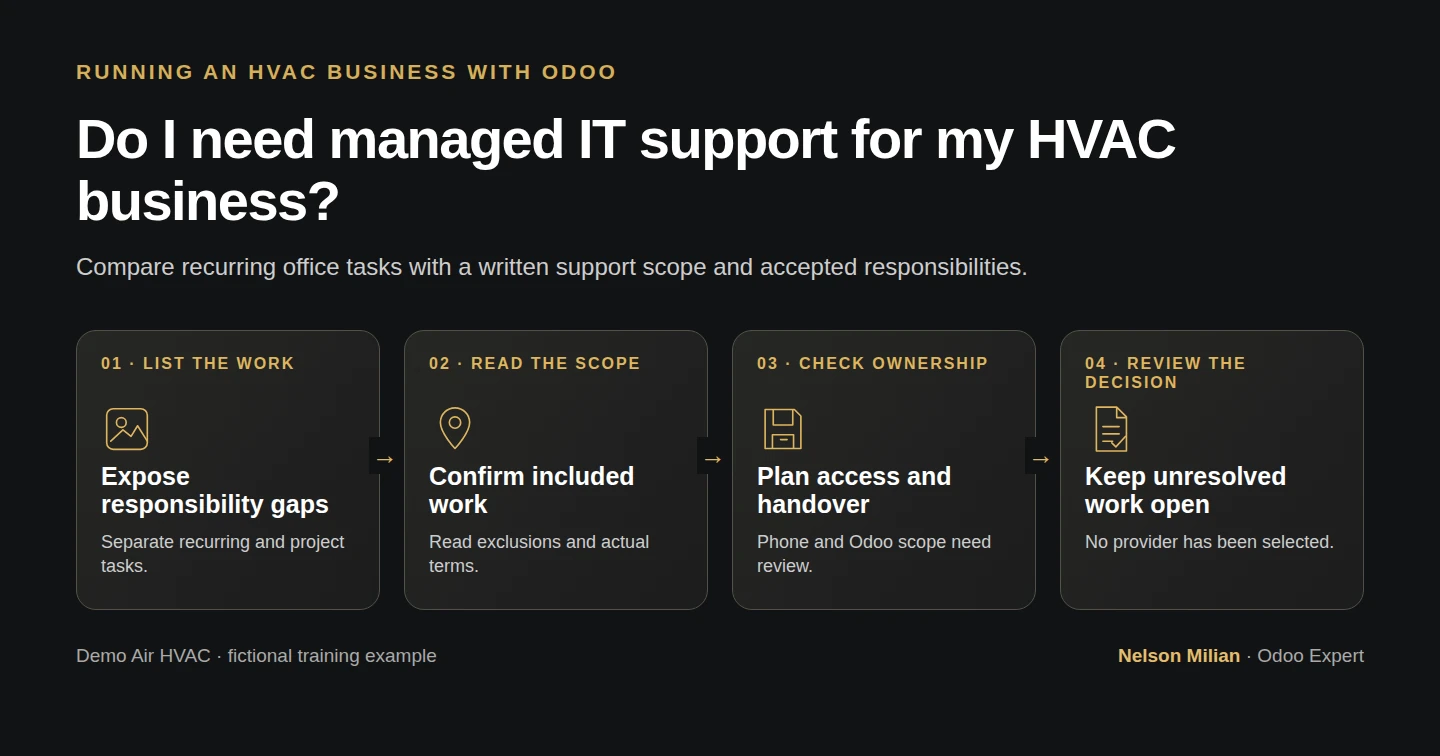
Compare recurring HVAC office technology tasks, internal gaps and a written IT support scope with a responsibility worksheet.
Start with the work someone needs to own: maintaining computers, administering accounts, handling support requests and checking recovery. Compare that work with the time and skills available inside your business, then request a written scope for any gaps. A headcount alone does not make that decision for you.
Alex Rivera and Demo Air HVAC are fictional training examples. Alex has proposed office requirements but has not selected an IT provider or received a quote. The example worksheet is a list of questions to resolve, with proposed roles and future checks. No service or purchase is arranged in this lesson.
Before you begin
Have your opening requirements, device plan, account/device responsibilities and recovery plan available. Your real inventory and any current support agreement belong in your private business records.
This provider-neutral decision guide adds no Odoo integration. The series uses stock Odoo 20 Community without customization; support for its hosting and application must be scoped separately. Earlier planning guides do not establish installed office services.
Source and document checks cover this guide and its saved worksheets. Actual written scope, accepted responsibilities and the business decision remain pending. These document checks do not test spreadsheet controls, provider systems or service delivery.
Compare the support responsibilities
Step 1. Open the example and make your working copy
Download the filled support example and blank support worksheet. Open the CSVs in your spreadsheet application and save a separate working copy for your business. Choose the comma delimiter if the application asks; the first row contains the column names.
Find Task ID, Responsibility, Business need and Related guide. The example has nine rows, SUP-ACCOUNTS through SUP-HANDOVER. Start by matching each row to a real task or system in your opening plan. Add rows if your business needs them; do not put passwords, recovery codes or customer records into this worksheet.
You should have a task list that can be compared against a scope, rather than a list of product names alone.
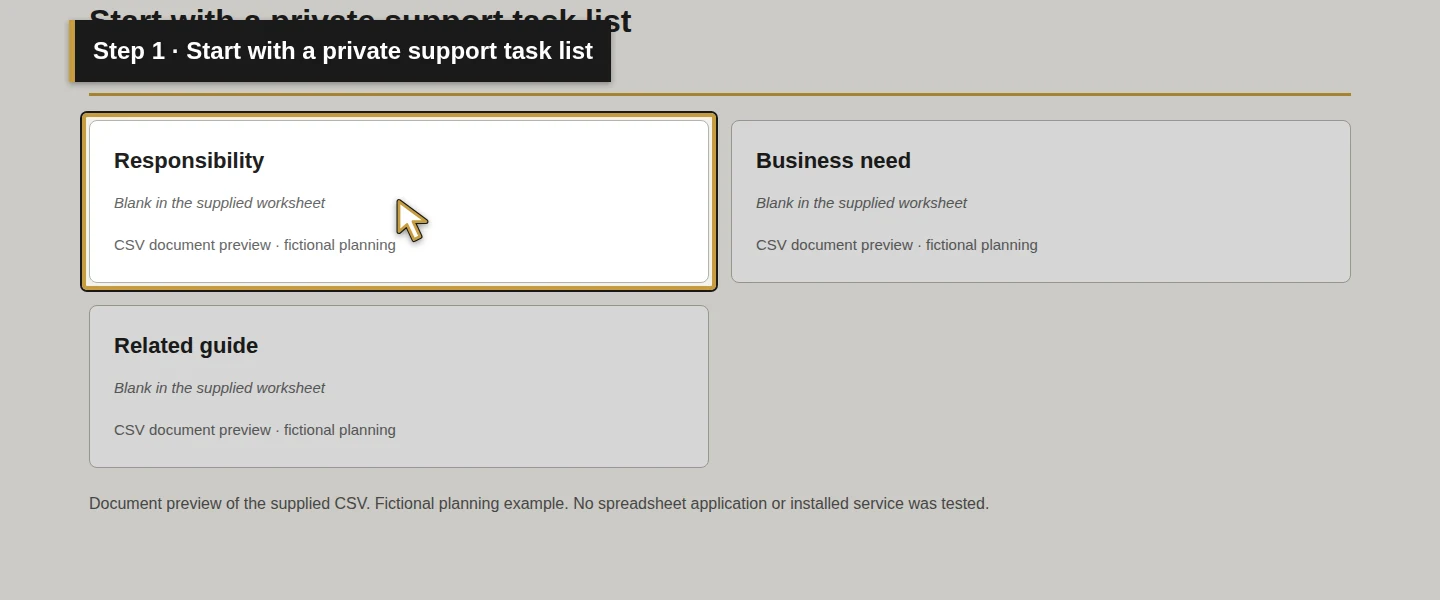
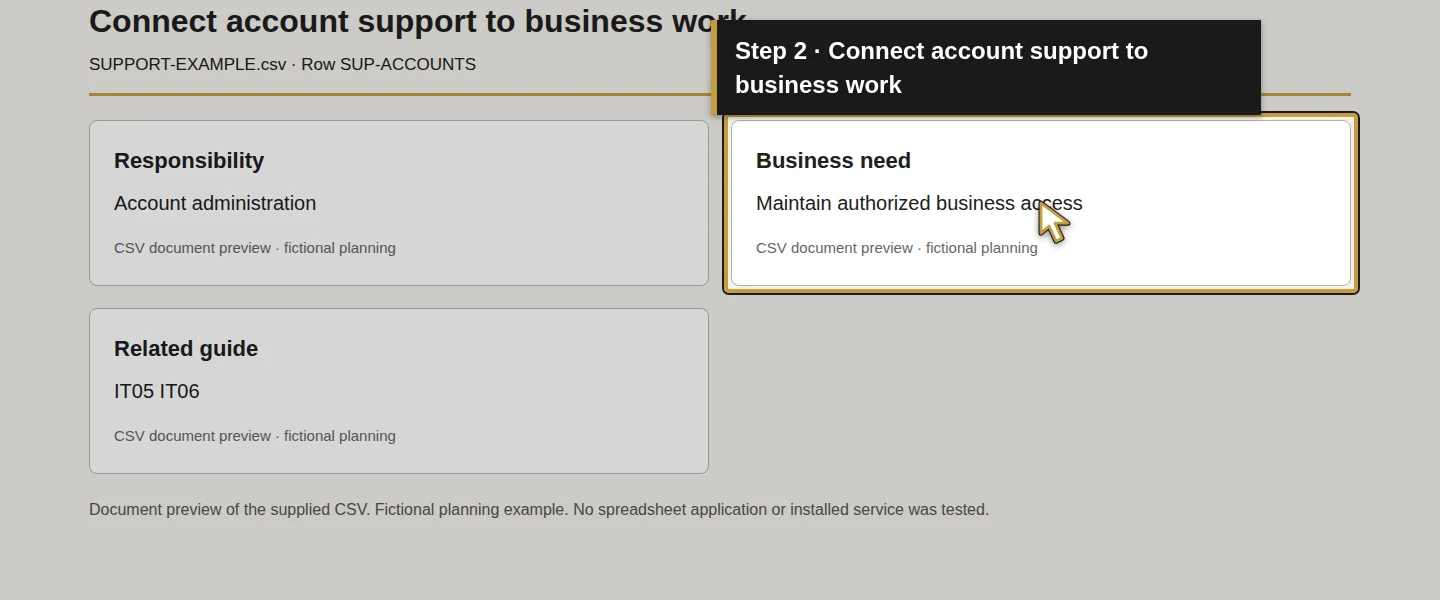
Step 2. Find work that has no responsible person
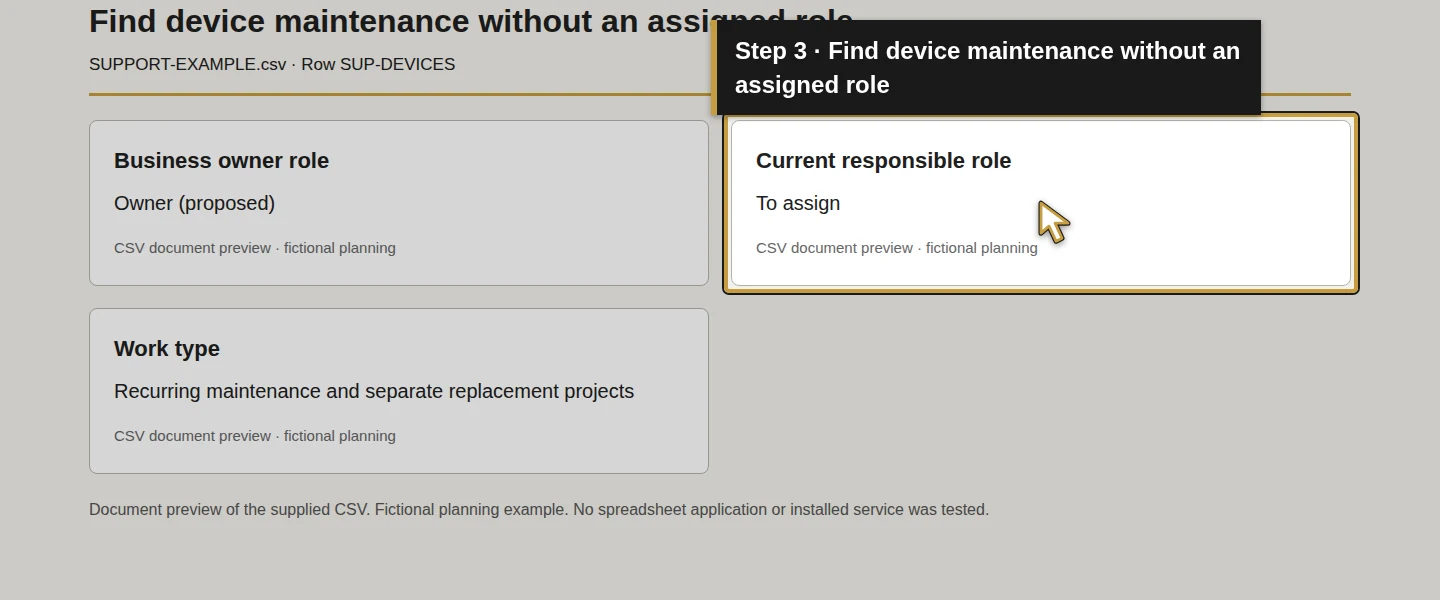
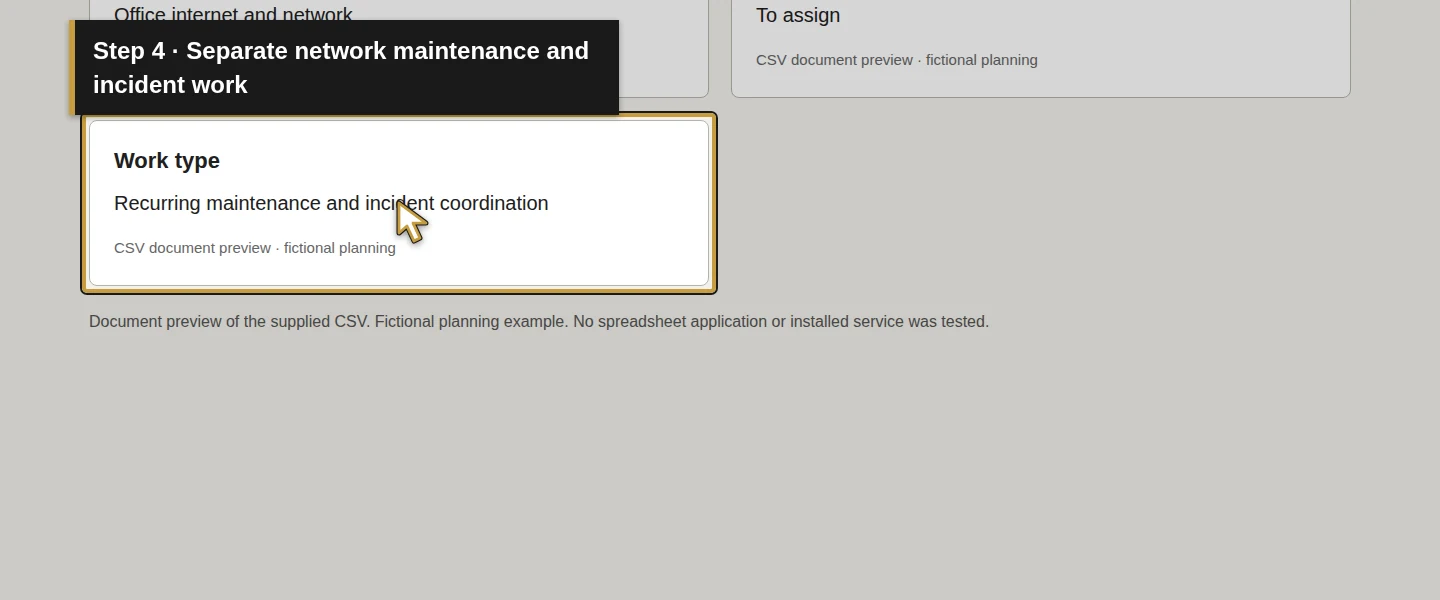
Review SUP-ACCOUNTS, SUP-DEVICES, SUP-NETWORK, SUP-PHONES, SUP-MAIL, SUP-RECOVERY and SUP-ODOO. Enter a Business owner role, the Current responsible role and the Work type for each. Distinguish recurring maintenance, requests and incident work from a one-time installation or migration.
In the example, the owner role is proposed and the current responsible role is To assign. Those values expose gaps; they do not appoint Alex, an employee or a provider. For your business, check whether the person listed has the access, time and knowledge to perform the task. Keep an unresolved gap visible instead of writing the name of a supplier that has not accepted it.
Step 3. Compare each row with an actual written scope
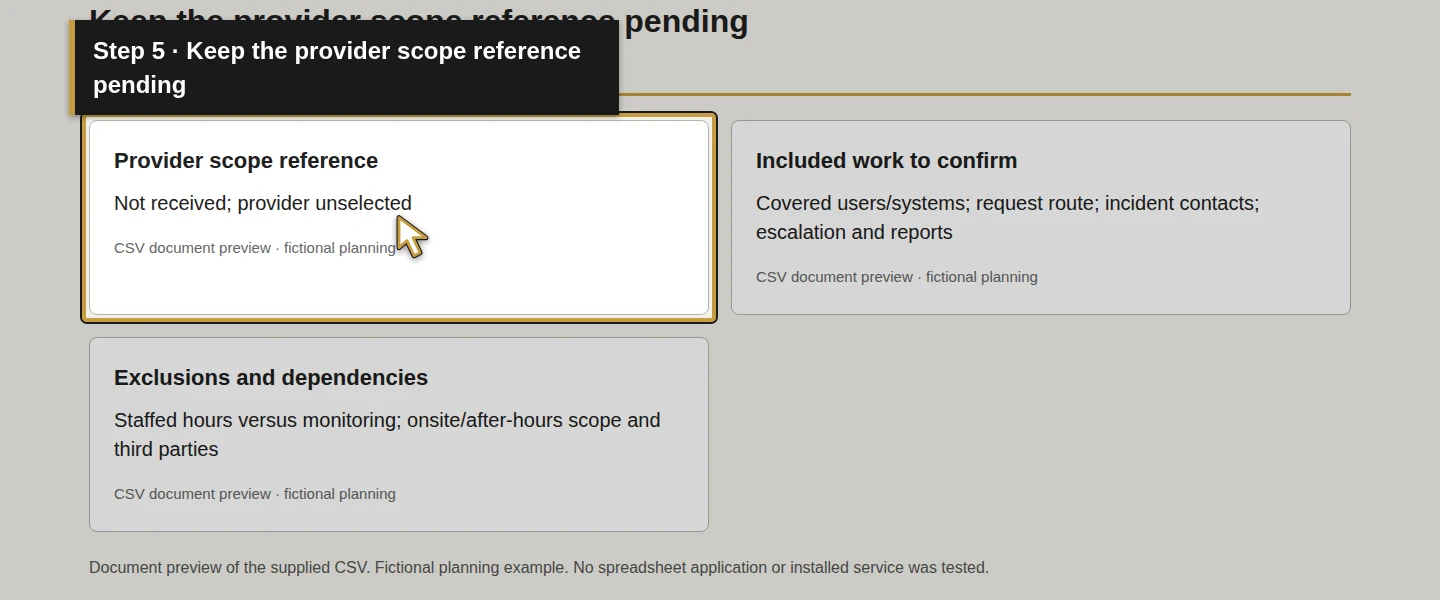
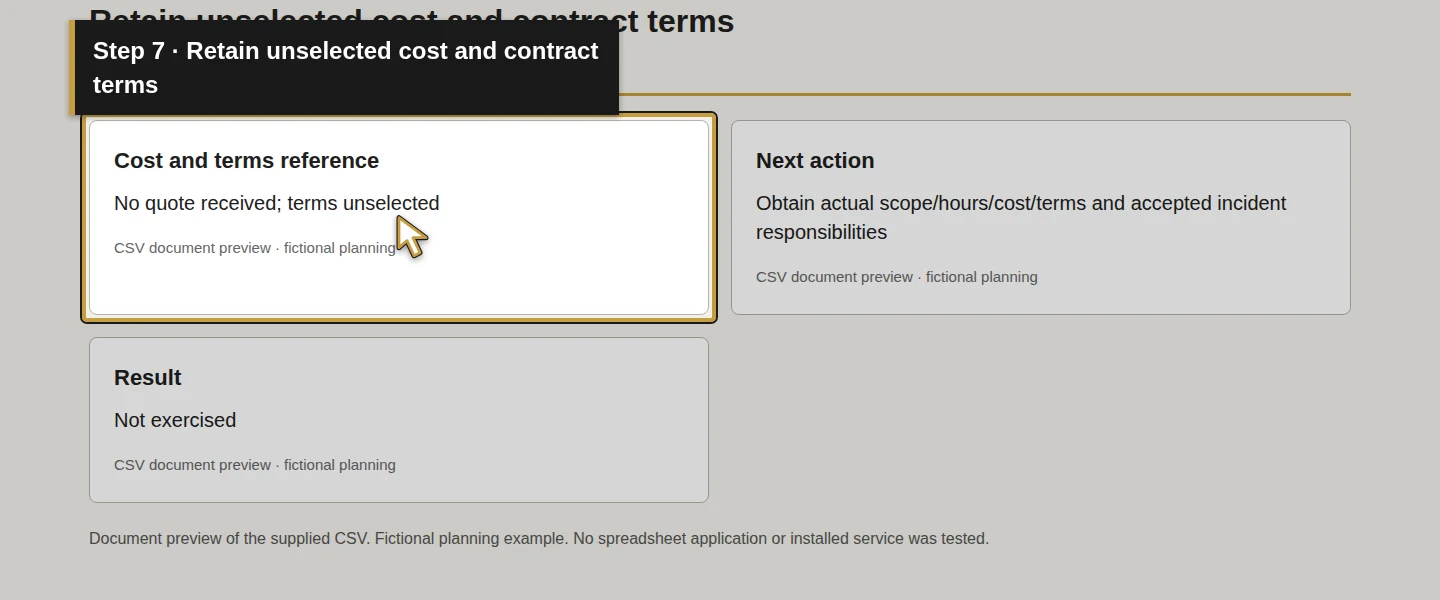
For every row, fill Provider scope reference with the quote or scope section and version. Use Included work to confirm and Exclusions and dependencies to record the precise boundary. If no quote exists, leave the reference pending, as it is in Demo Air's example.
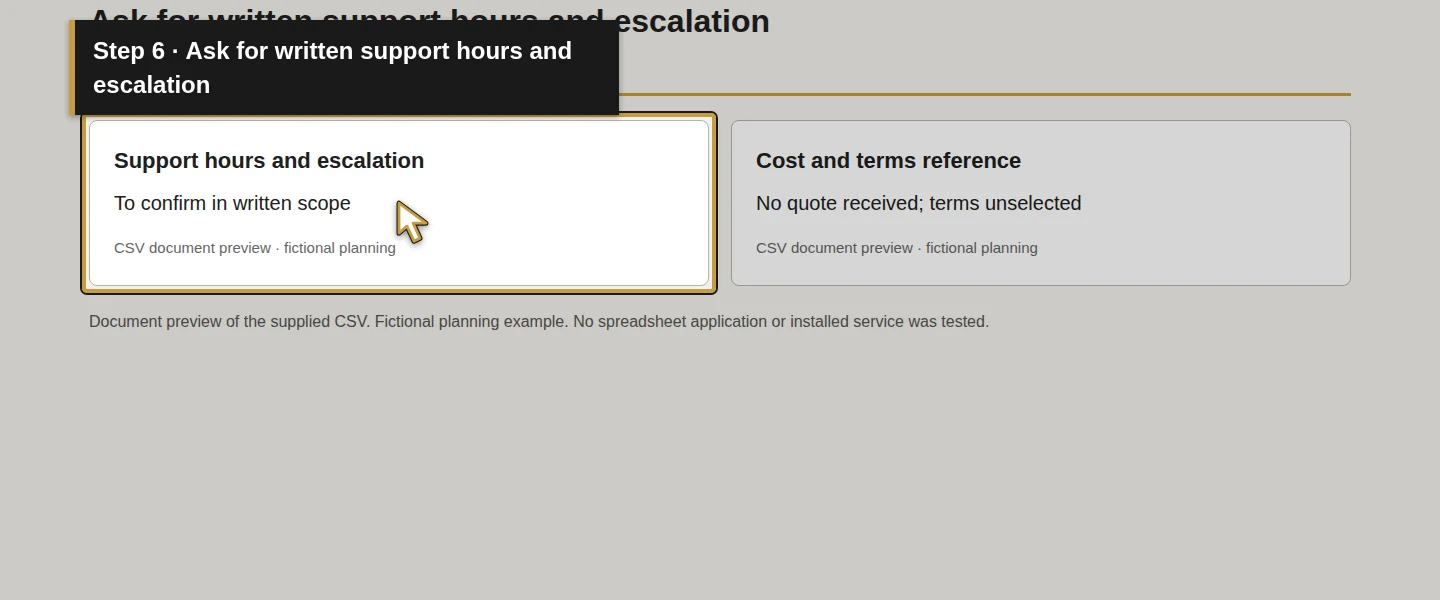
At SUP-SUPPORT, check Support hours and escalation and Cost and terms reference. Request covered users, devices, locations and systems; staffed hours and time zone; how requests and incidents are raised; escalation; and separately stated recurring, onboarding, licensing, hardware, project and after-hours charges where applicable. Record the quoted billing basis, renewal and exit terms without assuming a fixed bundle or contract duration.
The NCSC recommends explicit inclusions and a responsibility matrix. Onward also states that service inclusions are defined in the quote. These support asking concrete questions; they do not supply Demo Air with an agreement. NCSC MSP guidance, Onward's written-scope explanation.
Step 4. Separate phone, software and Odoo support boundaries
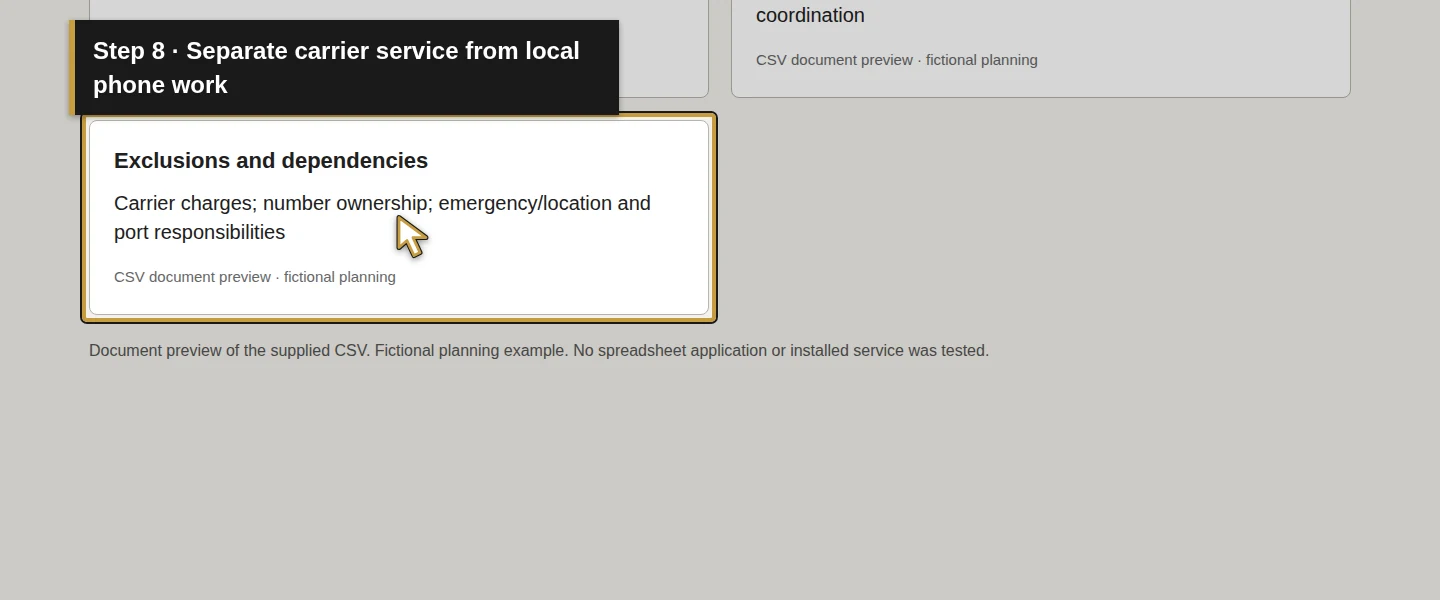
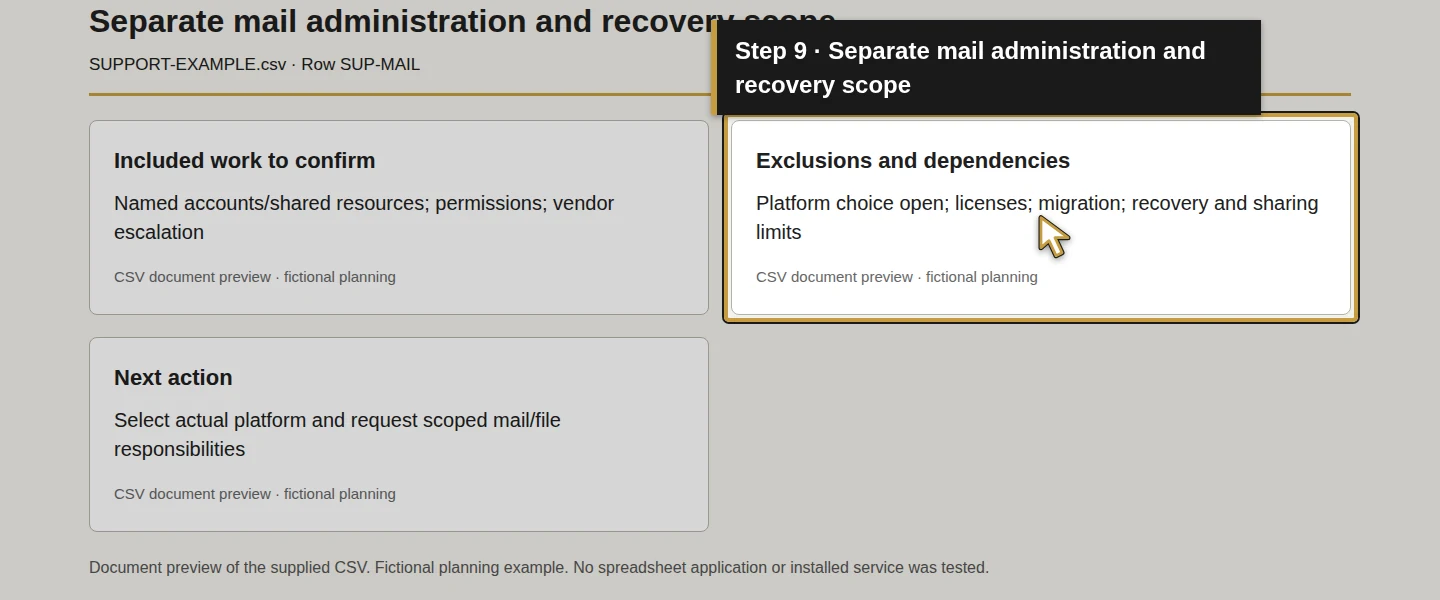
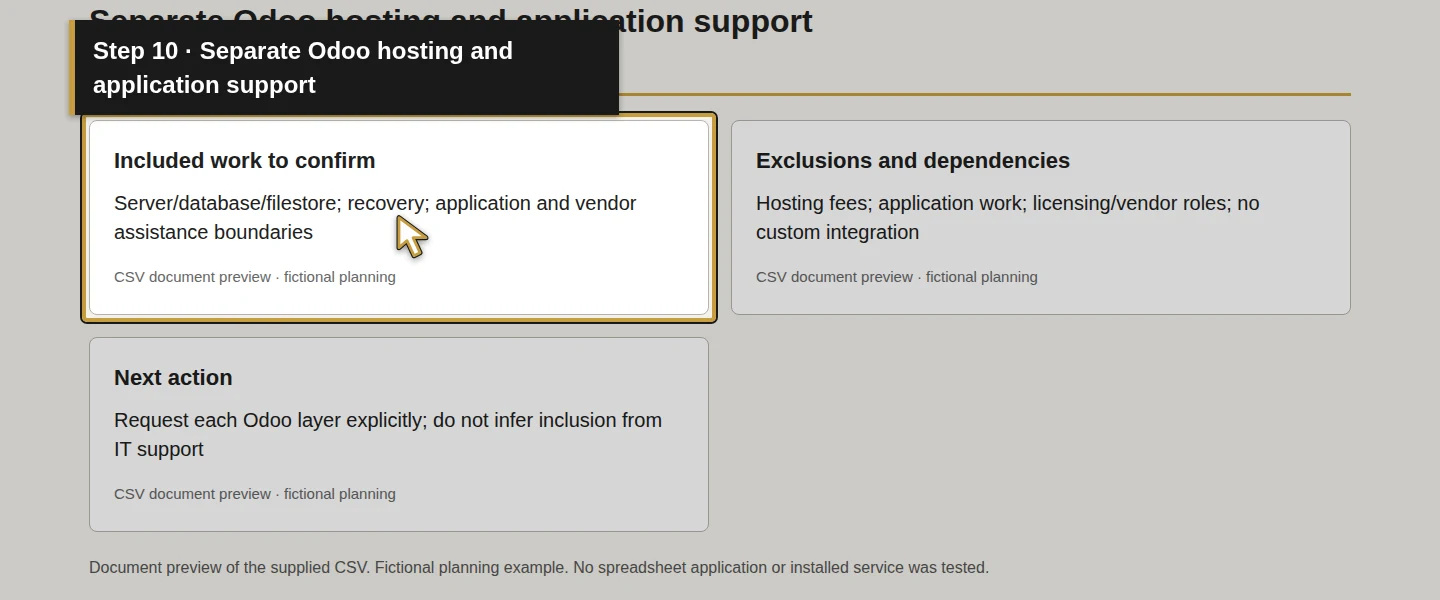
At SUP-PHONES, distinguish the phone carrier's service from local network, device and call-routing work. At SUP-MAIL, distinguish licensing and account administration from migration, sharing and recovery. At SUP-ODOO, ask separately about server/database/filestore maintenance, recovery, application troubleshooting, version work and assistance from the software vendor or implementation partner.
Put each unresolved item in Exclusions and dependencies and Next action. A provider's ability to coordinate another vendor does not establish that the other vendor's fees or application work are included. This worksheet proposes no Odoo connector or automatic support workflow.
You should be able to point to who handles each part, or to an explicit question that still needs an answer.
Step 5. Check account ownership and handover
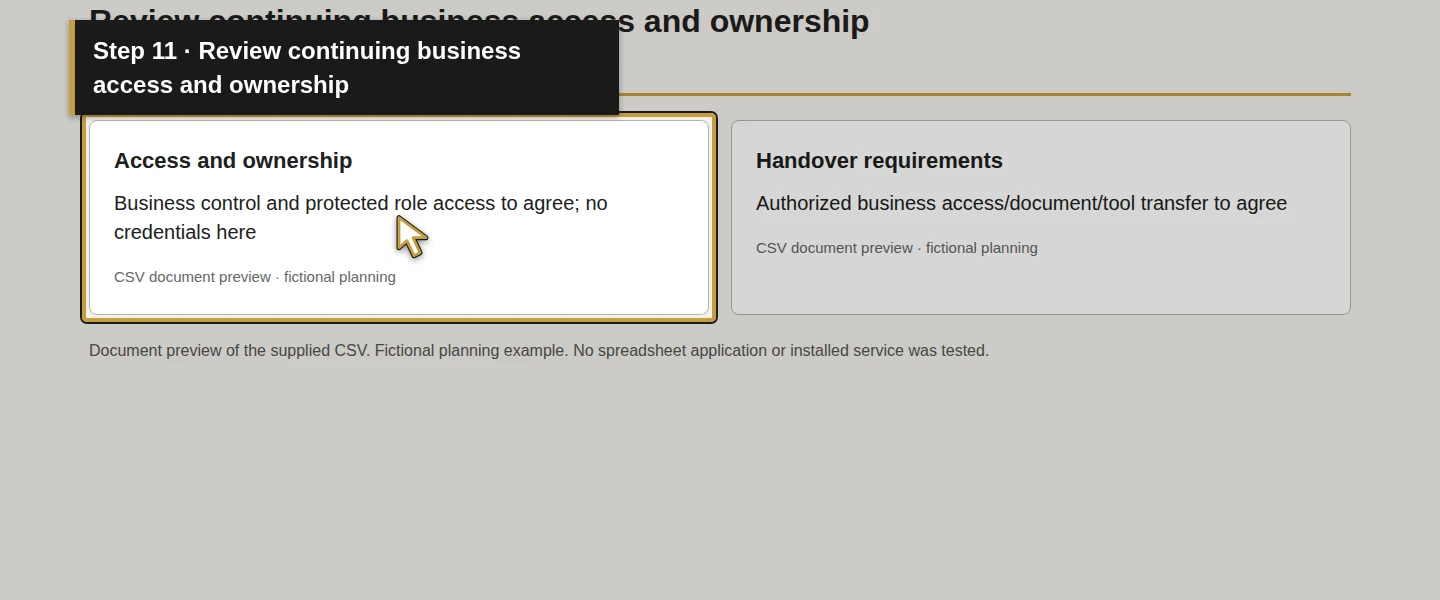
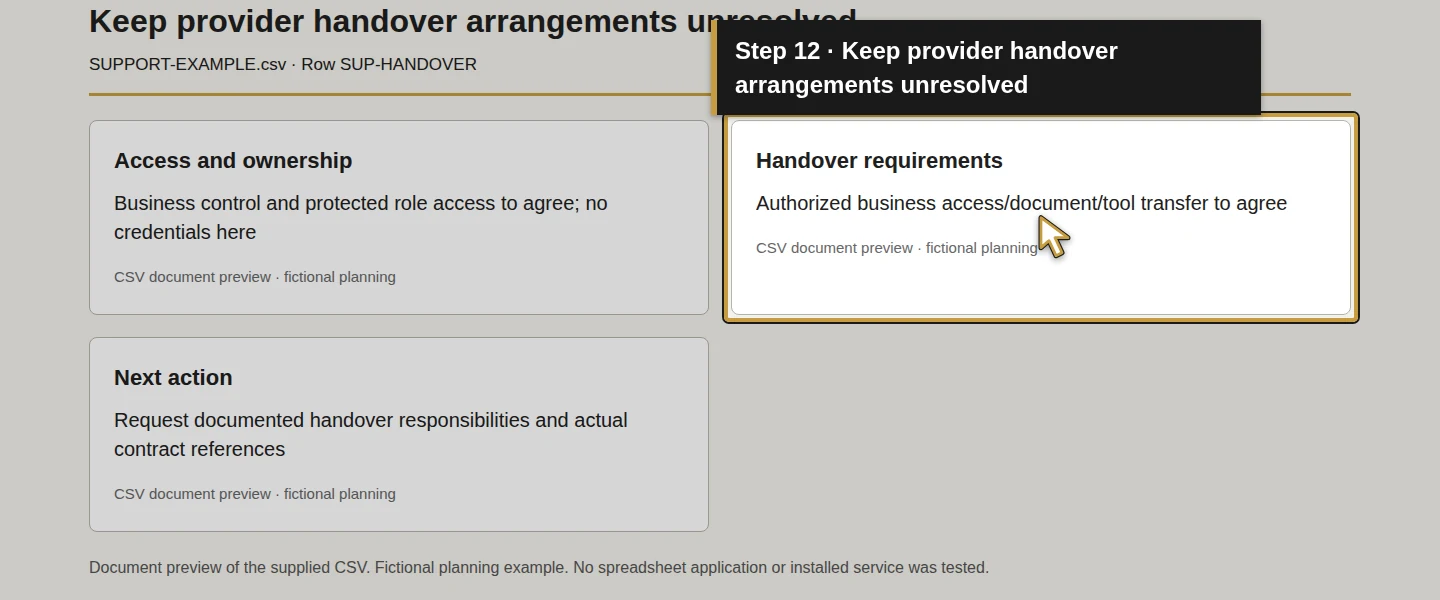
For SUP-ACCOUNTS and SUP-HANDOVER, complete Access and ownership and Handover requirements. Ask who controls the business domain, tenant, administration, configuration documentation and recovery access, and how authorized business access continues if the provider changes.
Ask how existing support tools, records and access will transfer, how departing access is removed, and who verifies the handover. Record the answer and its written reference. Keep credentials in the approved private store, with only a reference here. No account transfer, tool removal or access change is performed in this lesson.
NCSC guidance includes contract review and exit, while NIST's supplier guidance supports communicating requirements. Their publications do not confirm that a particular provider has accepted your responsibilities. NCSC MSP guidance, NIST supplier requirements.
Step 6. Define what a useful service review would show
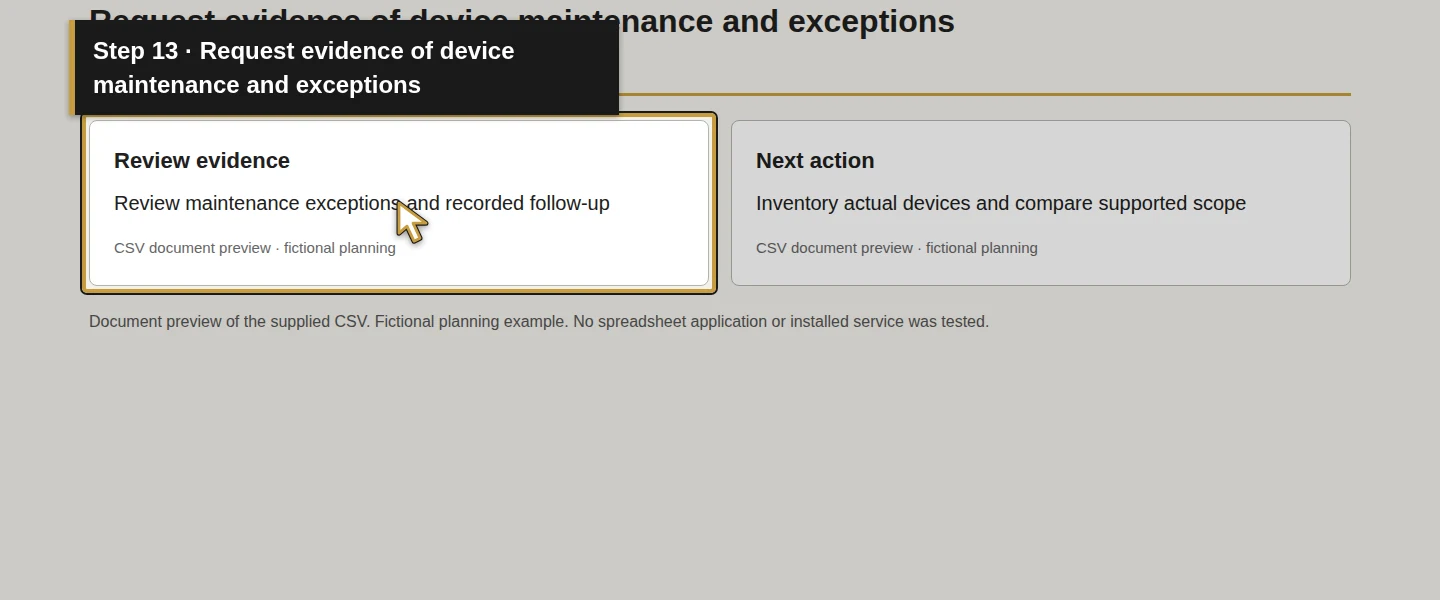
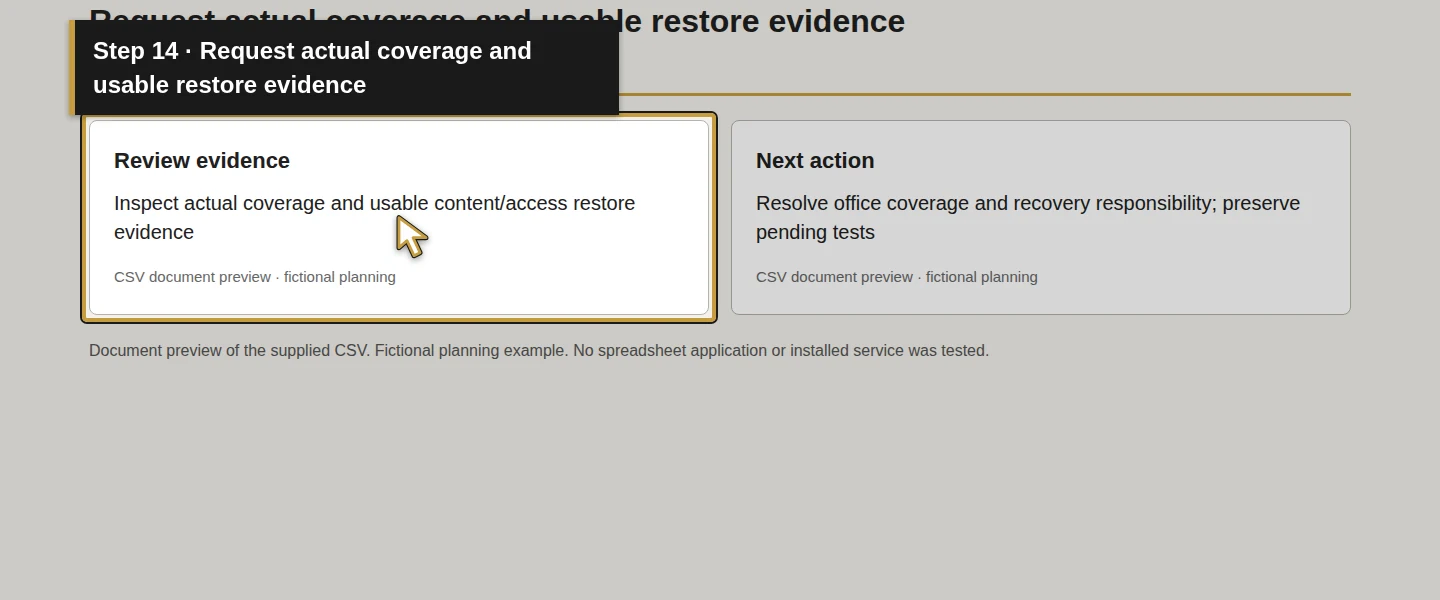
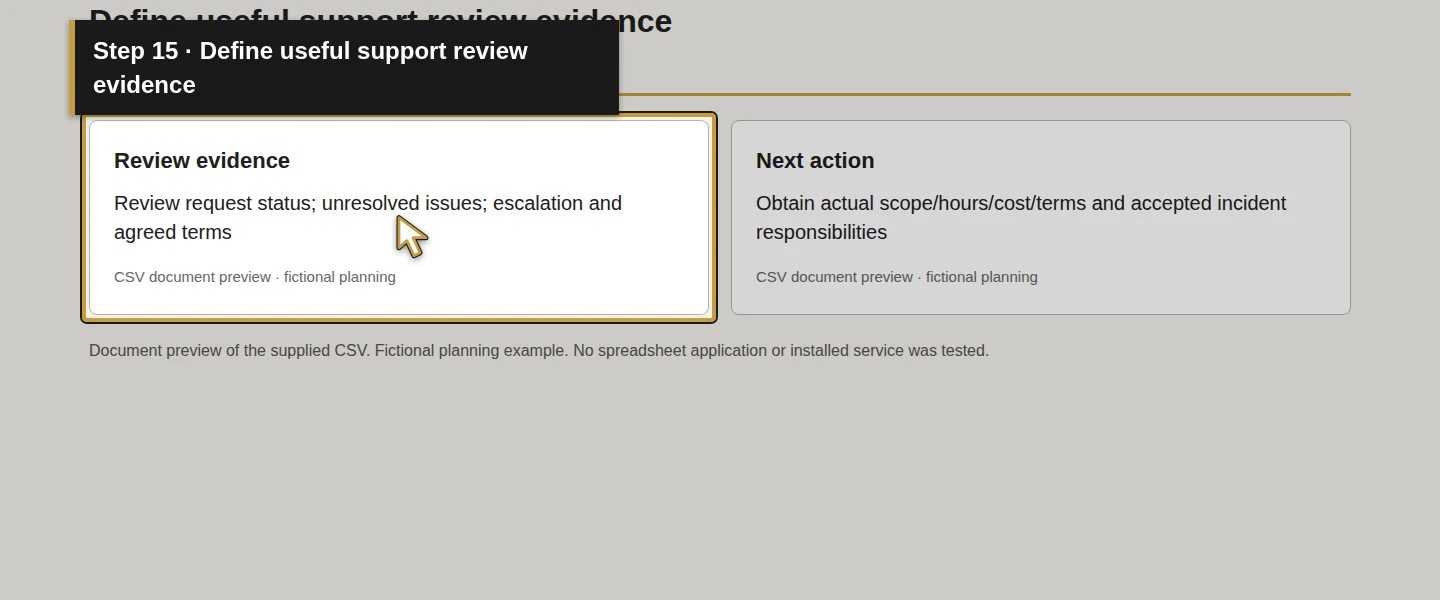
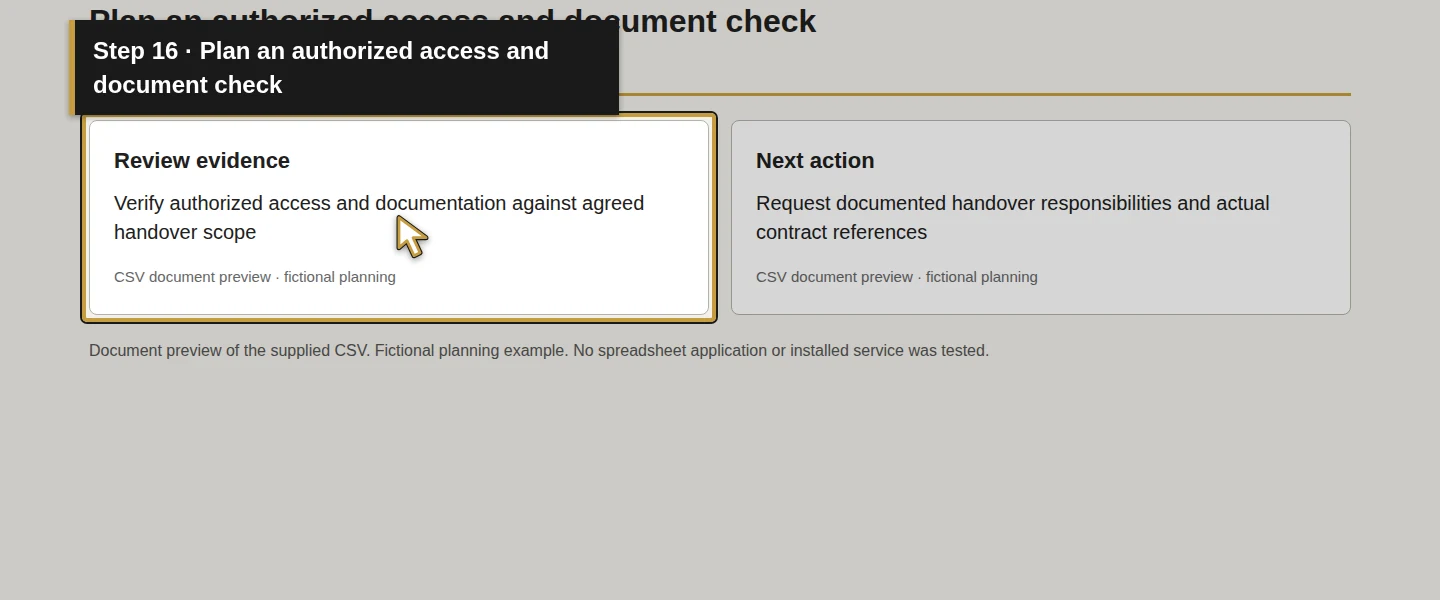
In Review evidence, describe the record that would show work was done. SUP-DEVICES asks for maintenance exceptions and follow-up; SUP-RECOVERY asks for actual coverage and usable restore evidence; SUP-SUPPORT asks for request status, unresolved issues and escalation; SUP-HANDOVER asks for an authorized access/document check.
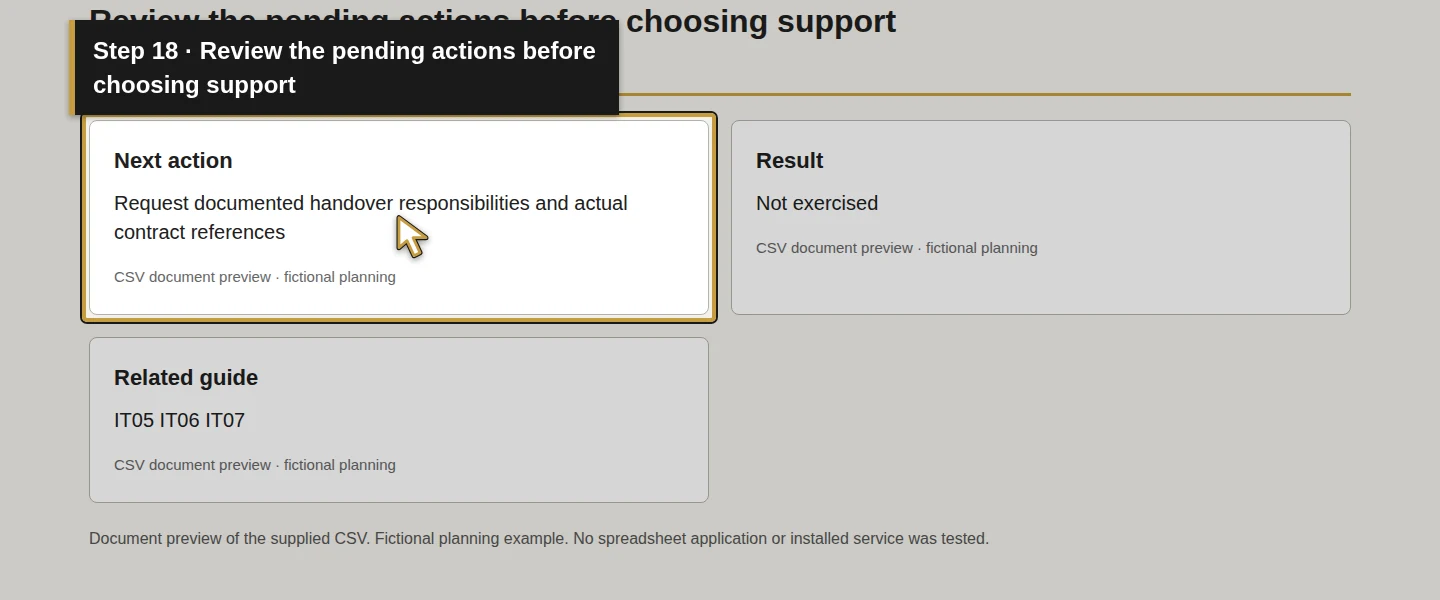
Agree who reviews those records and when in the Next action field or the linked scope. Distinguish a response target from a repair deadline, and automated monitoring from staffed support. Copy only the terms actually offered and agreed; this example supplies no response-time, uptime or recovery guarantee. Keep failed or incomplete checks visible.
Step 7. Record the decision and keep unresolved items open
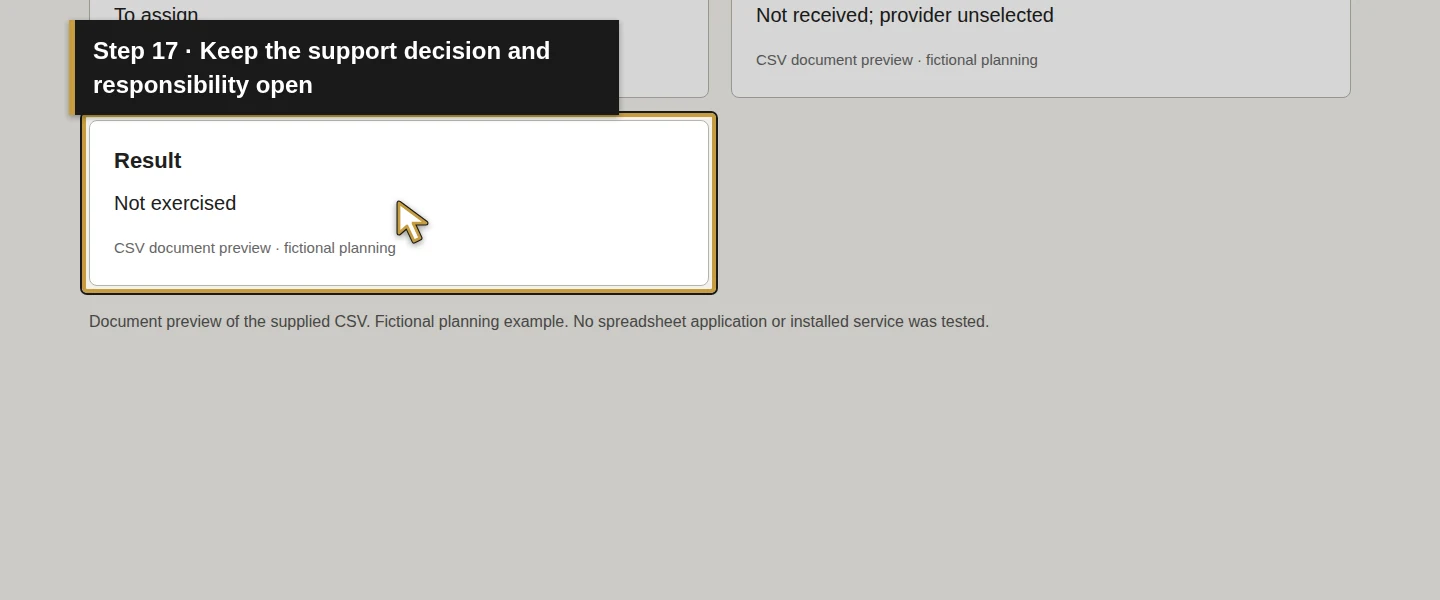
Read across every task: business need, current responsibility, included/excluded work, written reference and review evidence. In Next action, identify whether to retain a task internally, clarify a proposed scope, or request defined assistance. Any selected person or provider must accept their responsibility before you treat it as assigned.
Use Result for the actual comparison and its evidence when that review occurs. Demo Air's example remains Not exercised because there is no actual quote, accepted allocation or business decision. It does not recommend buying a service or invent a provider selection.
Save and reopen your own working copy, then check that the nine task IDs, pending questions and source references remain intact. This is a reader action; no spreadsheet UI save/reopen is claimed by the document checks.
Check the result
The decision should compare required tasks with a written service scope and named responsibilities, without assuming a bundle or contract term.
For Demo Air, that final comparison is still pending. The completed artifact here is a proposed nine-task worksheet and a blank template. To complete your own decision, obtain the actual scope, resolve its boundaries, confirm the responsible people and record what you chose and why. Then verify agreed delivery through real service records and applicable acceptance checks.
If something does not match
If a proposal says “IT support” but does not identify the covered system or task, request the missing detail. If a quote and marketing page differ, resolve the question in the written scope before deciding. Keep an excluded task assigned internally or arrange separate assistance rather than leaving it between providers.
If a recovery report only says a job succeeded, use the recovery guide to define the content/access evidence still needed. A planning document or an old Odoo restore does not establish current office-wide recovery coverage.
Frequently asked questions
When does an HVAC business need managed IT support?
List the recurring tasks, support demands and recovery responsibilities, then check who can perform them. Unowned work or work that exceeds internal capacity is a reason to request a defined scope. Compare that scope with the tasks before choosing a provider; headcount alone is insufficient.What should an HVAC managed IT quote include?
Look for covered users, devices, systems and locations; responsibilities; staffed hours and escalation; included work and exclusions; account ownership and handover; review evidence; and the actual billing and contract terms. Ask separately about onboarding, licensing, hardware, projects and after-hours work. Demo Air has no actual quote yet.Can managed IT include my business phones and Odoo server?
Ask for each task in the written scope. Phone carrier service, local networking, Odoo hosting/database recovery and application assistance are separate questions. A general managed IT label does not establish that every item or vendor charge is included, and this guide creates no integration.Continue building the business
Next in the series: How do I import customer contacts into Odoo?.
Plan your office technology
Bring the task worksheet and your open scope questions to Onward to discuss IT support for your office and field team. If Odoo is part of that scope, identify the hosting and application work you need. Talk to Onward about your office technology.