
Running an HVAC business with Odoo
What technology do I need to open an HVAC shop and office?
Build an HVAC office technology checklist covering calls, connectivity, devices, email, security, recovery and support before choosing products.
Start your HVAC office technology checklist with the work people need to do: answer customer calls, prepare quotations, update jobs, order parts and follow up on invoices. Then record the connectivity, devices, accounts, recovery arrangements and support those tasks require.
Alex is planning Demo Air’s first shop and office. He needs a requirements sheet he can use to compare proposals and check the setup before staff depend on it. Alex Rivera and Demo Air HVAC are fictional training examples. The example worksheet describes proposed requirements; it records no purchase, new employee, selected provider or installed service.
Before you begin
Have a proposed floor plan, the roles that will work in the office and field, and your opening priorities available. Use a spreadsheet application you already have. The steps below refer to worksheet column names and work without a particular spreadsheet vendor.
This is a planning tutorial. Its checked result is a consistent requirements worksheet. Product selection, account configuration and the acceptance tests you put in the sheet are later work. It adds no Odoo integration or paid subscription.
The approach follows NIST’s guidance to inventory systems by use, responsibility and business importance, alongside SBA’s business-risk and continuity planning guidance. The HVAC rows and opening sequence below are our illustrative application of those principles. NIST small-business guide, SBA business planning.
Build your opening checklist
Step 1. Open a copy of the worksheet
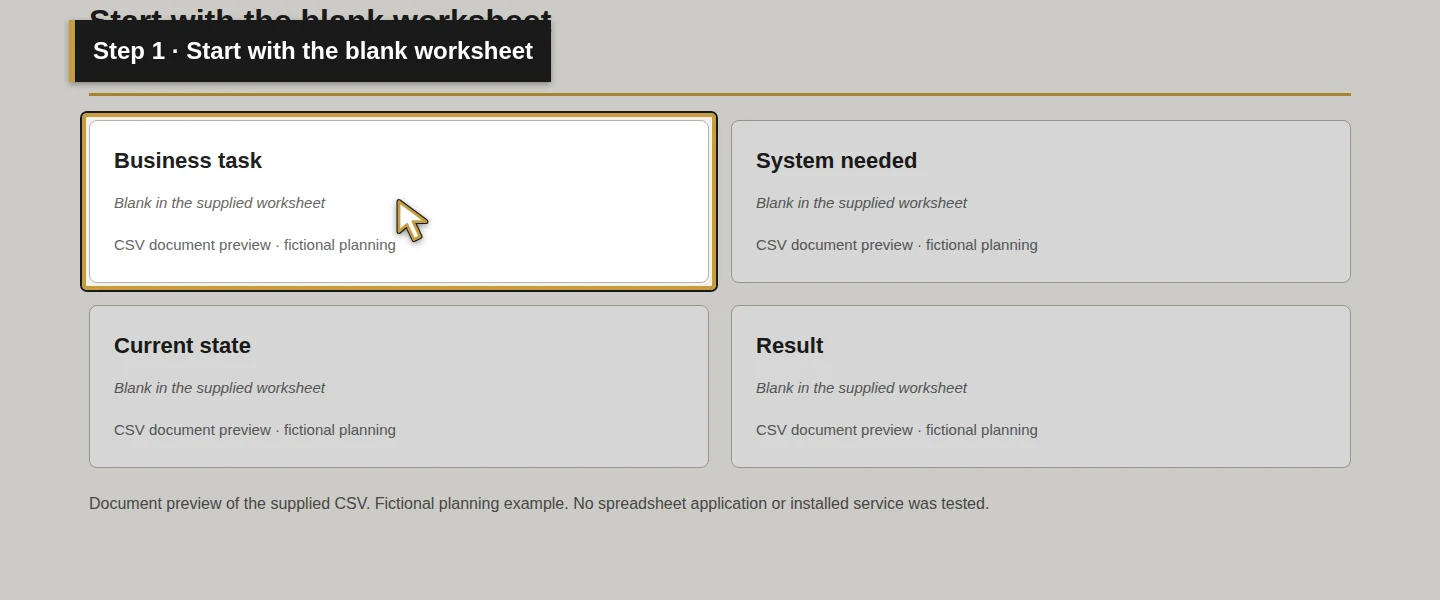
Open the blank worksheet in your spreadsheet application and save a working copy with your company’s opening plan. Use the filled Demo Air example beside it when you want to see a completed planning row.
Begin in Requirement ID and Business task. Keep one requirement per row so a missing phone decision cannot disappear inside a general equipment quote. Keep account passwords and recovery codes in your approved private credential storage; the worksheet records responsibilities and references.
Step 2. List the work and where it happens
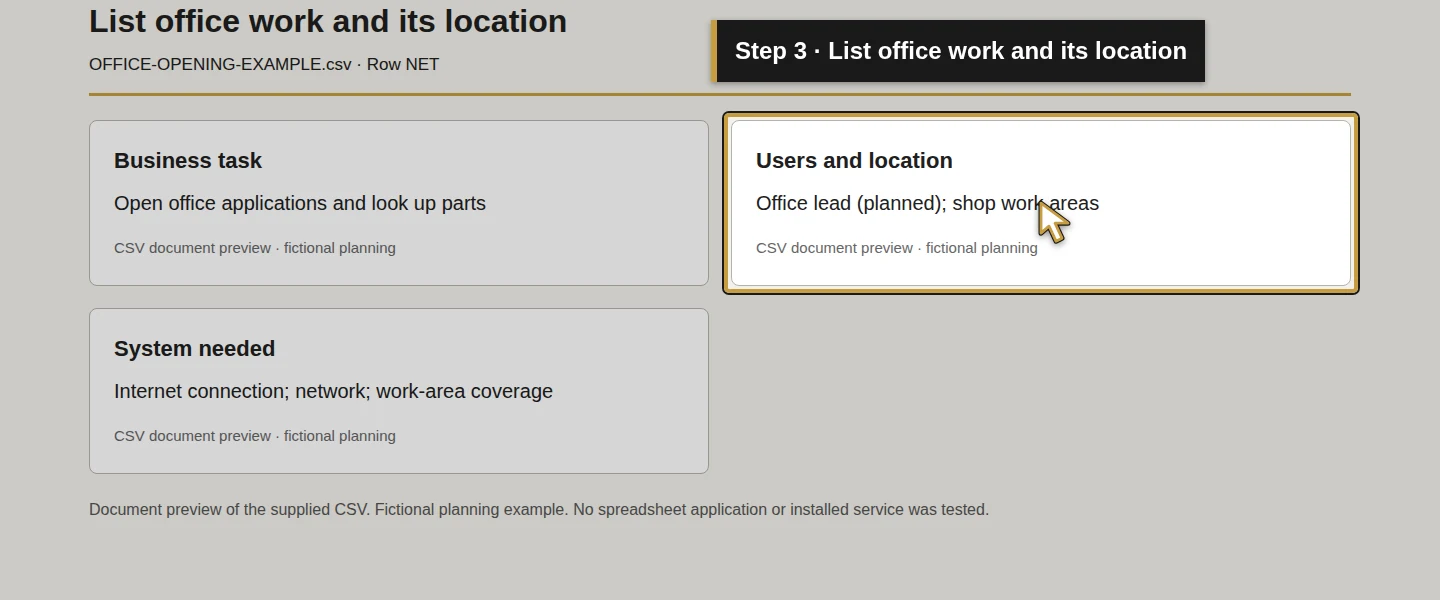
Fill Business task, Users and location and System needed. For Alex’s proposed shop, start with these eight rows:
Scroll the table to view all columns on a small screen.
| Requirement | HVAC work to support | System or decision to plan |
|---|---|---|
| NET | Office staff open business applications; shop staff look up parts | Internet connection, network and coverage in the areas used for work |
| CALL | Answer a customer enquiry and hand it to the person handling it | Business number, call handling and a missed-call process |
| DESK | Prepare quotations, purchase orders and invoices | Office computer, browser and any required printing or scanning |
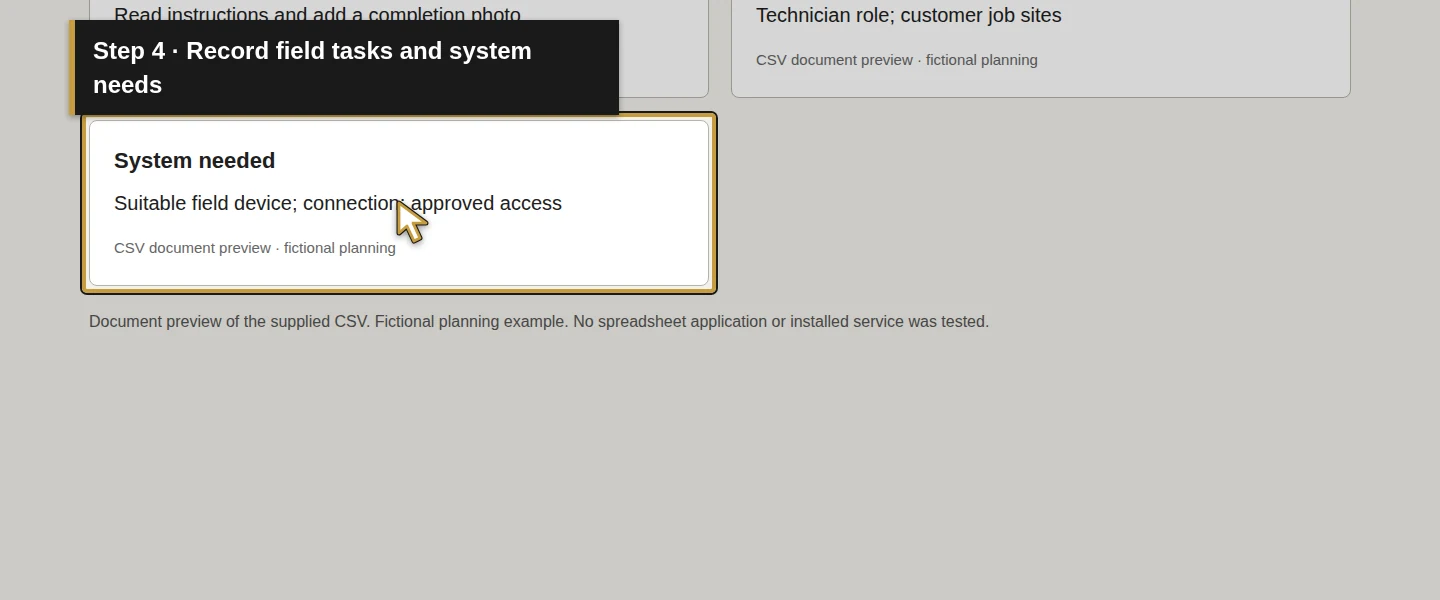
| FIELD | Read job instructions and add a completion photo | Suitable field device, connection and approved account access |
| COLLAB | Exchange business email and share company documents | Company email, domain administration and shared-file permissions |
| ACCESS | Add and remove access when responsibilities change | Account ownership, administrator access and device/security responsibilities |
| RECOVERY | Recover the business information needed to resume work | File, email, device and Odoo recovery scope |
| SUPPORT | Get faults resolved and systems maintained | Support route, maintenance responsibilities and handover records |
These are planning categories. A desk phone, a tablet for every person and an office server are still product decisions. Record the task first and assess a device or subscription against it.
Step 3. Record who owns and maintains each system
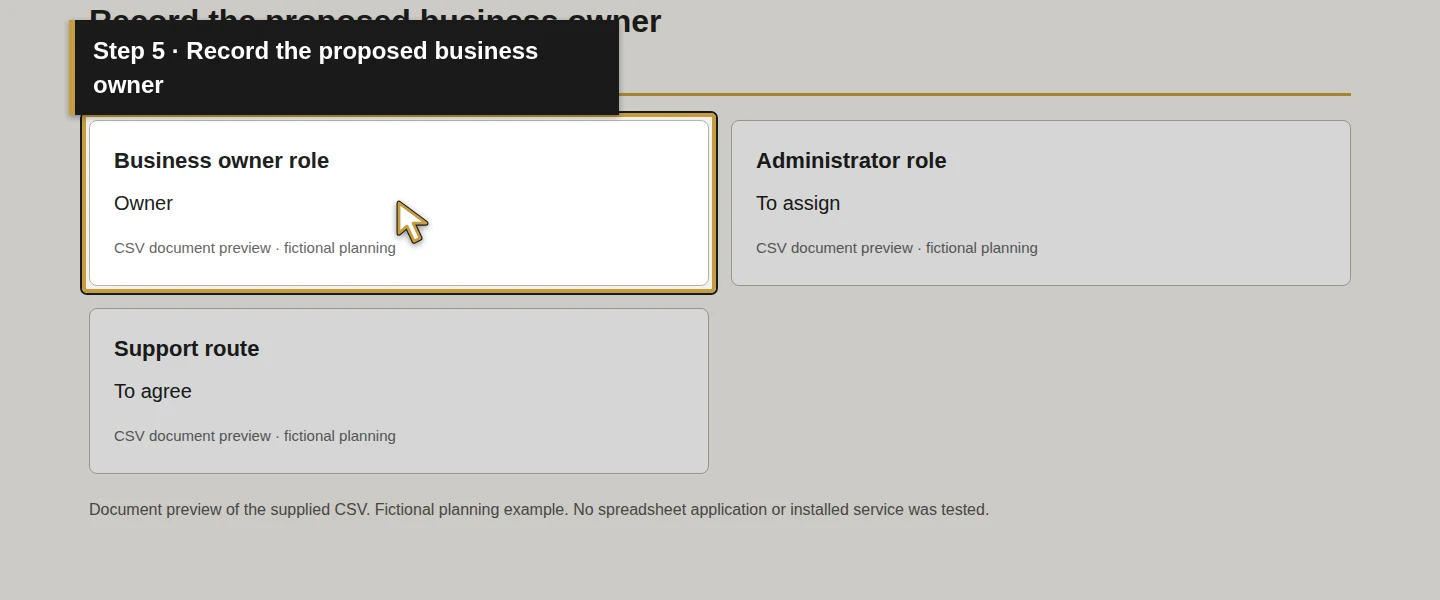
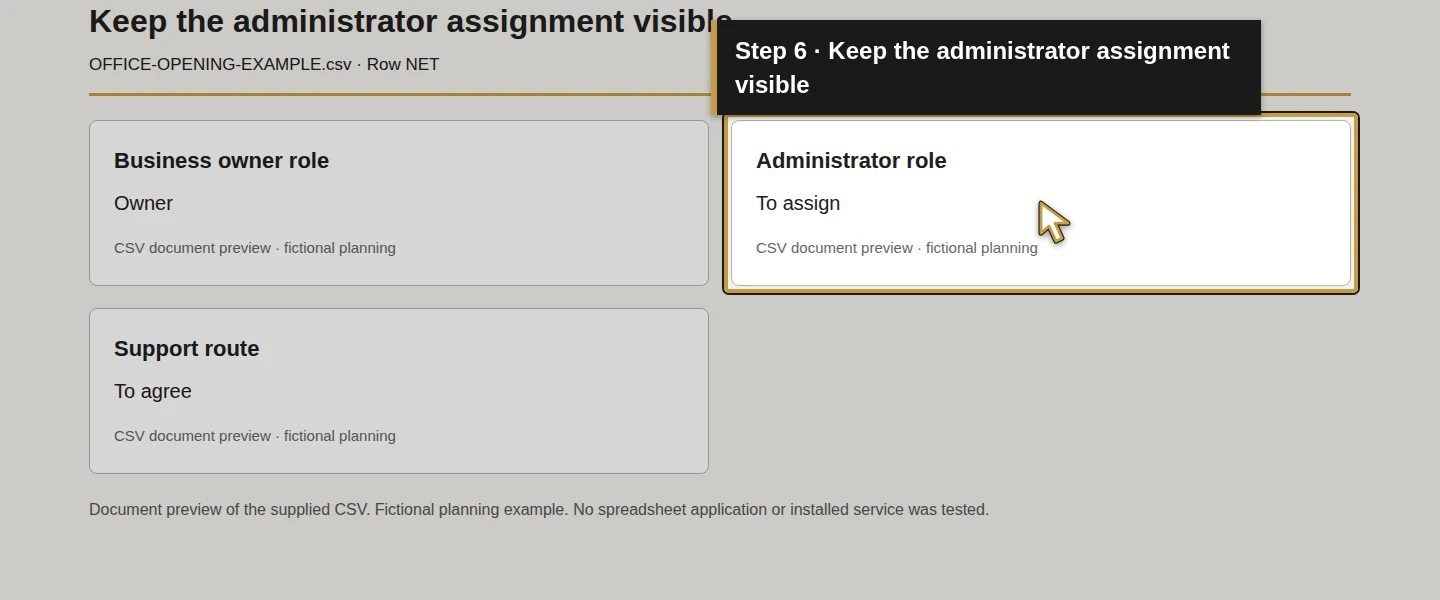
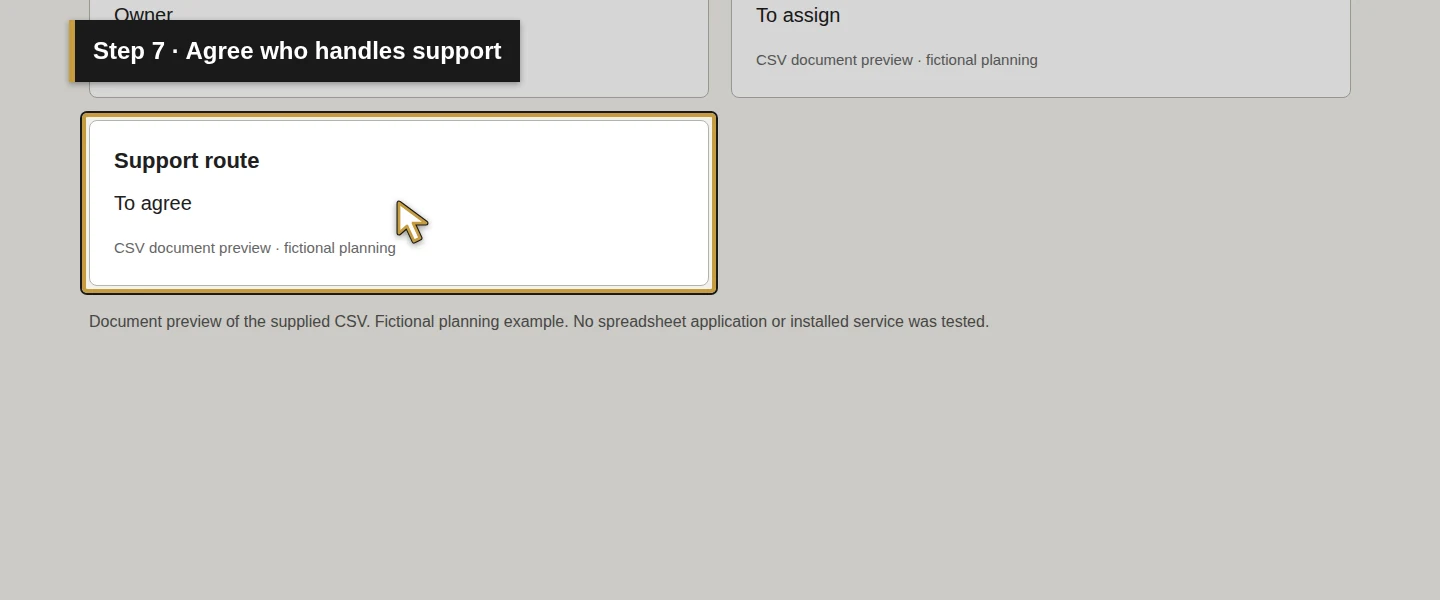
Fill Business owner role, Administrator role and Support route for every row. The business owner authorizes the requirement; the administrator manages its configuration; the support route explains how a problem reaches someone who can act.
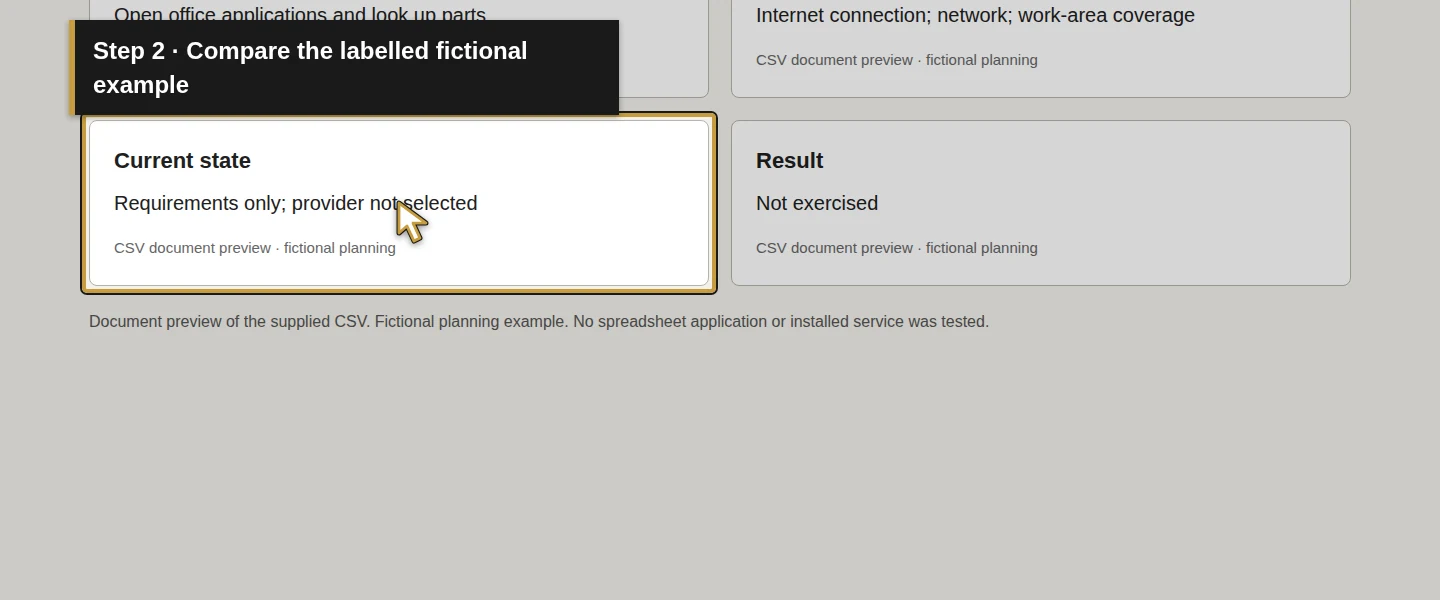
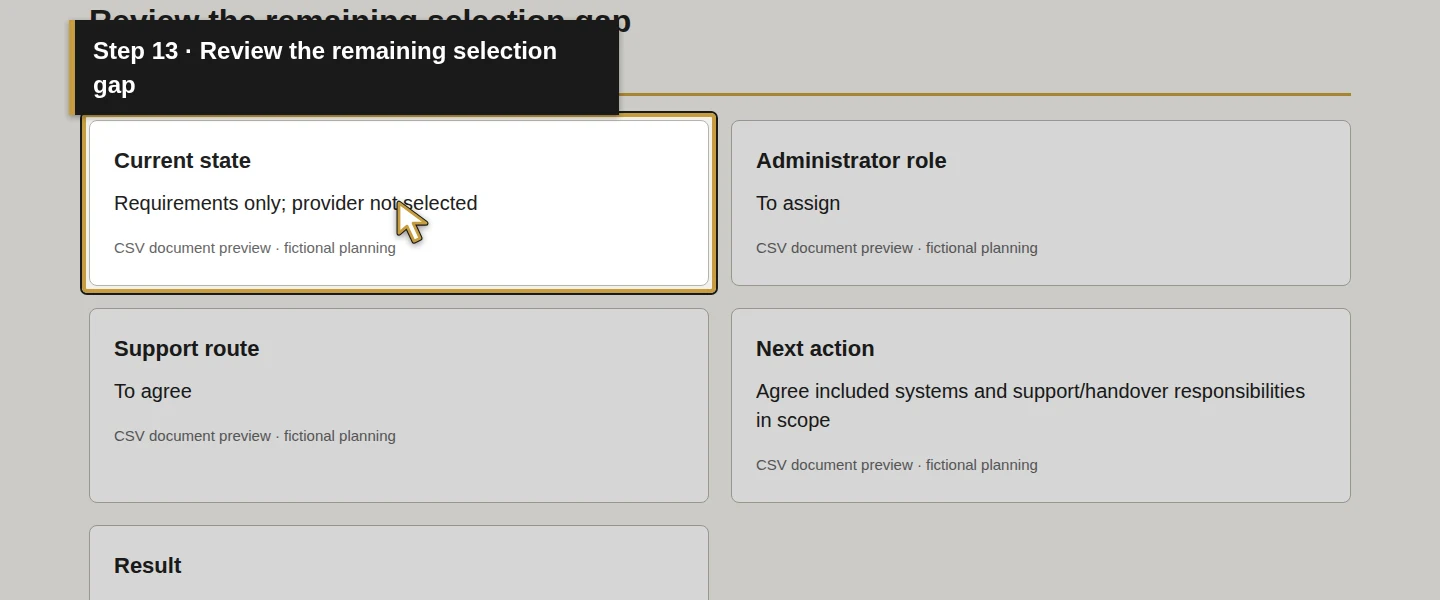
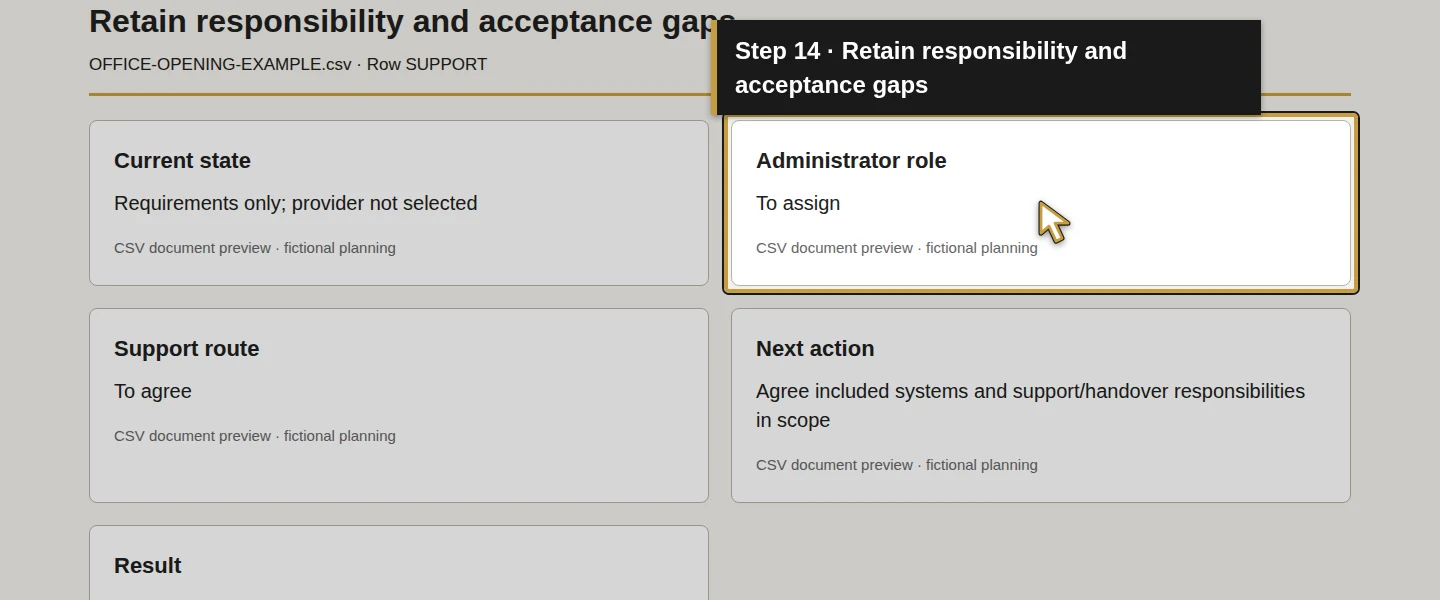
In the example, Owner is the proposed business decision role. Administrator and support assignments remain To assign and To agree. Those are visible opening gaps, not evidence that a provider has accepted responsibility.
For accounts, ask who controls the company domain, business number, subscriptions and recovery process. Record where the private handover instructions will be kept. Access, account protection and recovery responsibilities belong in the plan alongside hardware. NIST small-business guide.
Step 4. Set the priority and the next decision
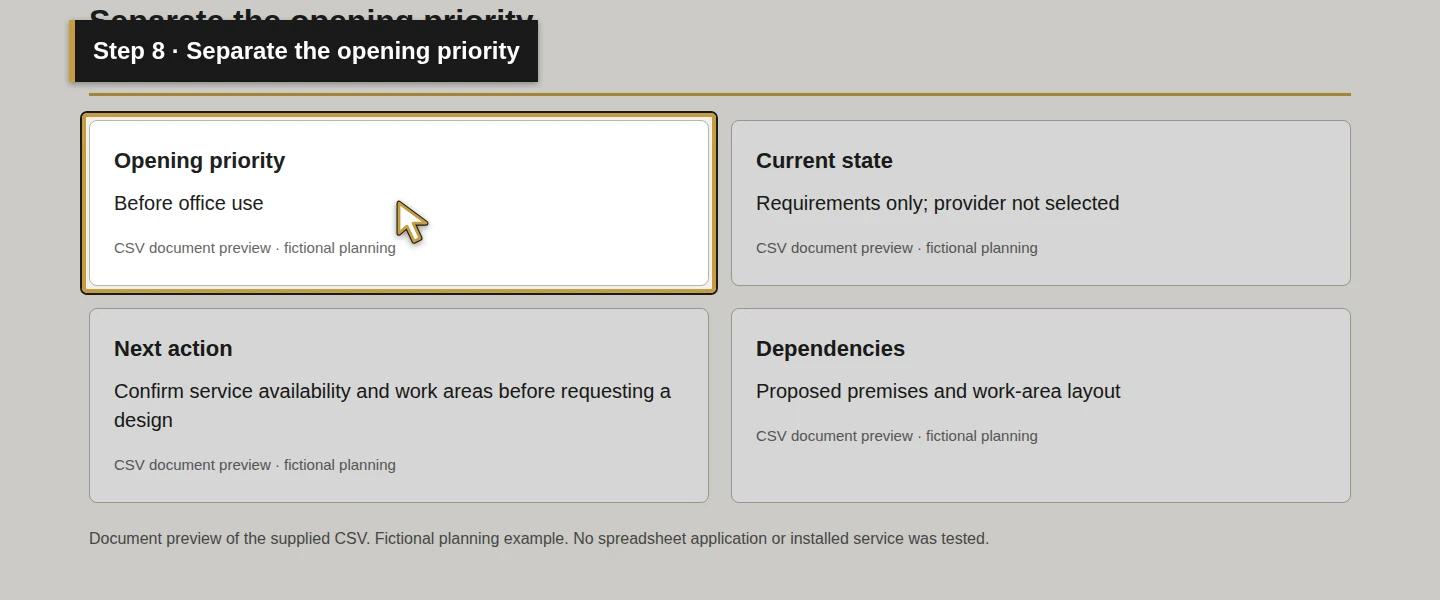
Fill Opening priority, Current state, Next action and Dependencies. Use a priority tied to actual use, such as Before office use or Before field access. Put a later improvement in a separate row if its absence does not prevent the initial task.
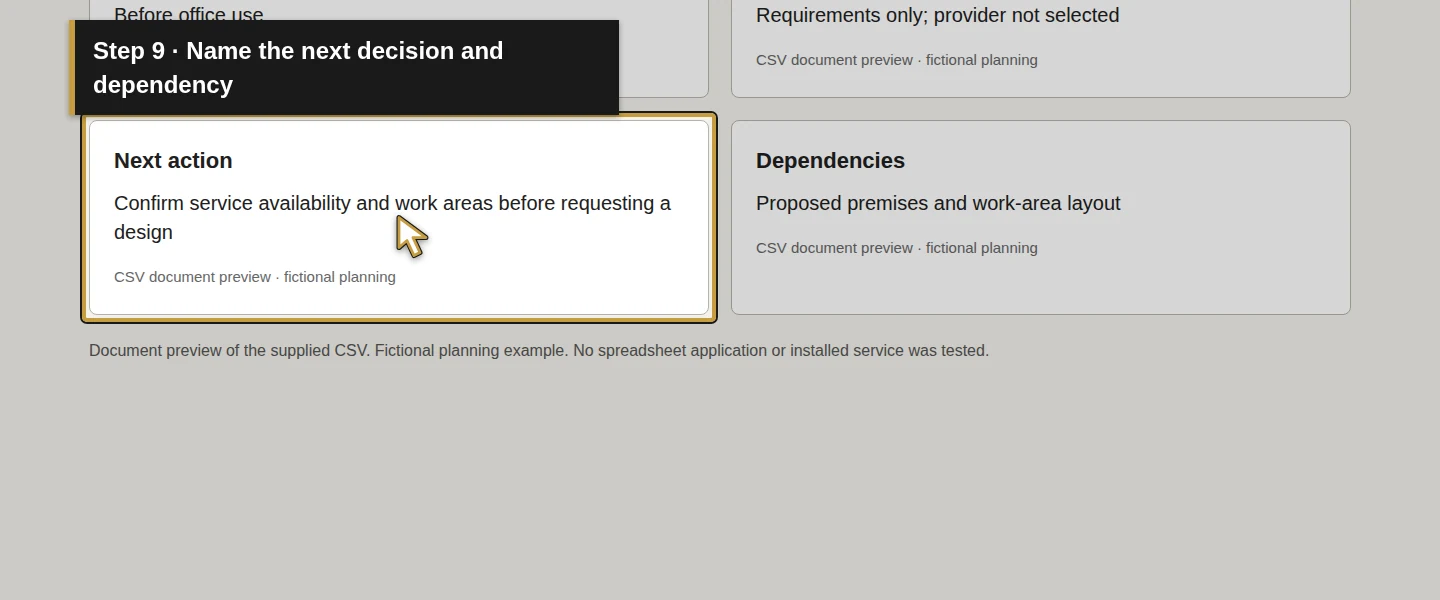
For NET, Alex’s sample next action is to confirm service availability at the proposed premises and review the work areas before requesting a design. For FIELD, it is to check the intended job tasks on a candidate device and connection. The worksheet supplies no assumed internet speed, device model, installation date or price.
Keep a concrete dependency visible. Email needs a selected platform and control of the business domain. A phone proposal needs the call-handling requirements. A recovery proposal needs to name the information and systems it covers. Where these are unresolved, record the next decision rather than marking the row complete.
Step 5. Write a check that would prove each requirement works
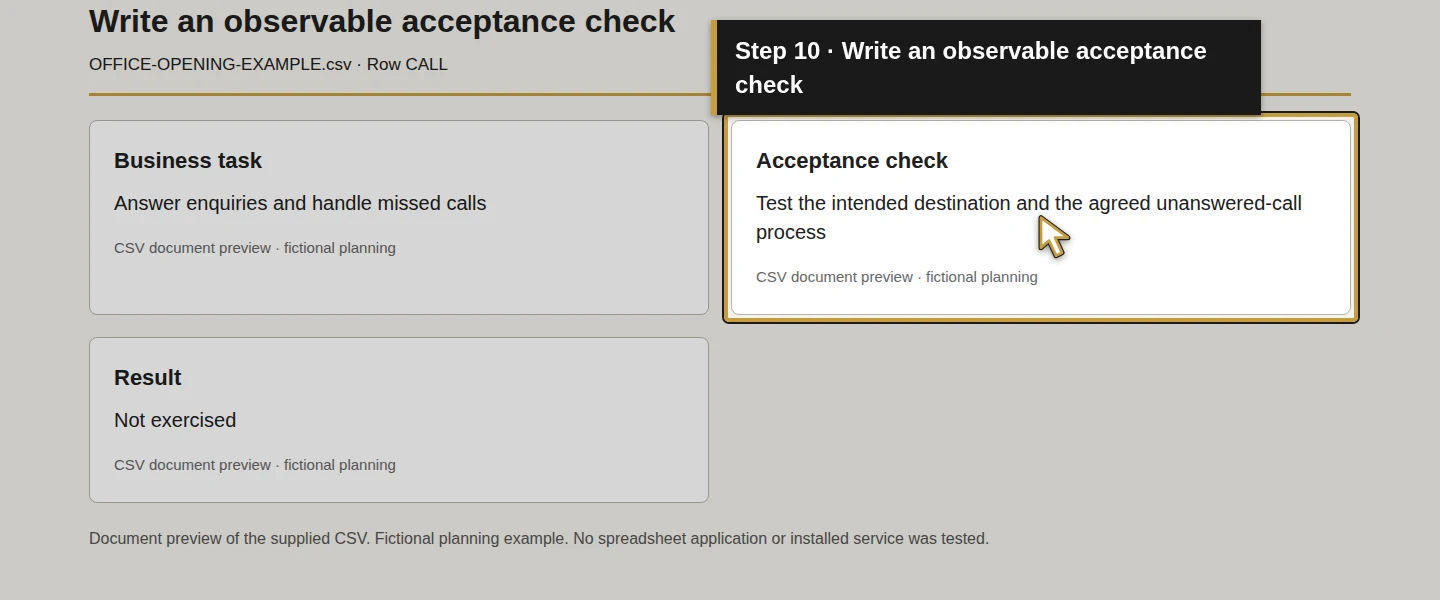
In Acceptance check, describe what the responsible person will demonstrate after the selected setup is available. Use a small business action you can observe:
Scroll the table to view all columns on a small screen.
| Row | Proposed acceptance check |
|---|---|
| CALL | A test caller reaches the intended business destination; an unanswered call follows the agreed process. |
| DESK | The intended office role signs in and completes a synthetic quotation and document check on the selected computer. |
| FIELD | The intended field role opens its assigned synthetic job and adds a training photo on the selected device and connection. |
| COLLAB | Intended roles can use the test mailbox and shared folder; an excluded test role cannot open the restricted file. |
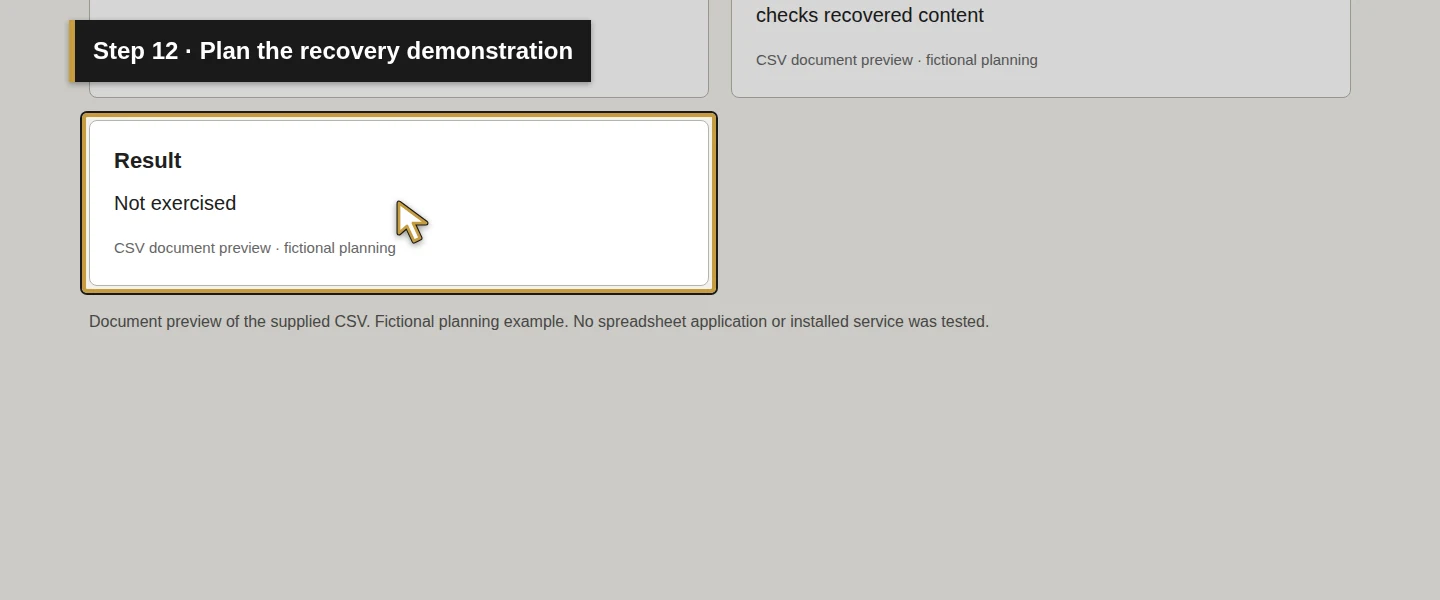
| RECOVERY | The assigned administrator restores the agreed sample information and the business owner checks the recovered content. |
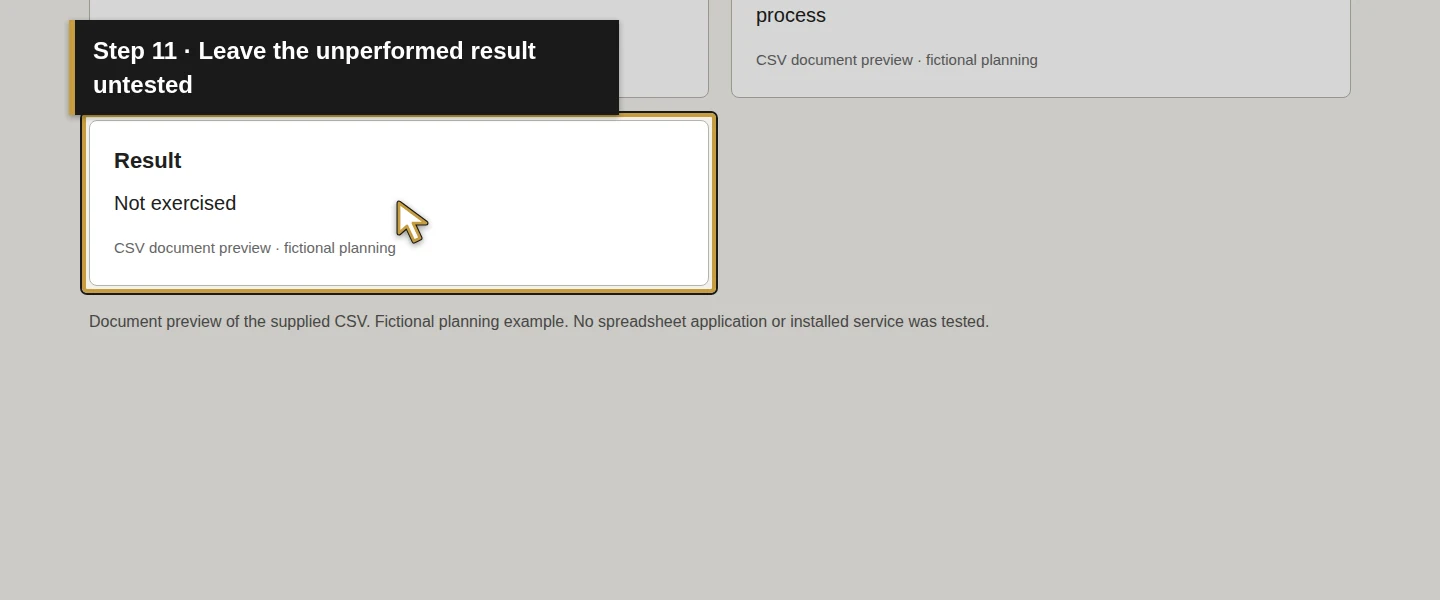
Leave Result as Not exercised until the relevant test is actually performed and recorded. The supplied example leaves every result at that value. A request, quotation or enabled feature does not supply the test result.
Recovery planning should cover both the critical business work and the people responsible for restoring it. SBA’s continuity guidance supports identifying those functions and practising the plan. SBA business planning.
Step 6. Save the plan and review its gaps
Save the worksheet, close it and reopen it to check the rows remain readable. Filter or review Current state, Administrator role, Support route and Result. Each unresolved requirement should have a next action and a person or role responsible for the decision.
Bring the sheet, proposed layout and priorities to a scope discussion. Ask for the selected equipment or services, responsibilities, setup work, recurring charges, exclusions and acceptance checks to be stated in the proposal. Record the actual decisions only when the responsible person makes them.
The Demo Air sample remains Requirements only; provider not selected across all eight rows. Its useful output is the set of requirements and visible gaps; it records no approval or ready-to-open decision.
Check the result
Your worksheet should connect each business task to its users, system need, proposed owner, opening priority, next action and an observable check. A blank administrator assignment or untested recovery requirement should be easy to find.
The supplied sample has been checked for those fields and for consistency with this article. Its acceptance checks remain unperformed. Reviewing the example does not test your premises, selected products or service provider.
Keep the office plan connected to the Odoo work
Use the Odoo service-job, purchasing and invoicing guides to define what office and field staff must be able to do. The separate Odoo backup-and-restore guide (guide coming later) demonstrates a database-and-filestore test copy. Keep office email, shared files and devices explicit in your recovery requirements as well.
A phone purchase alone establishes no Odoo call integration. Keep any proposed integration outside this stock Odoo series unless its scope is separately selected and verified.
Frequently asked questions
What technology does a small HVAC office need?
Plan connectivity, customer calls, office and field devices, company email and files, access, recovery and support around the work your team performs. The worksheet separates the task from the product choice and keeps unresolved responsibilities visible.Do HVAC technicians need tablets to use Odoo?
Record the field tasks before choosing a device: reading an assigned job, entering information and adding a photo are useful examples. Test those tasks on the proposed device, browser and connection. This planning guide establishes no tablet requirement or tested mobile-device compatibility.What should I check before buying technology for my HVAC office?
Check who will use it, who controls the accounts, who administers and supports it, what must work before opening, and how you will prove the selected setup works. Keep recovery scope, recurring charges, exclusions and unresolved decisions in the written review. Discuss the requirements with Onward through the contact route before agreeing selected work.Continue building the business
Next, define the premises and coverage requirements in How do I set up internet and Wi-Fi for an HVAC shop?.
Plan your office technology
Bring your shop layout, team responsibilities and opening checklist to Onward to discuss the technology you need and the work to include in a written scope. Plan your office technology.