Running an HVAC business with Odoo
How do I automate recurring invoices in Odoo?
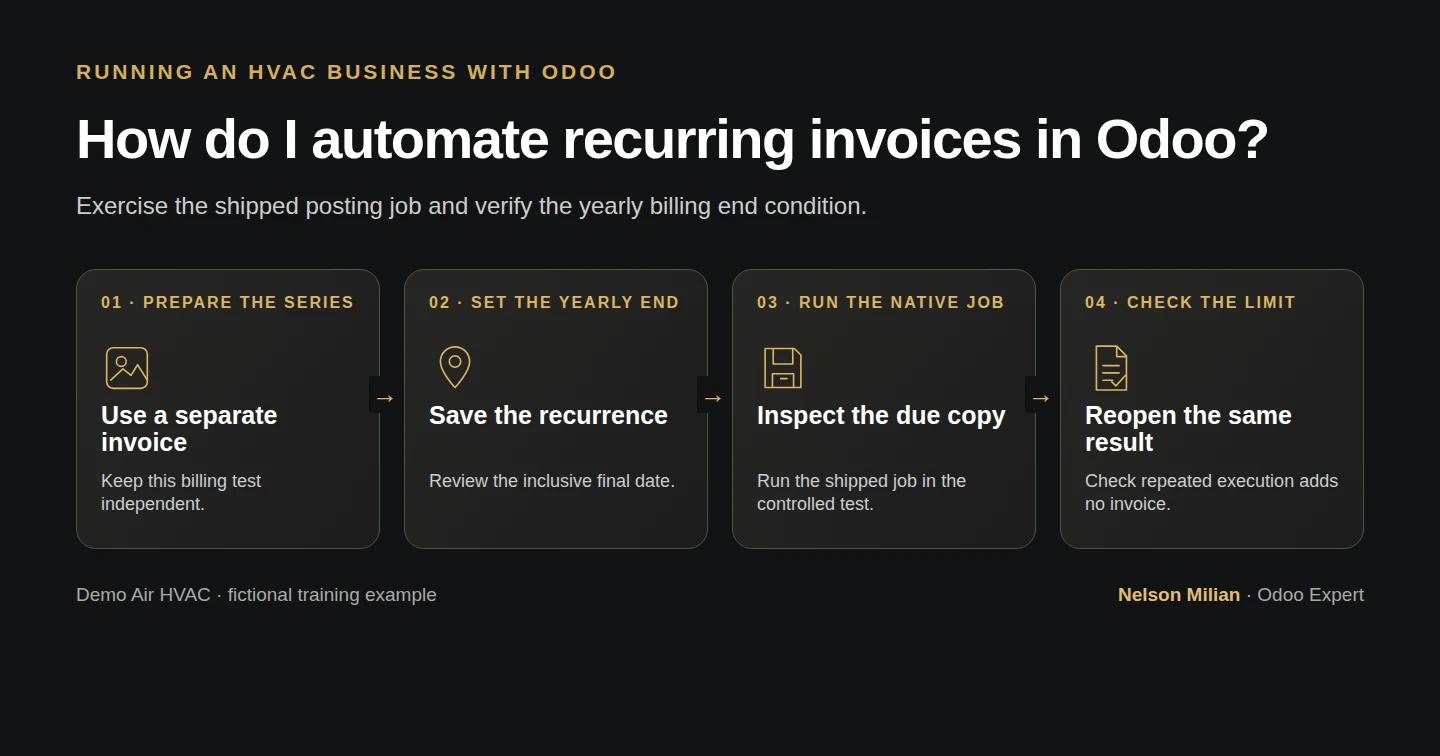
Automate recurring invoices in Odoo with native Auto-post, reviewed annual amounts, a tested posting job and an inclusive end date.
Alex wants to understand recurring invoices before using them for a reviewed annual billing arrangement. Stock Odoo provides Auto-post on the invoice and a shipped posting job. This example verifies the first posting, the next annual draft, scheduled posting and the end condition. Invoice creation and posting remain separate from customer agreement, renewal and payment collection.
Alex Rivera and Demo Air HVAC are fictional training examples. Prices, dates, quantities and business situations in this guide are illustrative.
Before you begin
Tested in stock Odoo 20.0-20260926 Community as the demo owner administrator, with official modules and standard configuration. Complete H50 maintenance agreements and H04 US invoicing setup. Use official Invoicing/account and the demo owner’s administrative account. Step 8 shows the native Developer Mode control for exposing Technical scheduled actions. Use a training database. This separate, clearly labelled historical test has two fictional annual invoice dates: October 15, 2025 and October 15, 2026, at $240 before demo tax each. Both accounting dates are on or before the test date, October 15, 2026, so the job can be exercised without changing the clock. These are not dates to copy into real books. The series is independent of S00013: it does not bill that sales line, change its one annual fee or establish a renewed coverage term. All 20 earlier finance records have Auto-post No before the test. Keep outward messages local and payment providers unused.
Step-by-step workflow
Step 1. Create the separate annual billing test invoice
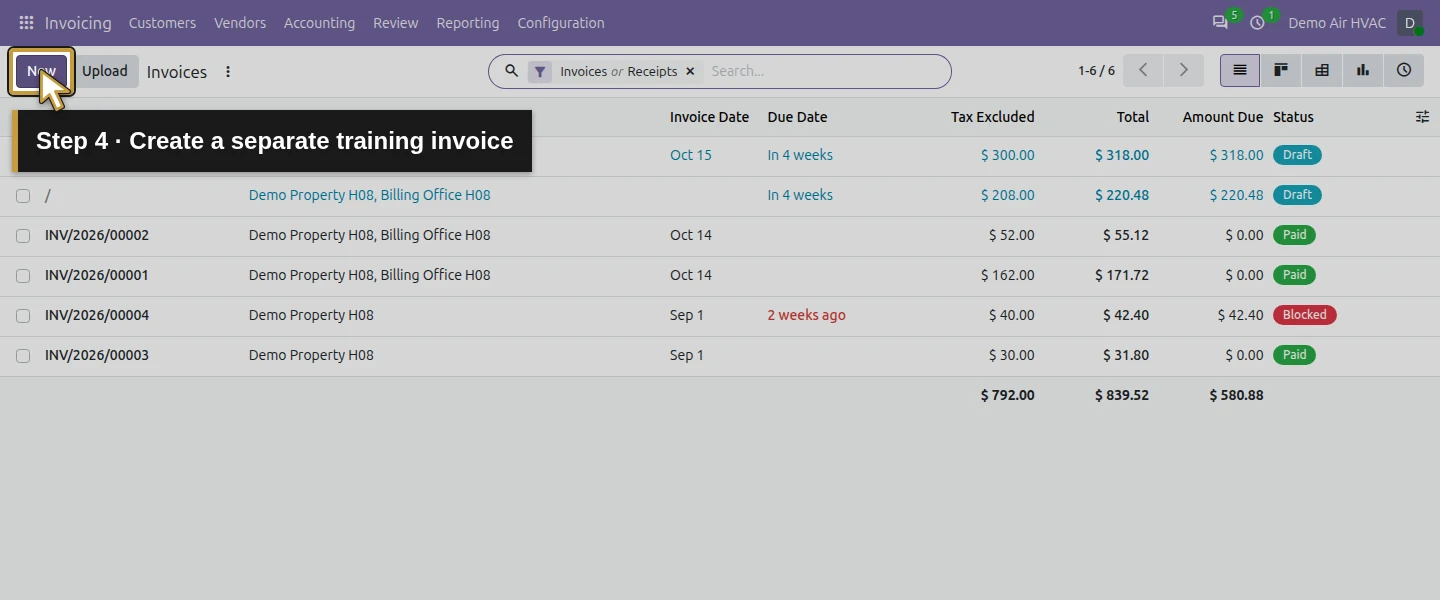
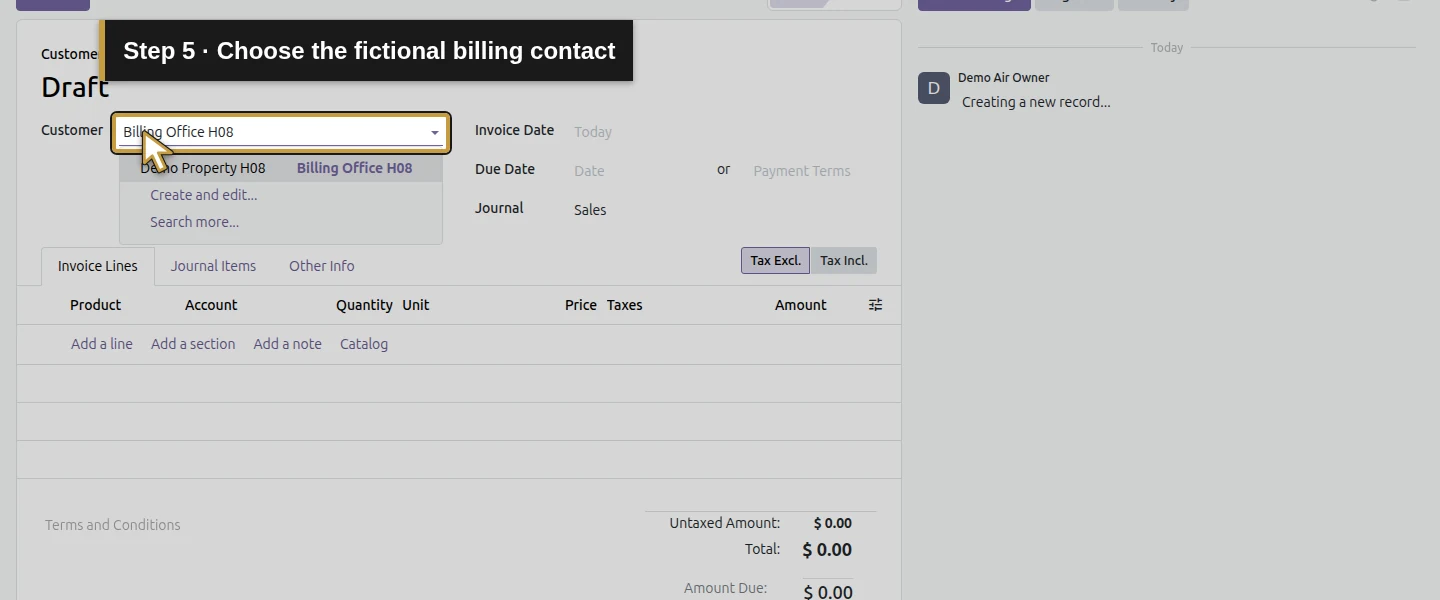
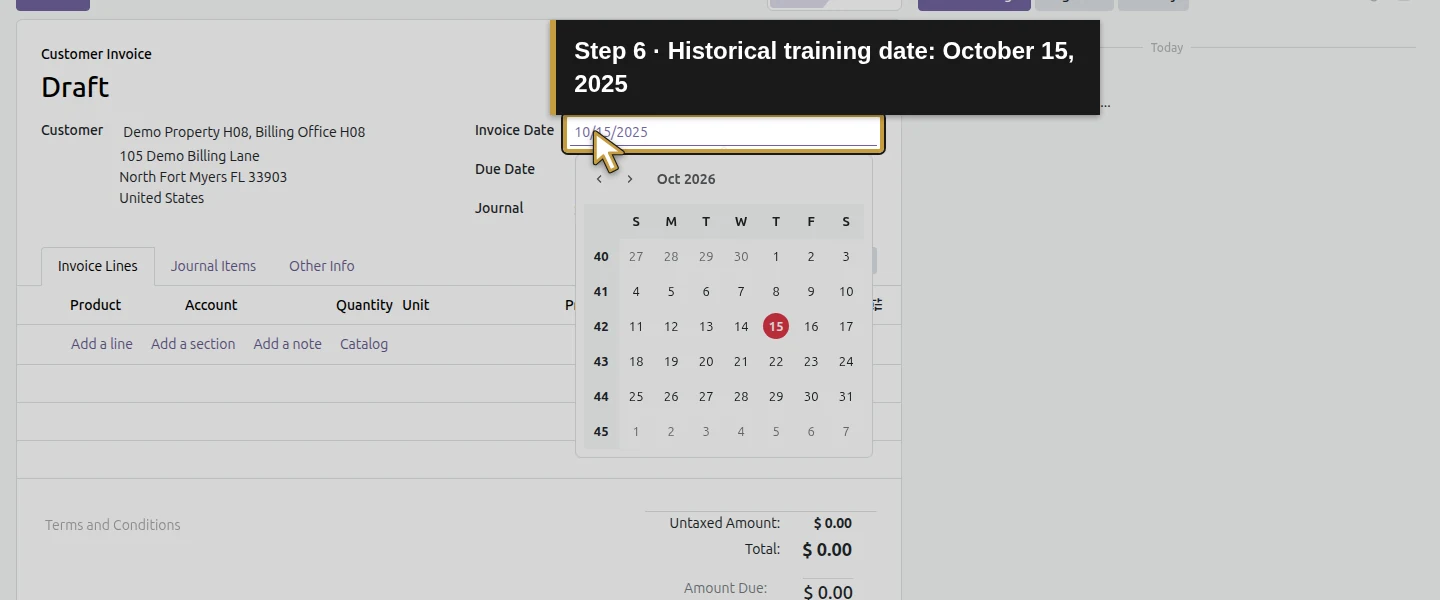
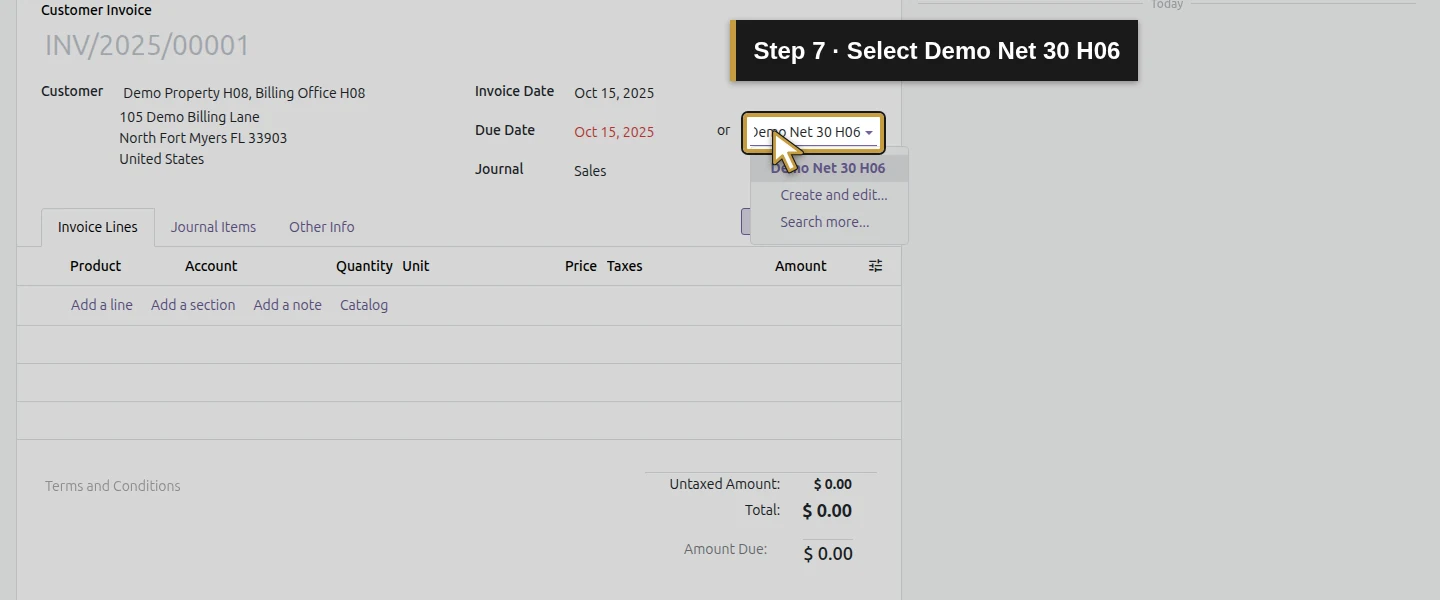
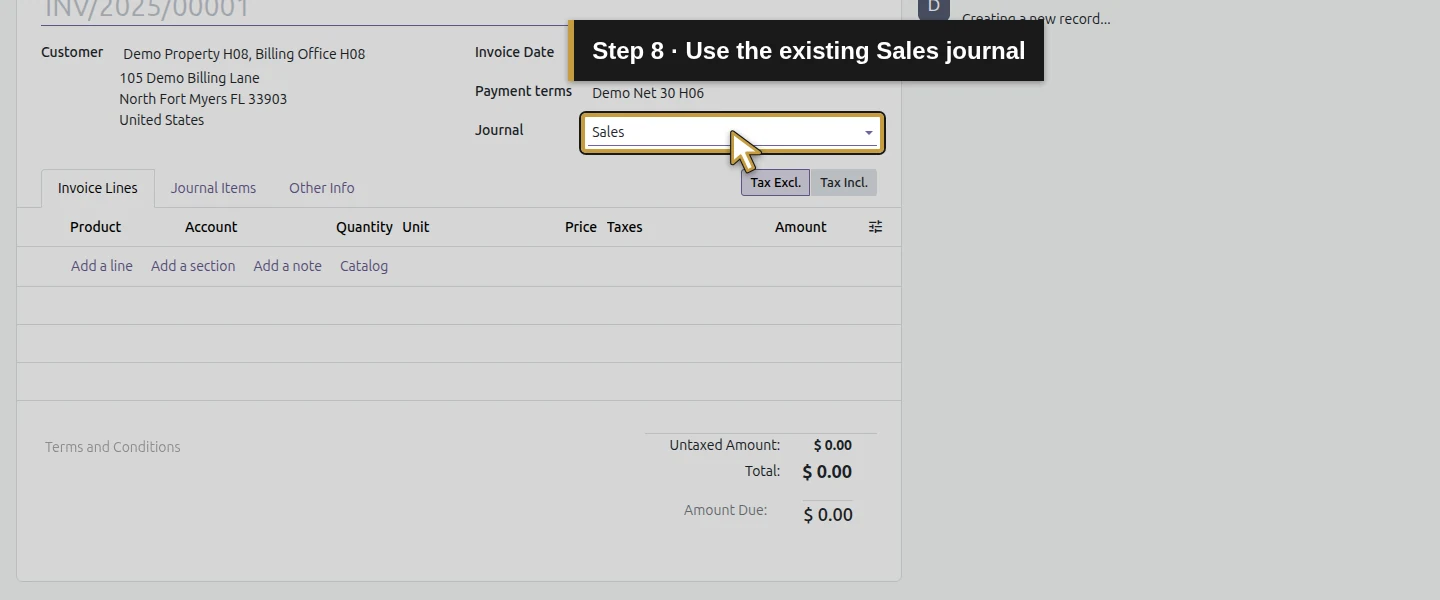
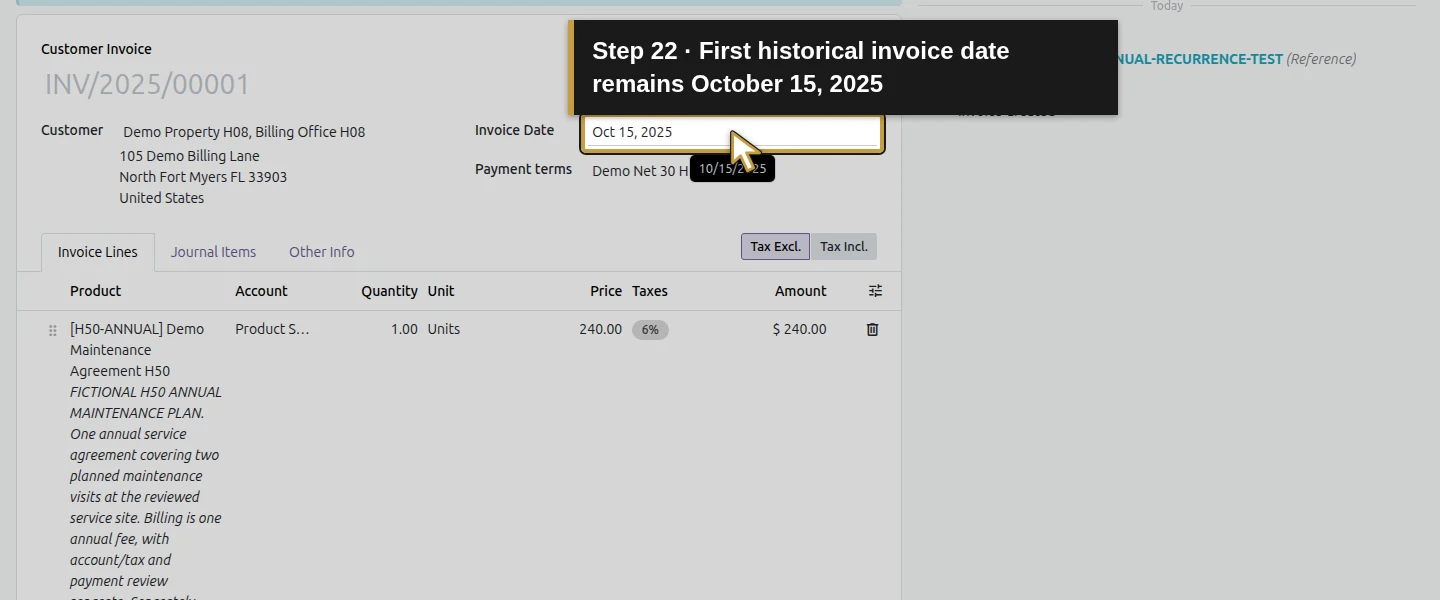
Open Invoicing → Customers → Invoices → New. Select Demo Property H08, Billing Office H08, set Invoice Date October 15, 2025, and choose Demo Net 30 H06. Check the Sales journal. These historical values belong only to this bounded training fixture. For an actual arrangement, review the real billing period, customer agreement, accounting date and applicable locks before posting.
Step 2. Select and verify the annual service line
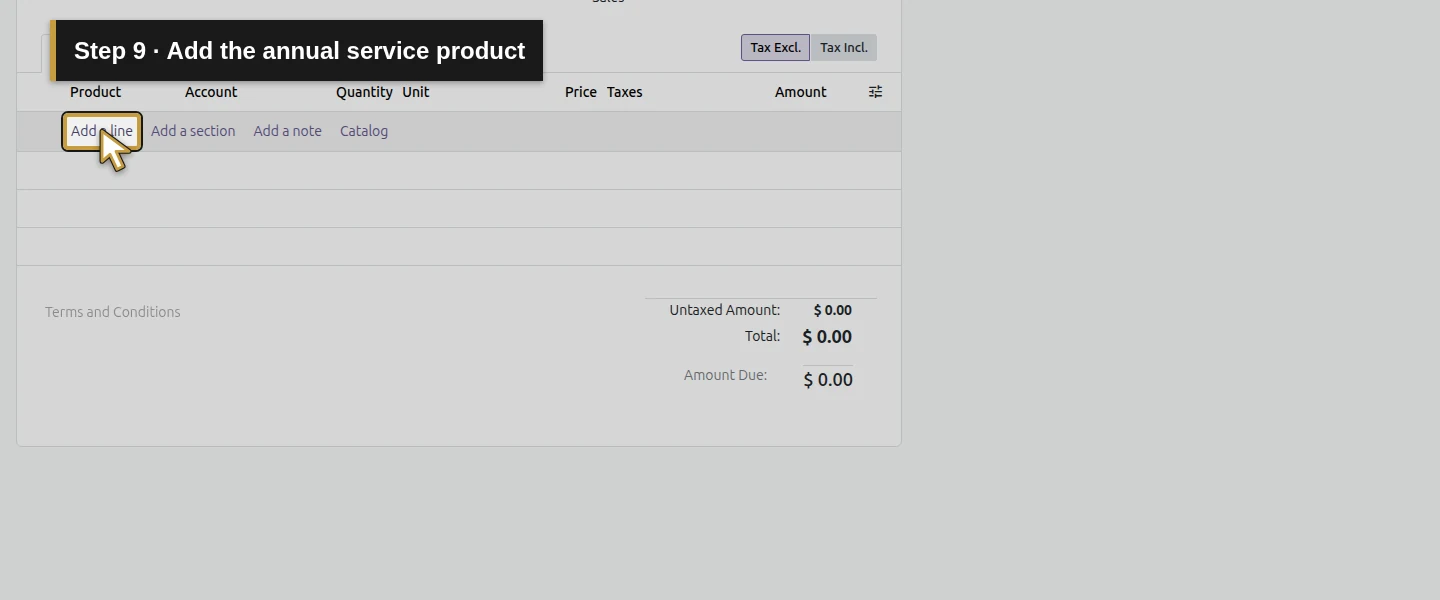
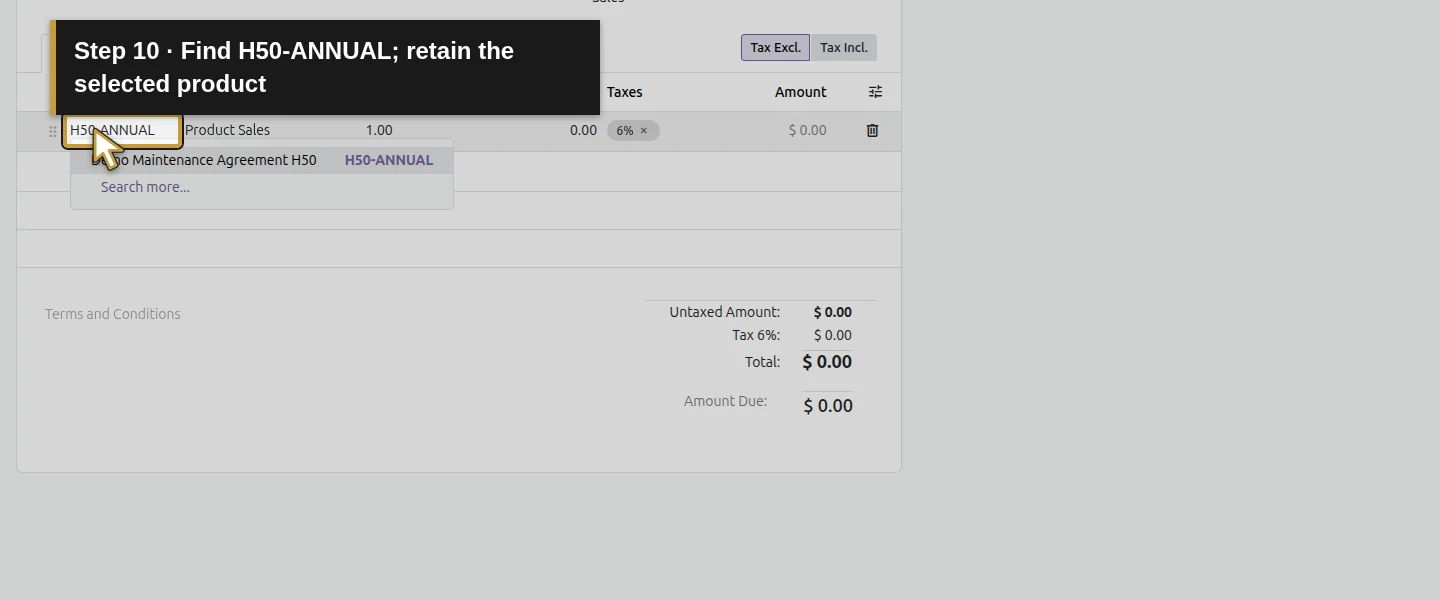
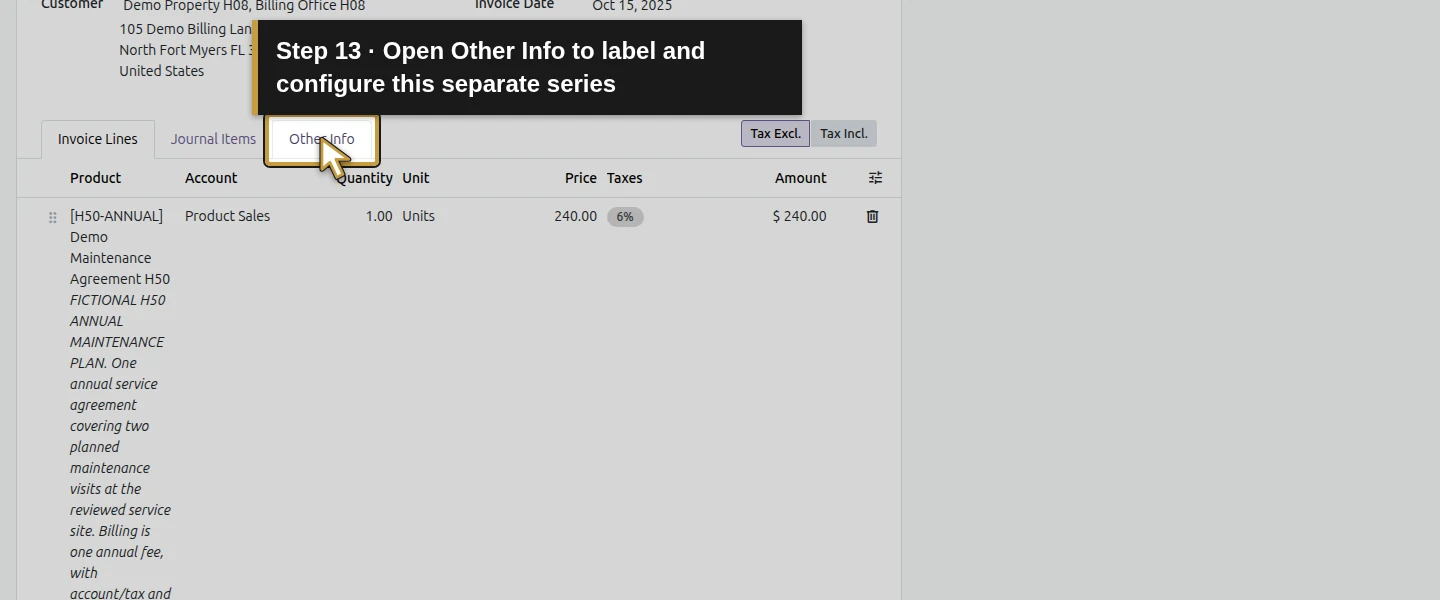
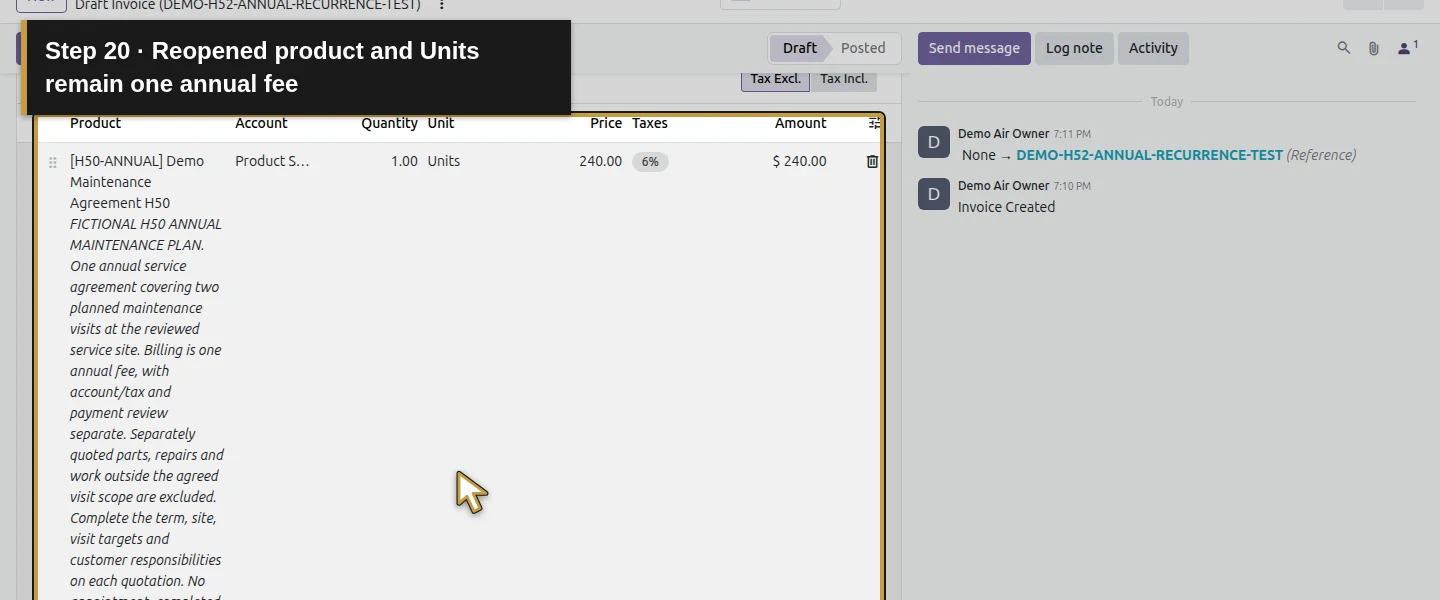
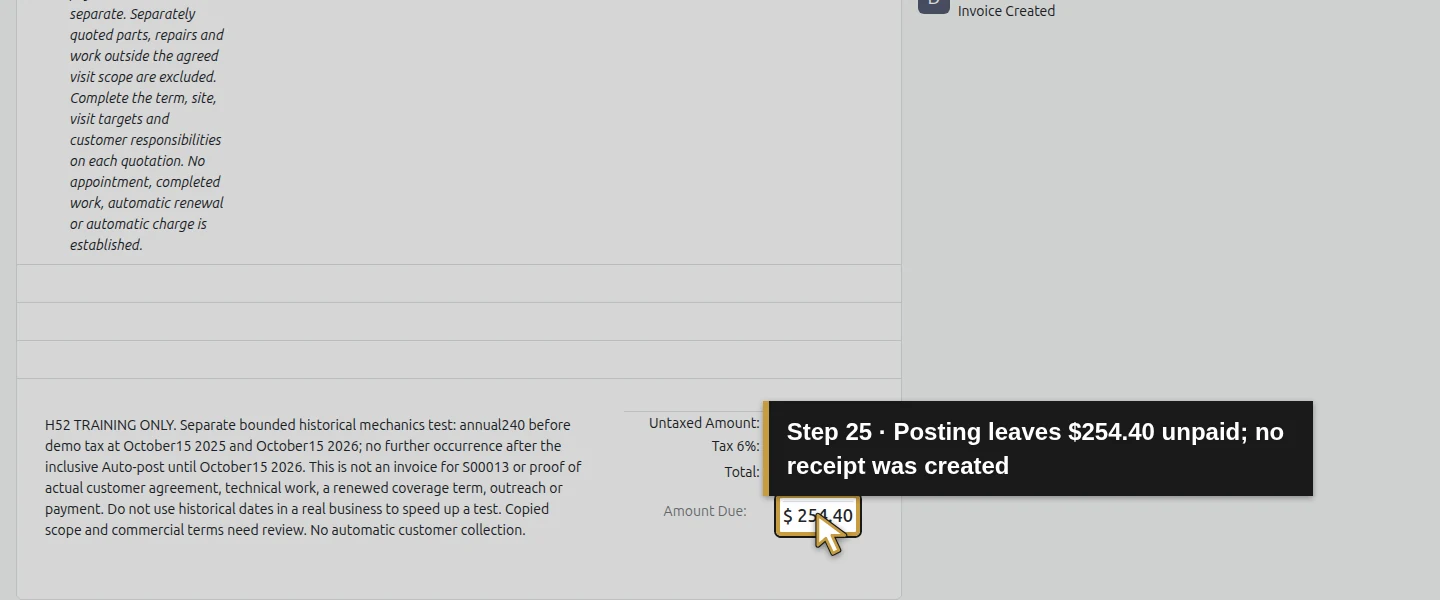
Click Add a line, select H50-ANNUAL – Demo Maintenance Agreement H50, and review 1 Unit × $240. Keep its copied general service scope. Verify the selected product and Units, the Product Sales account and the illustrative 6% tax: $240 + $14.40 = $254.40. In this form, replacing text in the Product cell cleared the product selection while leaving the amount; that draft was corrected by reselecting the same service before posting. Check the product and unit again after any such edit. Do not turn one annual agreement into monthly or per-visit $240 charges.
Step 3. Label the independent training series
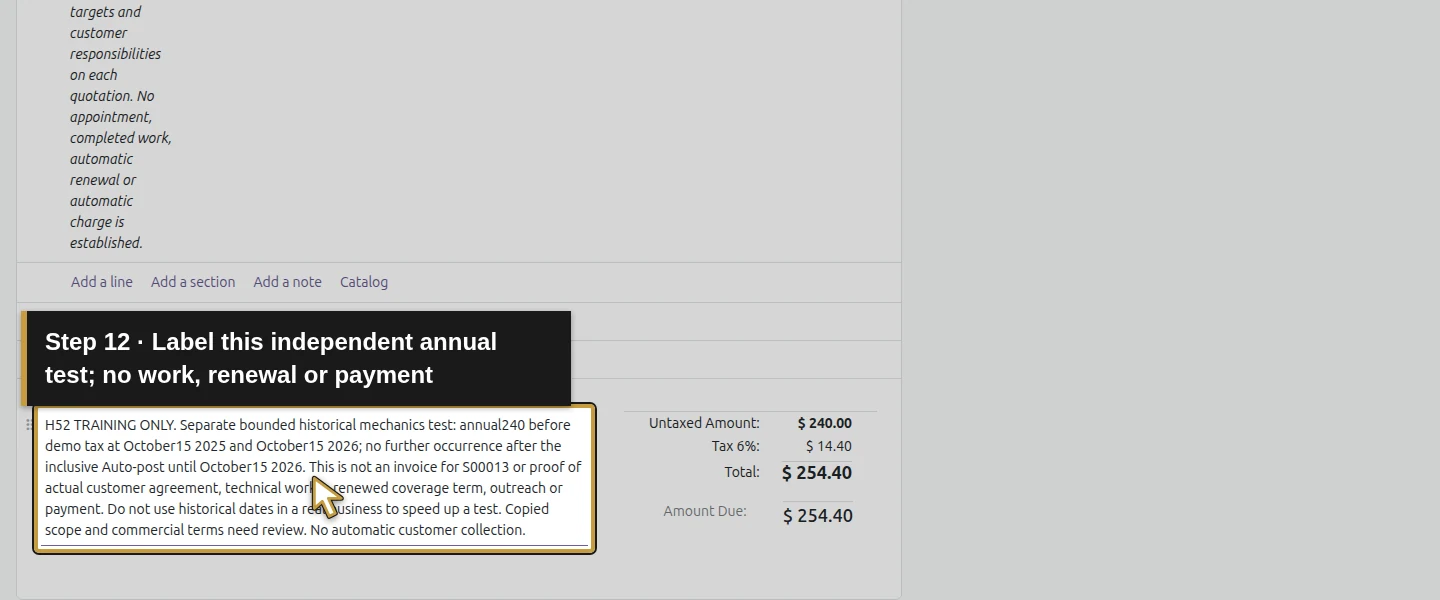
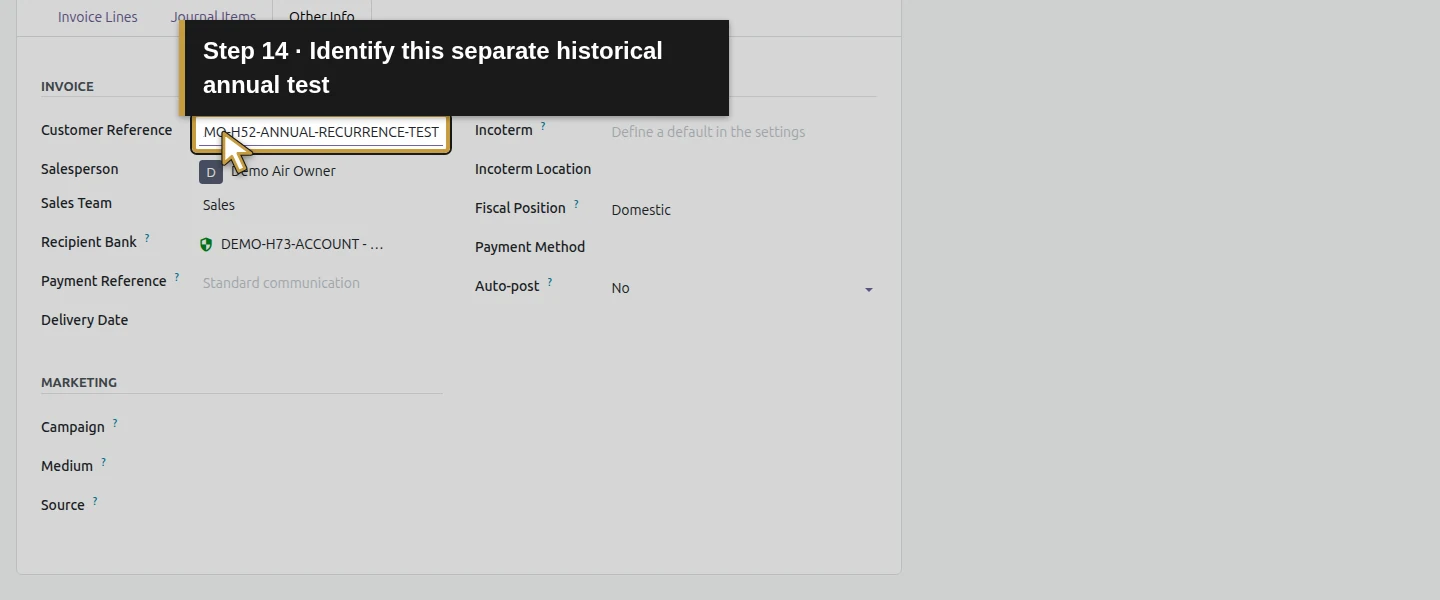
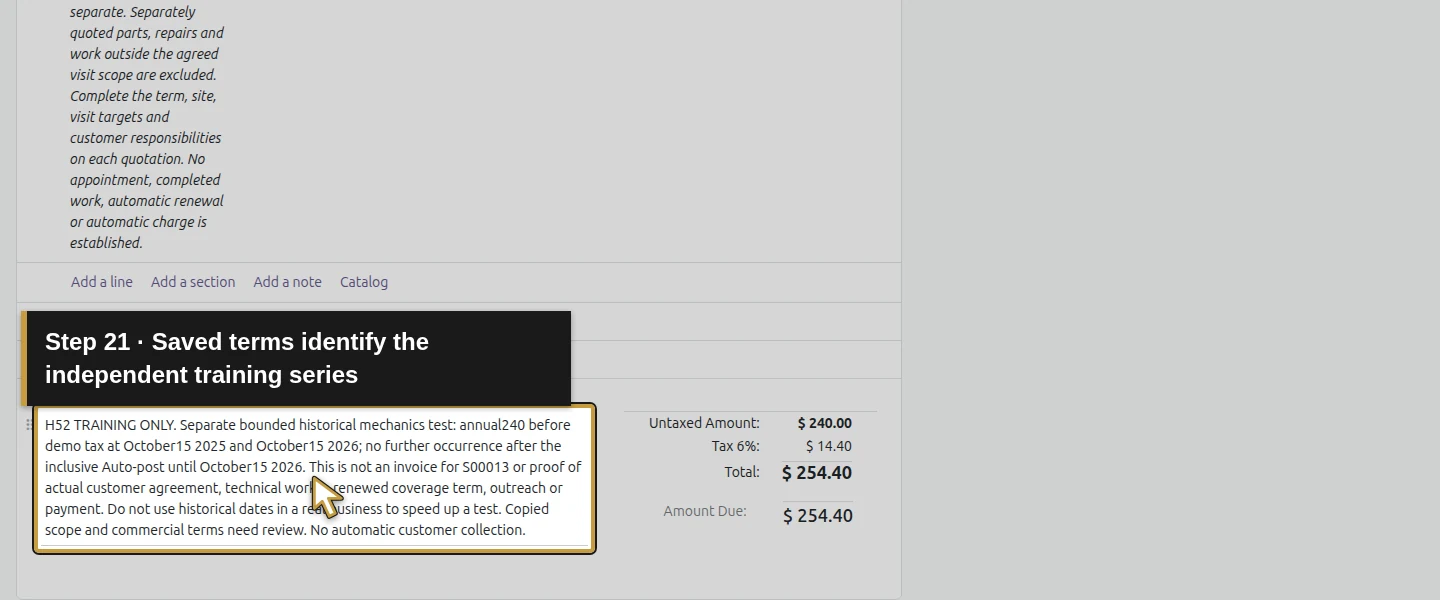
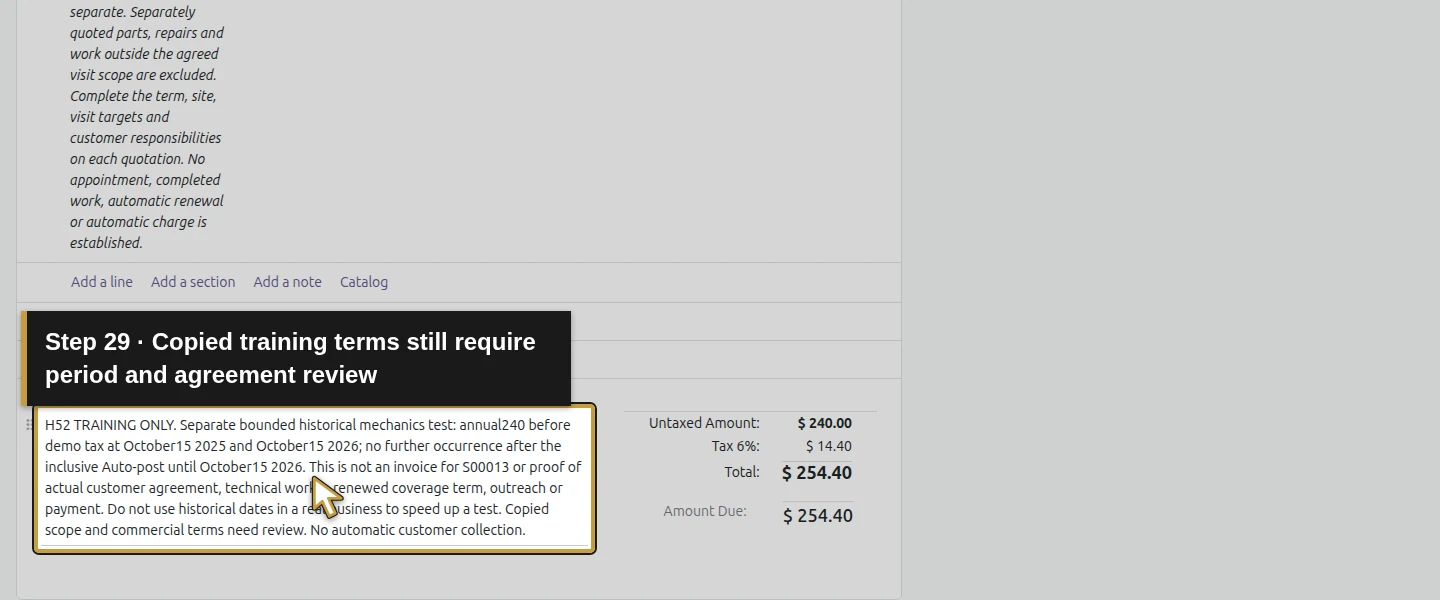
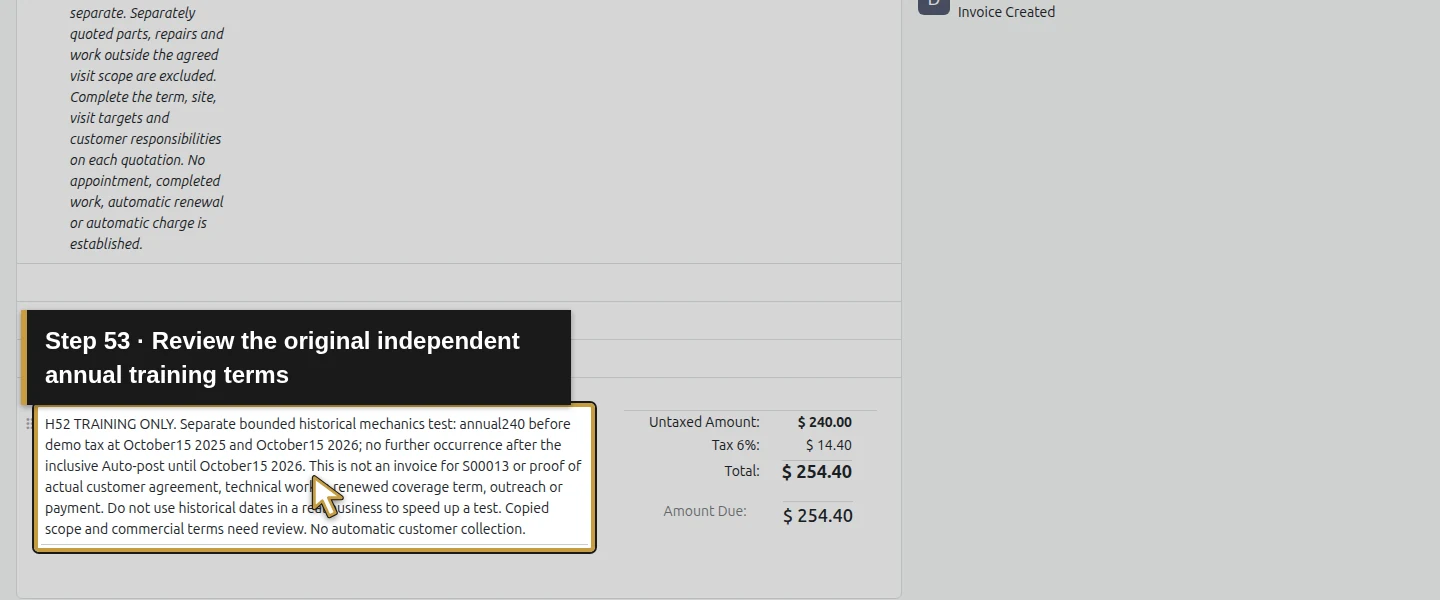
In Terms and Conditions, record H52 TRAINING ONLY and explain that this is a separate annual recurrence-mechanics test at October 15, 2025 and October 15, 2026. State that it is not a bill for S00013 or evidence of actual work, customer agreement, renewal, outreach or payment. In Other Info → Customer Reference, enter DEMO-H52-ANNUAL-RECURRENCE-TEST. The existing service description supplies general scope; the test label and dates identify this separate fixture.
Step 4. Configure Yearly and the inclusive end
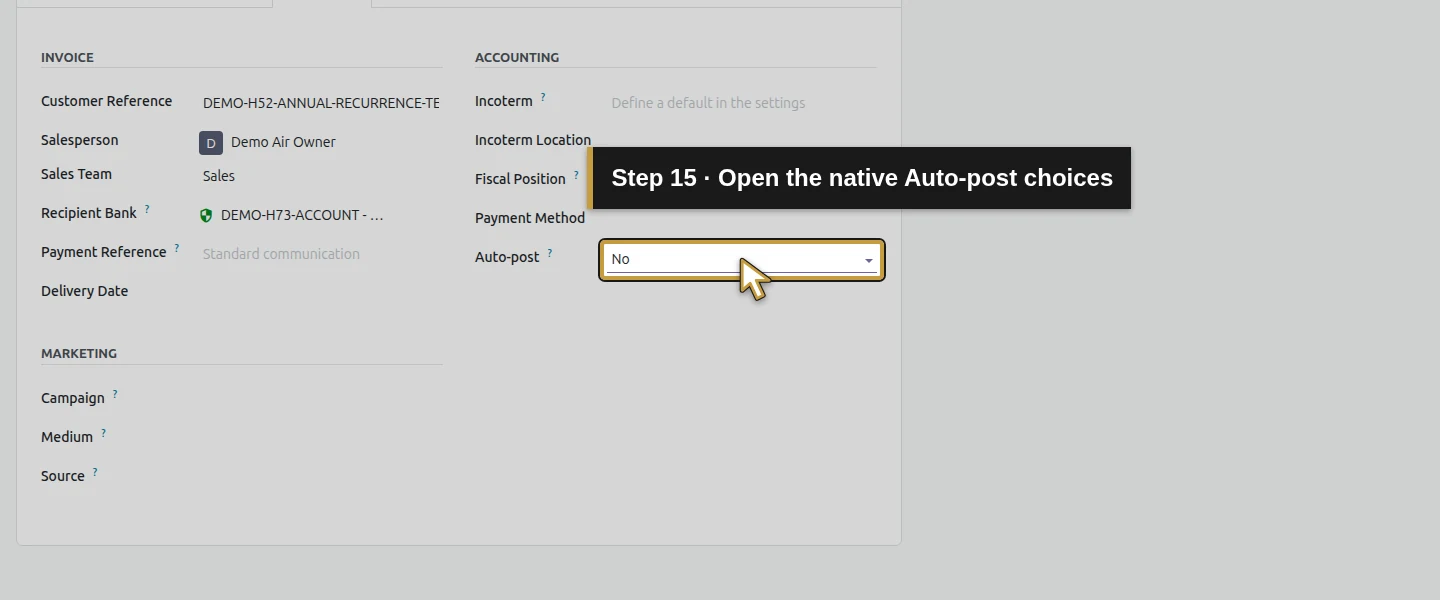
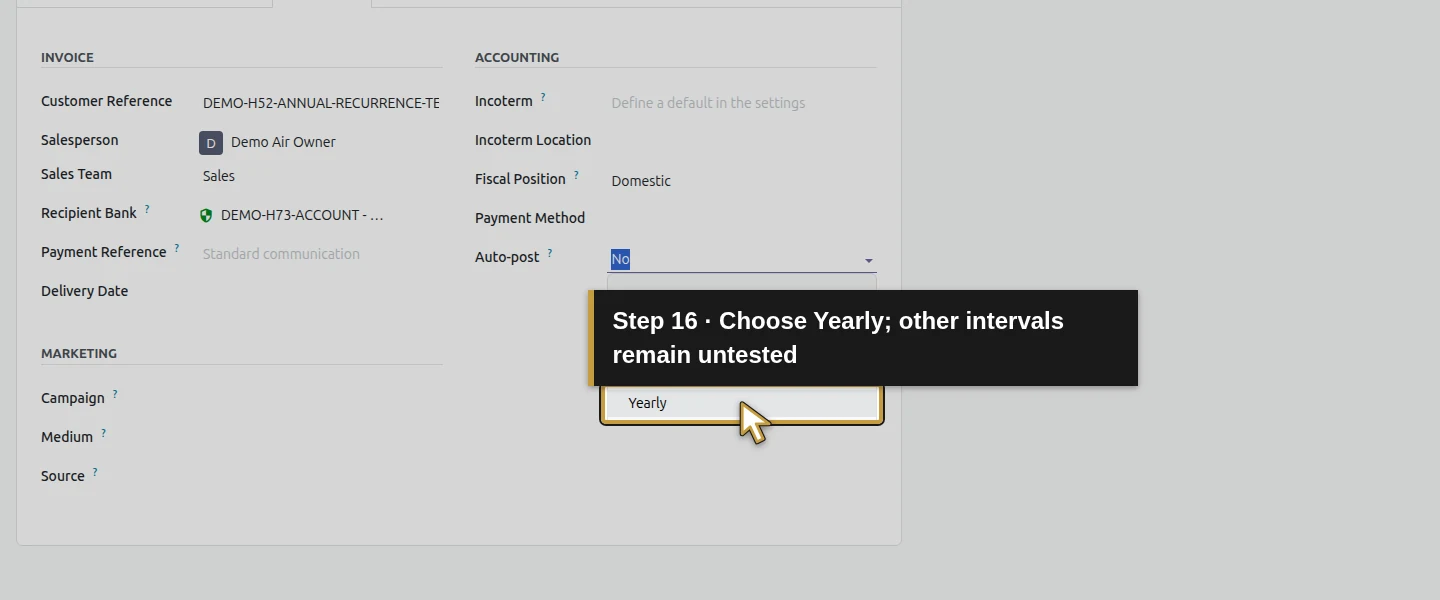
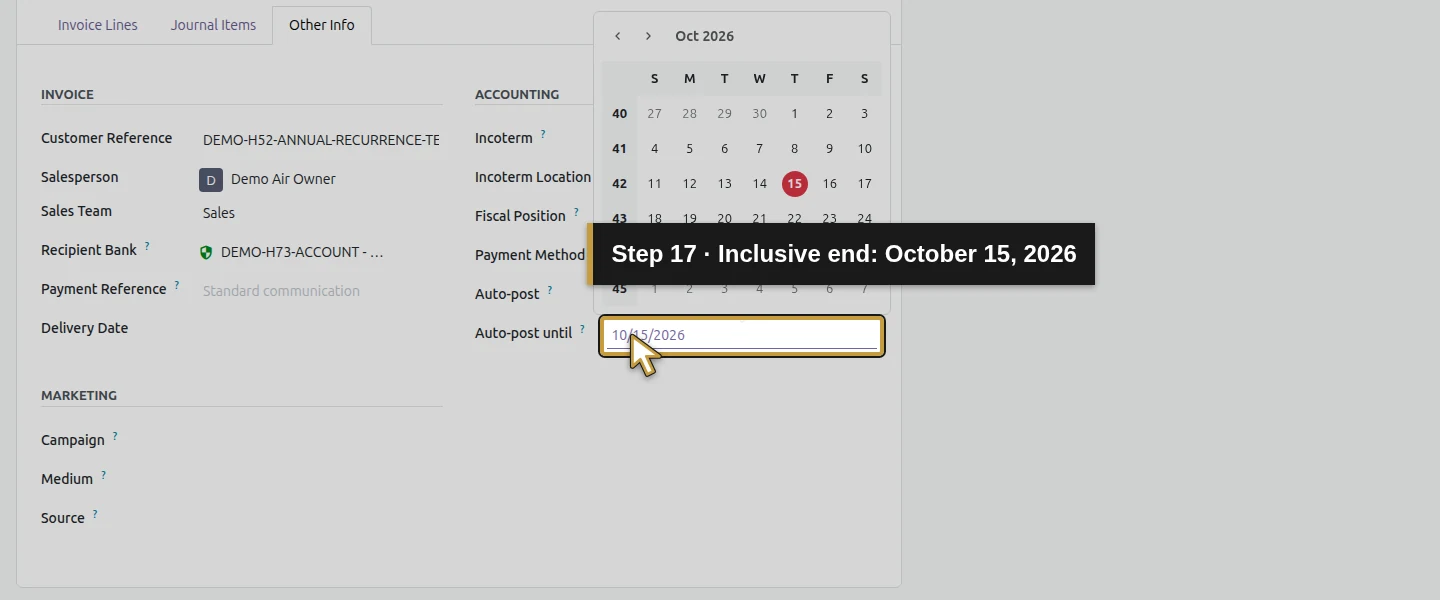
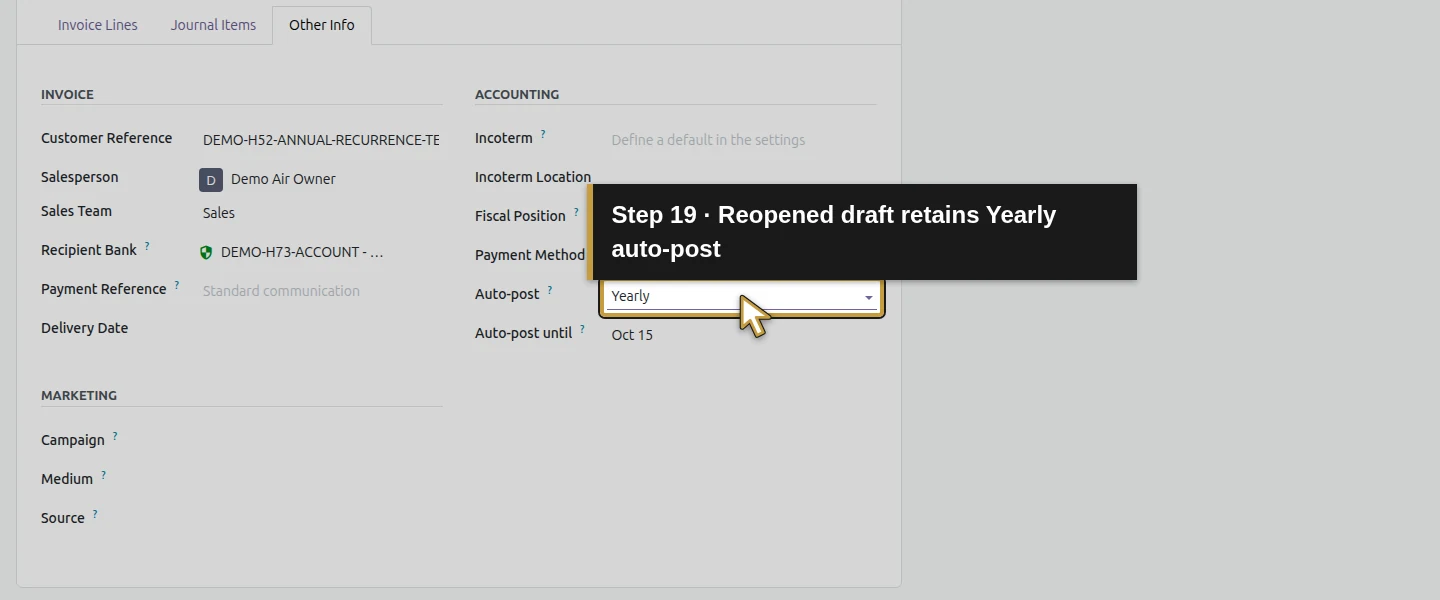
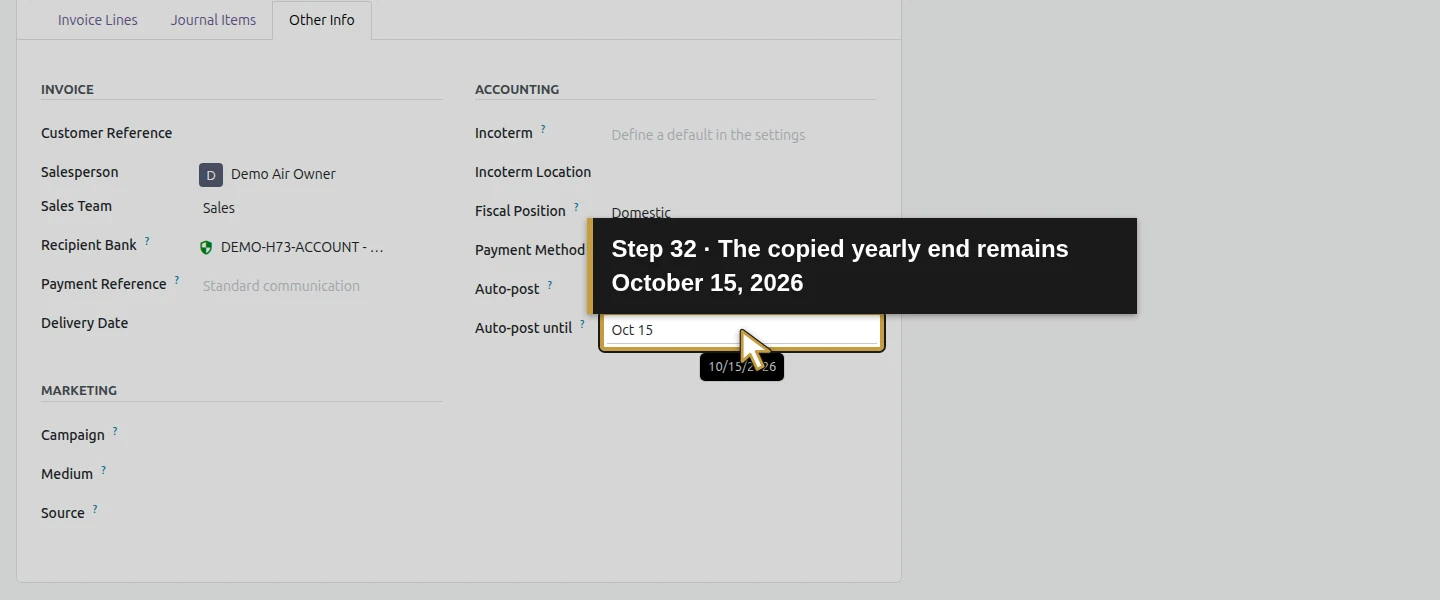
In Other Info, open Auto-post and select Yearly. The visible alternatives also include No, At Date, Monthly and Quarterly; this test exercises Yearly only. Set Auto-post until October 15, 2026. The date is inclusive: it permits that final accounting date and excludes the following annual date. Enter it explicitly; Odoo did not derive it from the maintenance agreement’s Terms and conditions.
Step 5. Save and reopen the same first draft
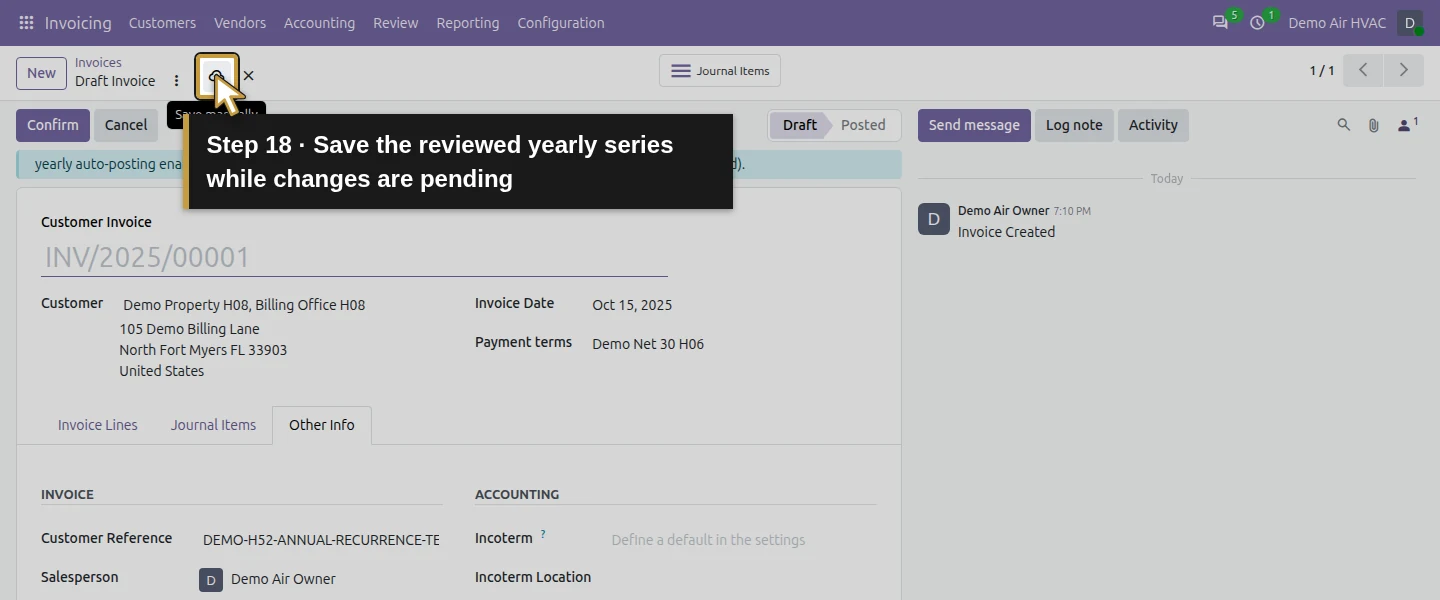
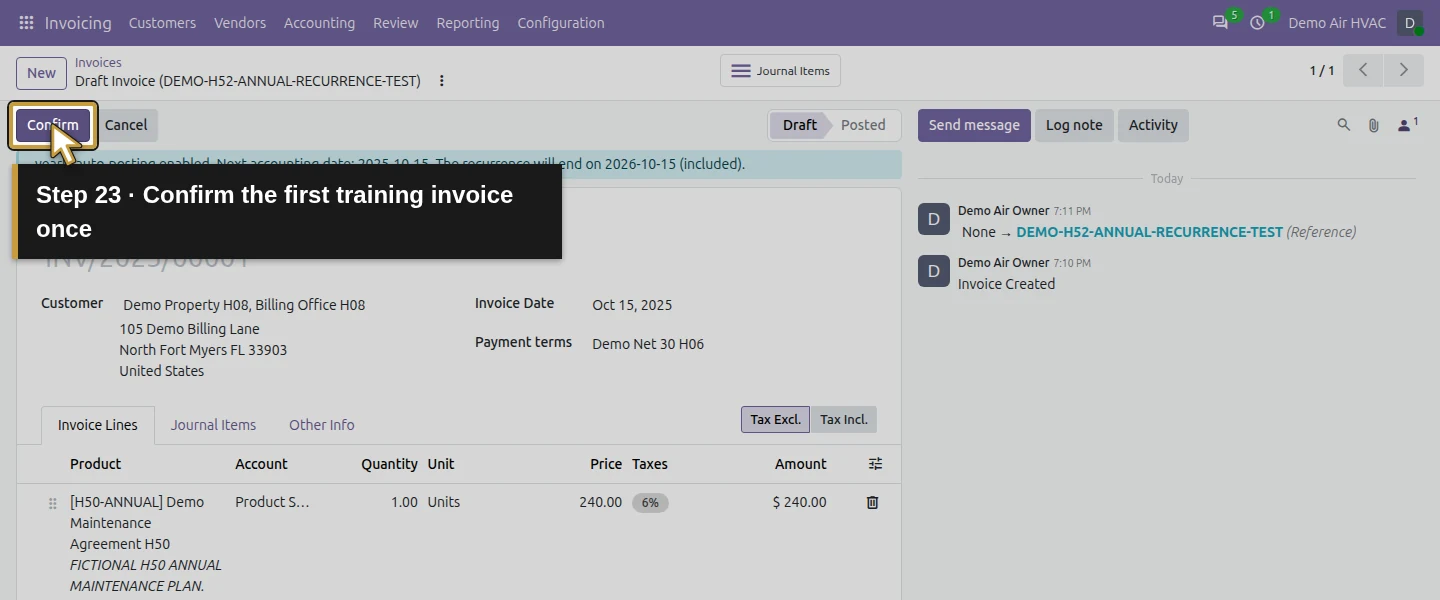
Click Save manually while changes are pending, wait for the saved form, then reload. Native tab changes can already save invoice edits, so check the saved result rather than forcing another save. Verify the same customer/site, annual product/Units, $254.40 total, October 15, 2025 invoice/accounting date, Net 30 due date November 14, 2025, training terms and Yearly/Until settings. The form states that yearly auto-posting is enabled and recurrence ends on October 15, 2026, included. The draft has no sales-line link.
Step 6. Confirm once and inspect the next annual draft
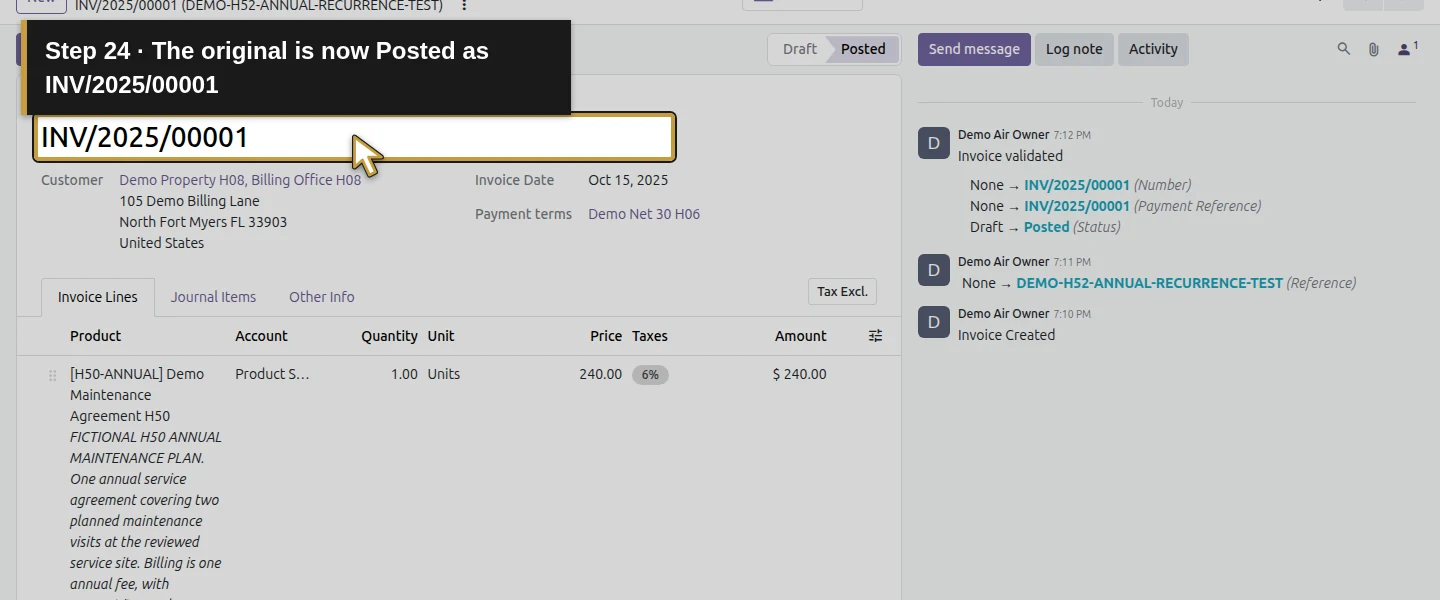
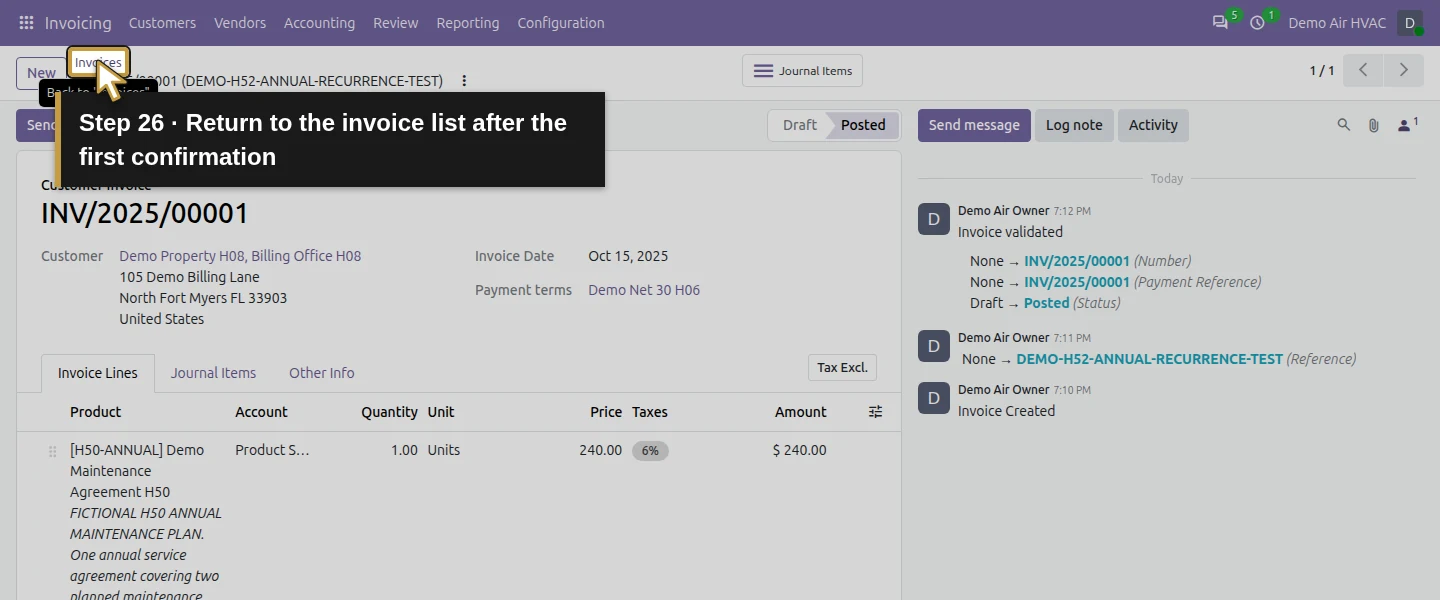
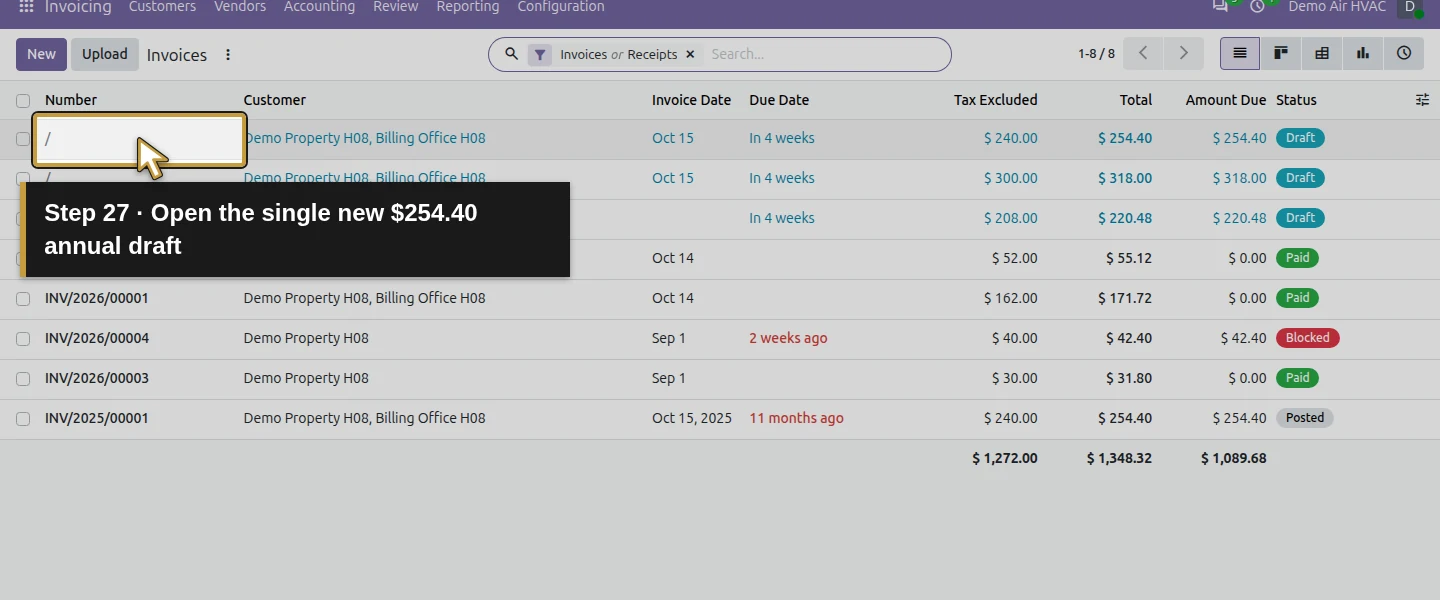
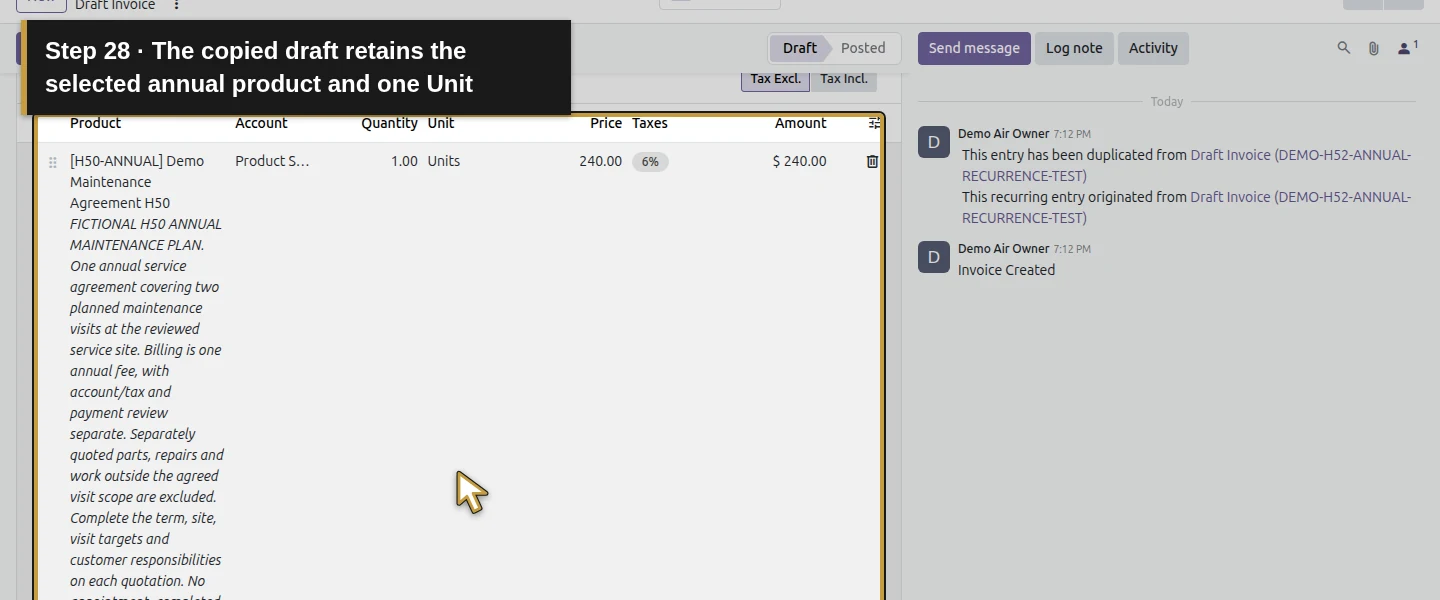
Click Confirm once. The first invoice becomes Posted, numbered INV/2025/00001, and native recurrence creates one next draft. Return to Invoices and open the new $254.40 draft dated October 15, 2026 for Billing Office H08. Its invoice and accounting dates have advanced one year; Net 30 gives November 14, 2026. Inspect the copied service, quantity, price, tax, customer/site, terms, owner and Yearly/Until values. Do not click Confirm on this second draft: the next step tests the posting job.
Step 7. Review copied references and the origin link
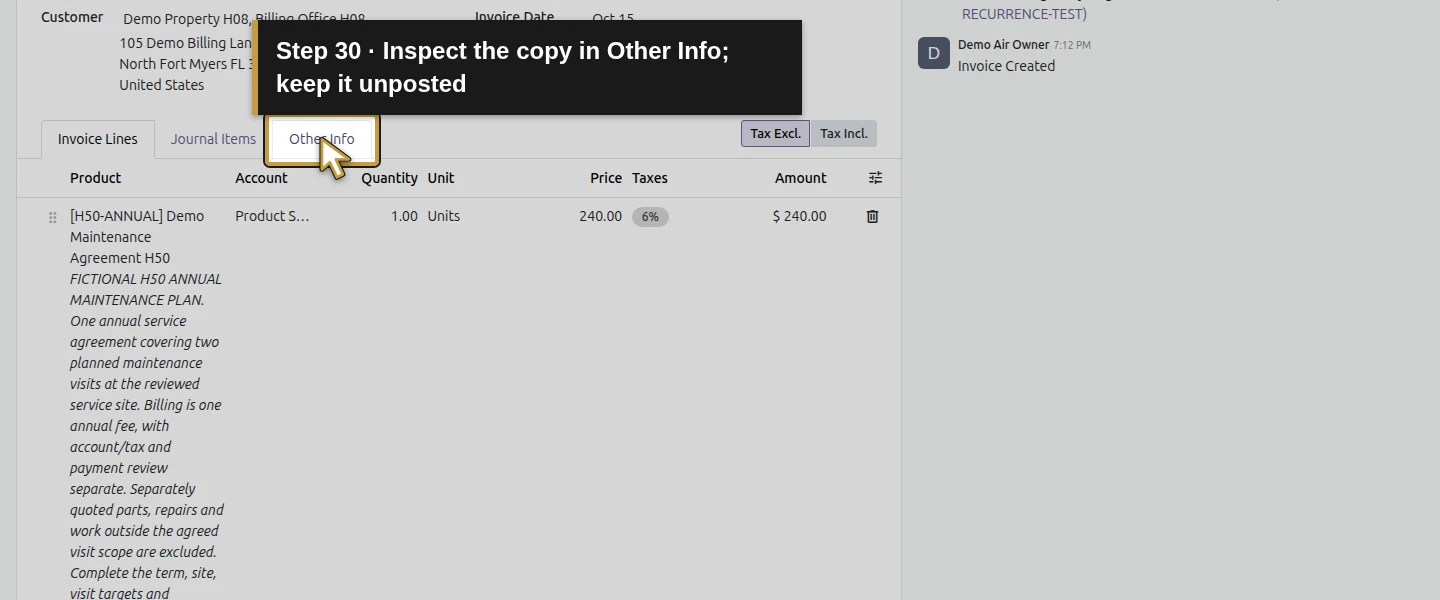
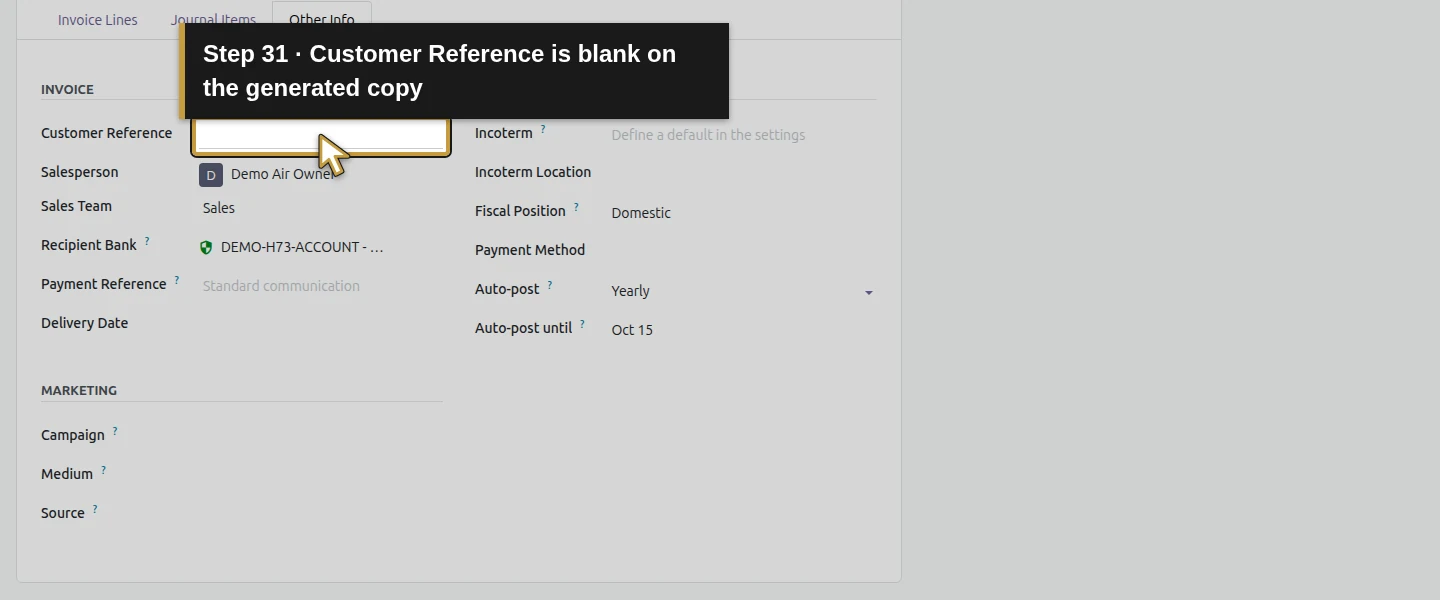
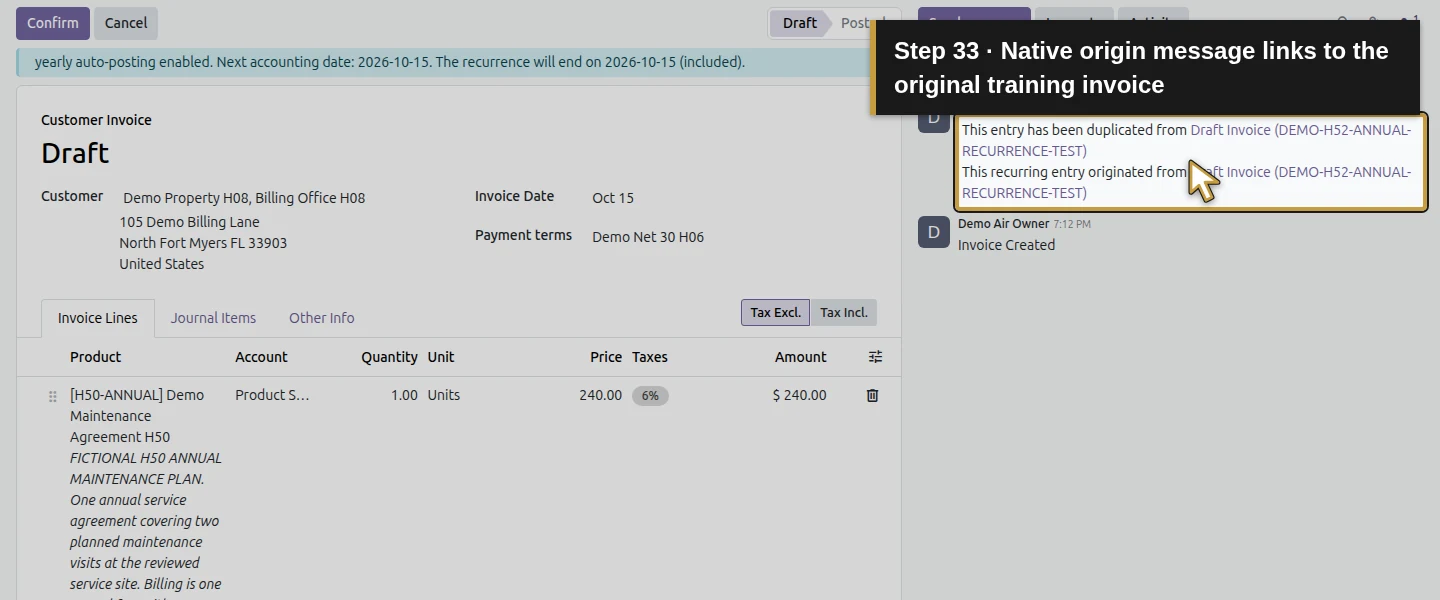
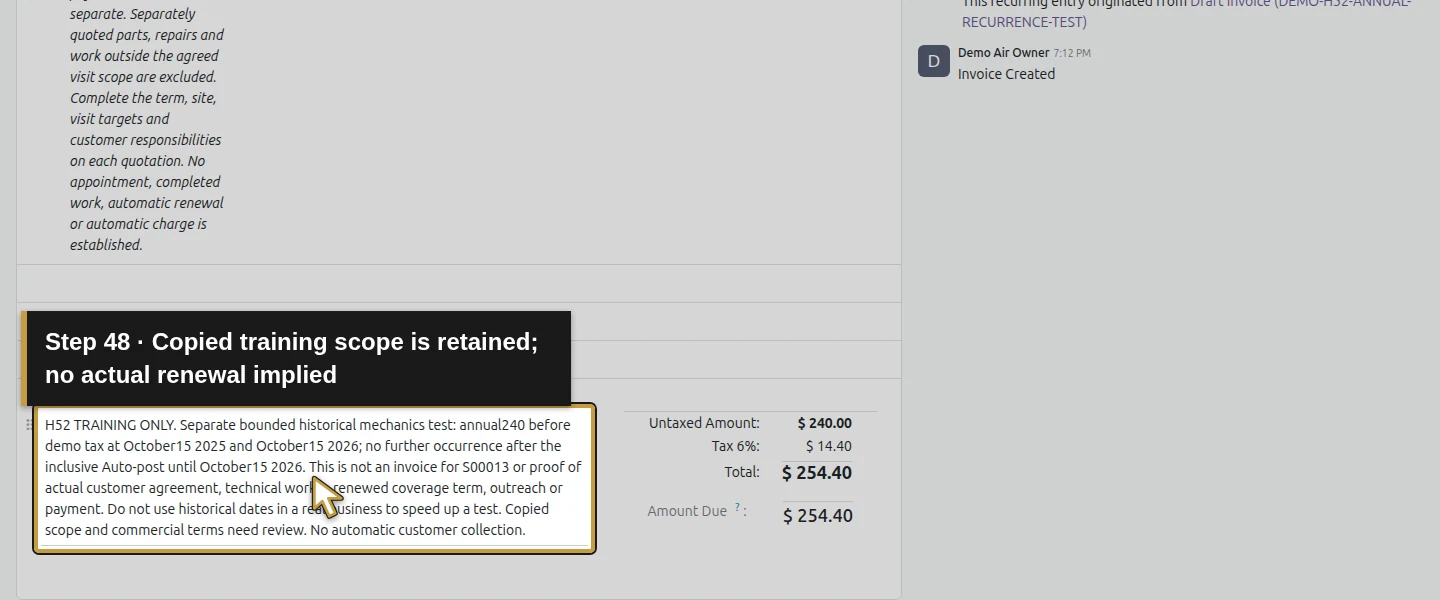
On the new draft, open Other Info. Customer Reference is blank; the native copy did not retain the original reference. Its training Terms and Conditions and general service description are copied exactly, so period-specific text still needs review. The chatter includes This recurring entry originated from with a link labelled Draft Invoice (DEMO-H52-ANNUAL-RECURRENCE-TEST). Use that relationship, customer, dates and amount to identify the copy; searching only for the original reference would miss it. This independent invoice series has no S00013 sale-line link and does not update its Invoiced quantity.
Step 8. Run the shipped posting job in the controlled test
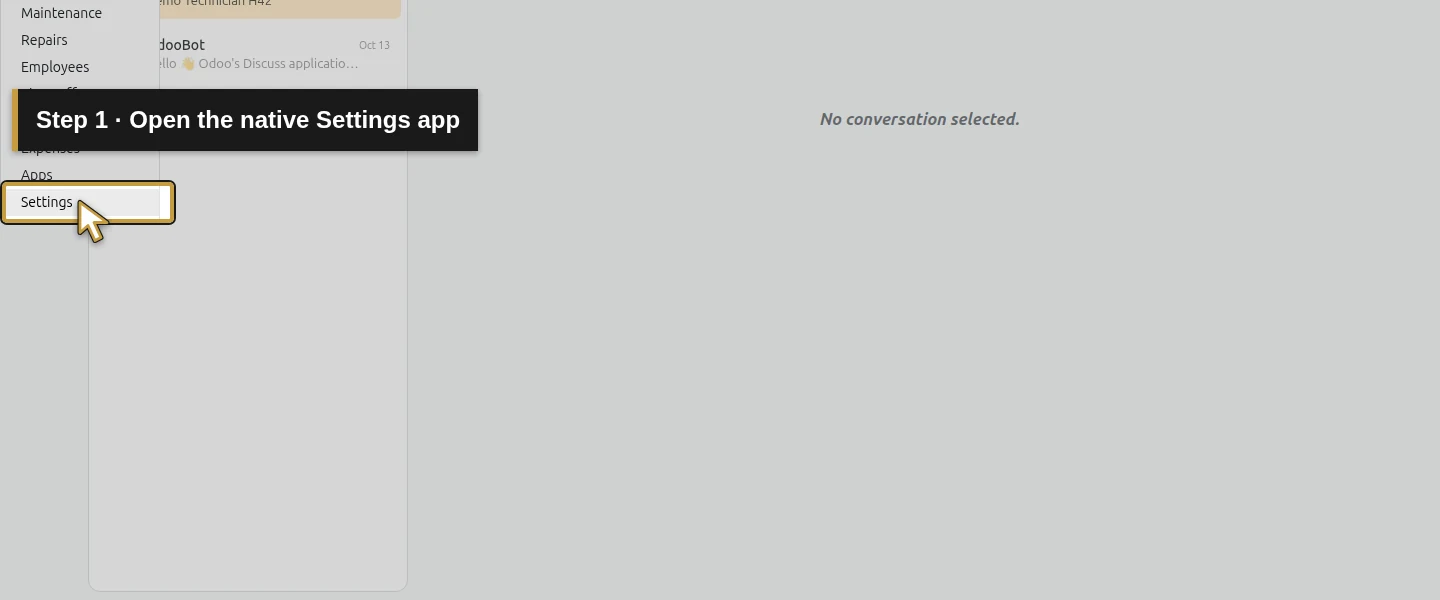
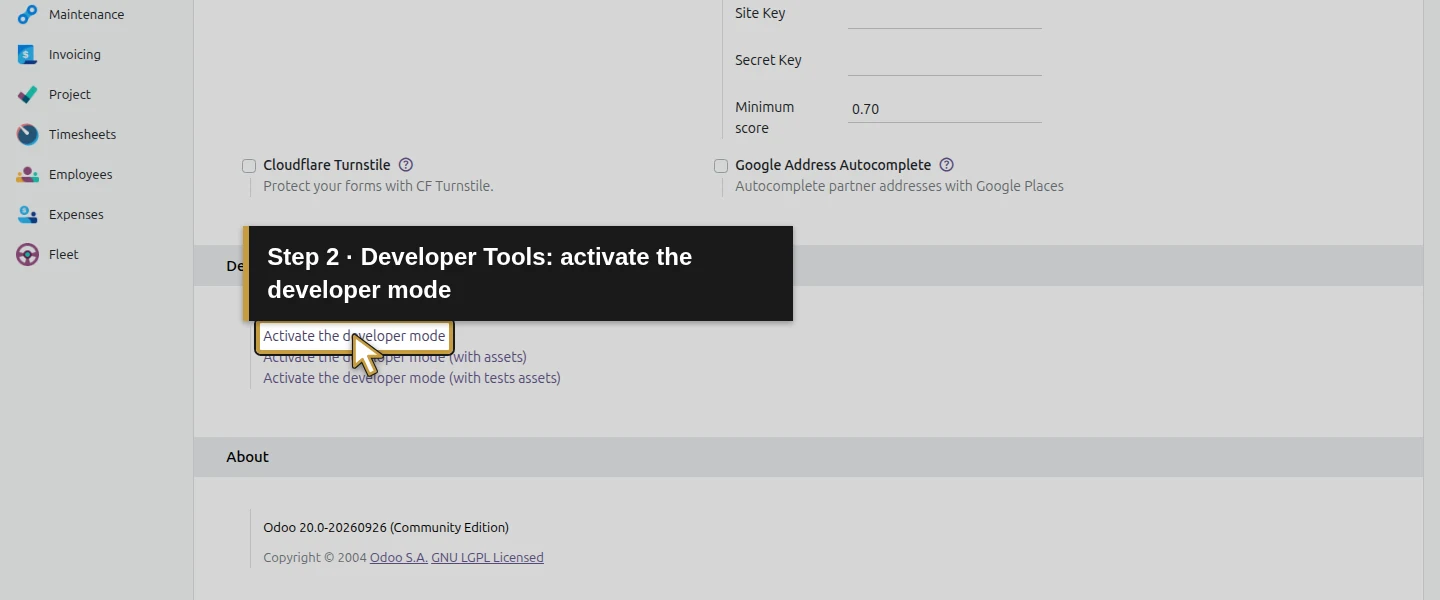
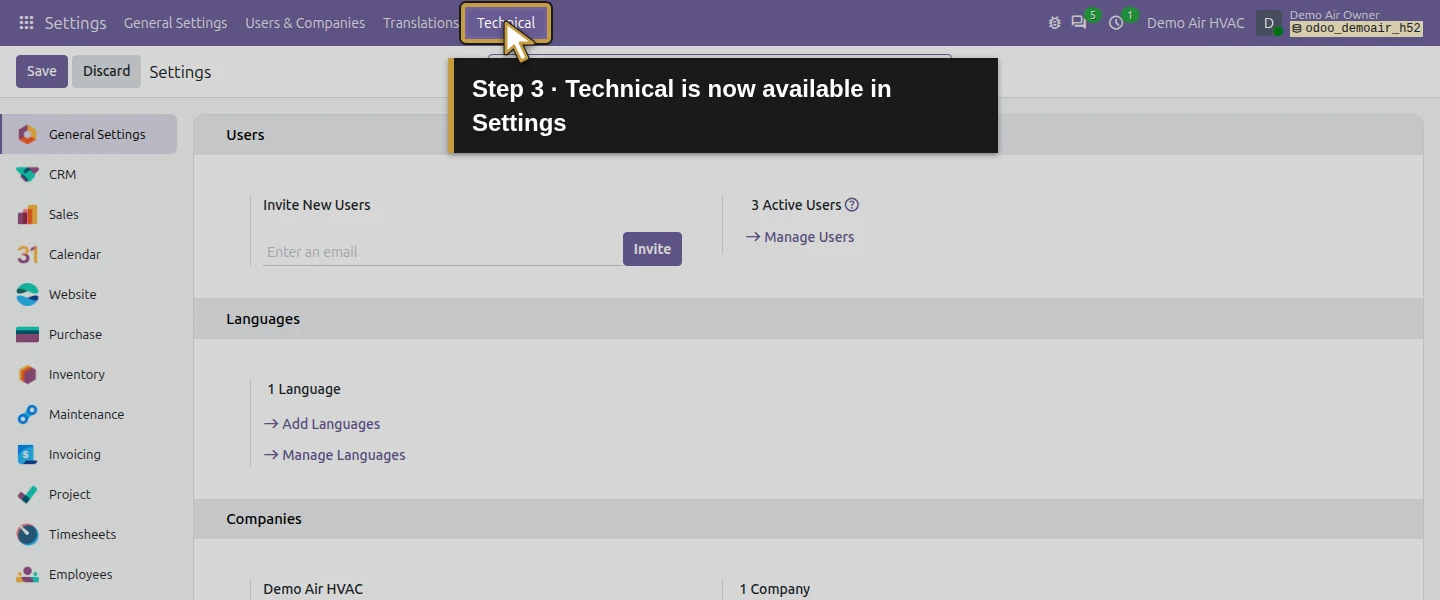
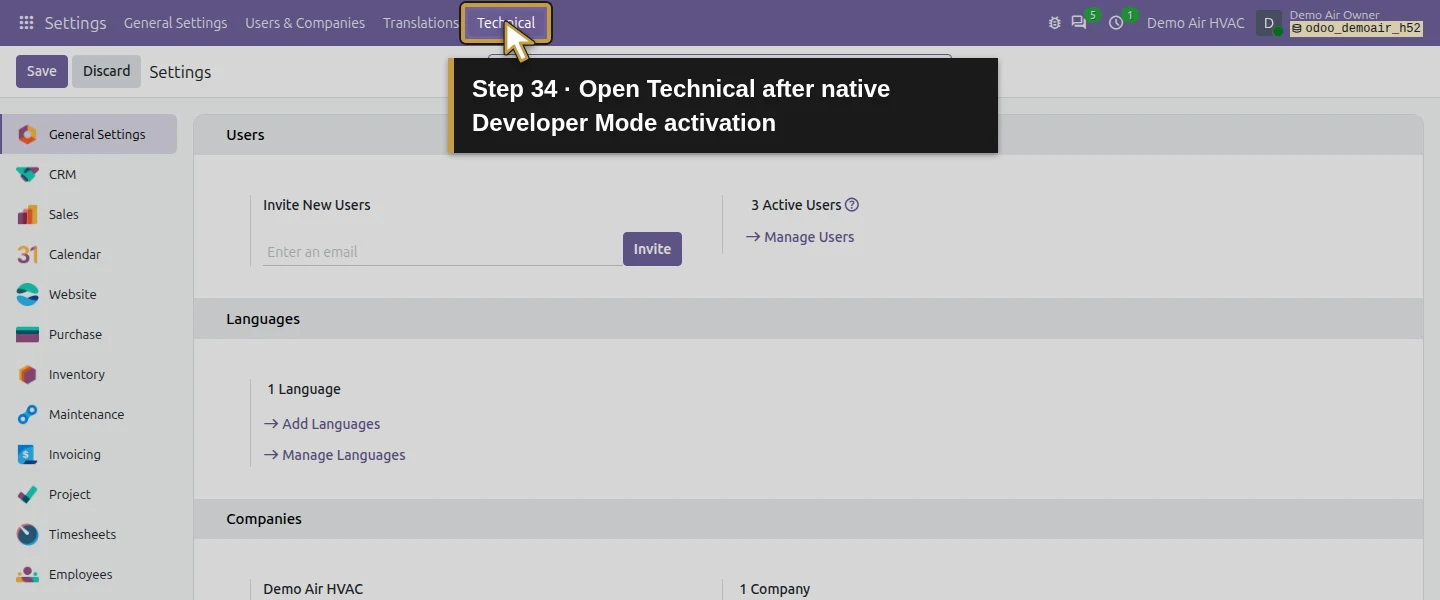
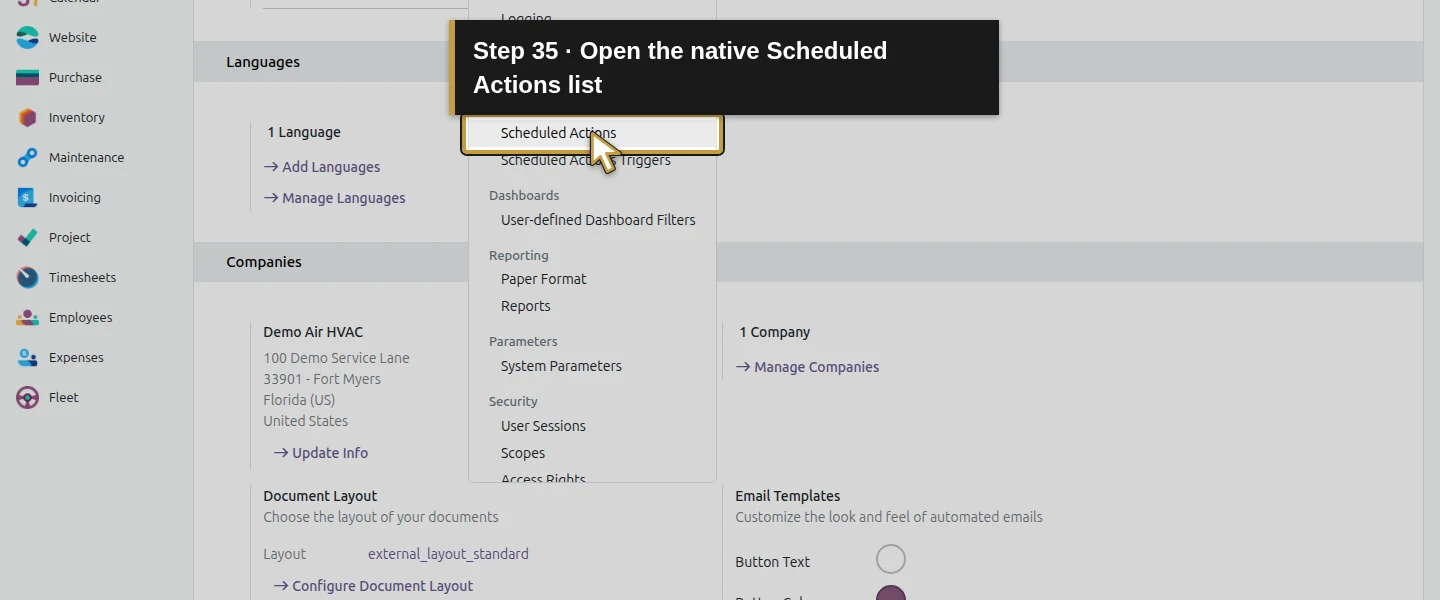
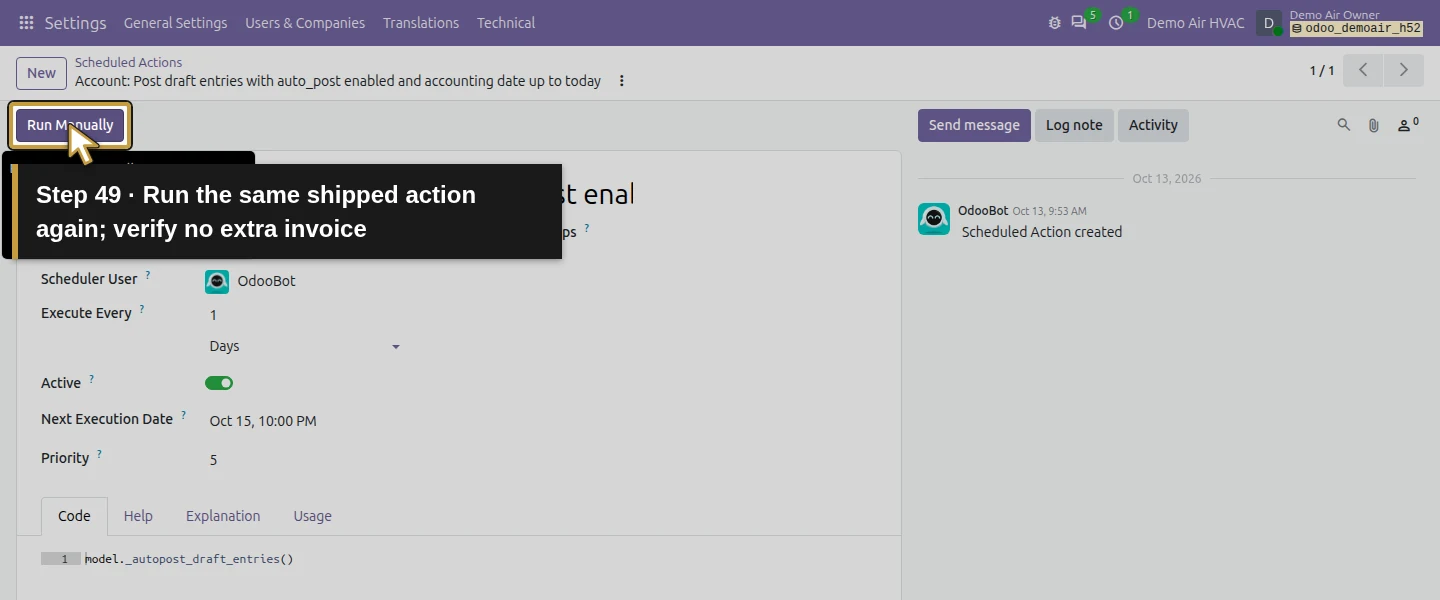
Open Settings. If Technical is hidden, scroll to Developer Tools and click Activate the developer mode. After Settings reloads, open Technical → Scheduled Actions and locate Account: Post draft entries with auto_post enabled and accounting date up to today. Verify the existing Journal Entry job, Active status and daily interval. Leave its code, scheduler user and other jobs unchanged. With only this test series eligible, click Run Manually once. This uses the shipped job; no custom code or new scheduled action is introduced. The demonstration exercises this exact job manually. Automatic execution on an unattended server also requires its scheduler to be running; wall-clock background execution was not tested here.
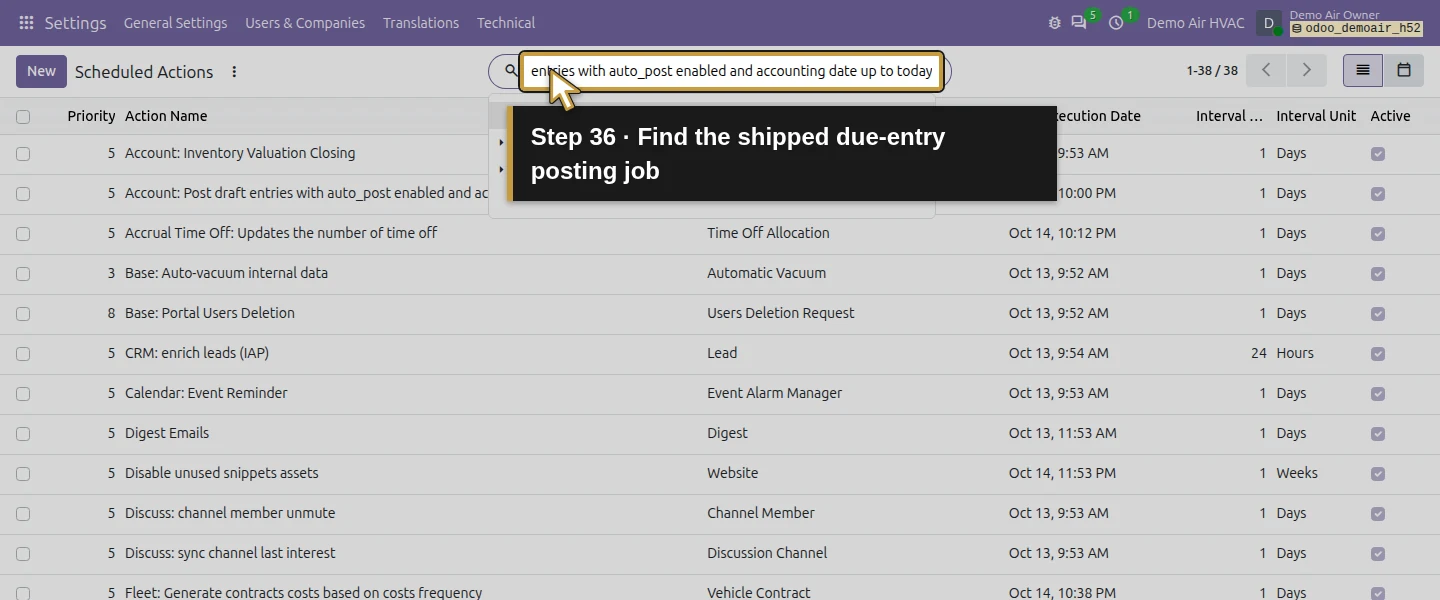
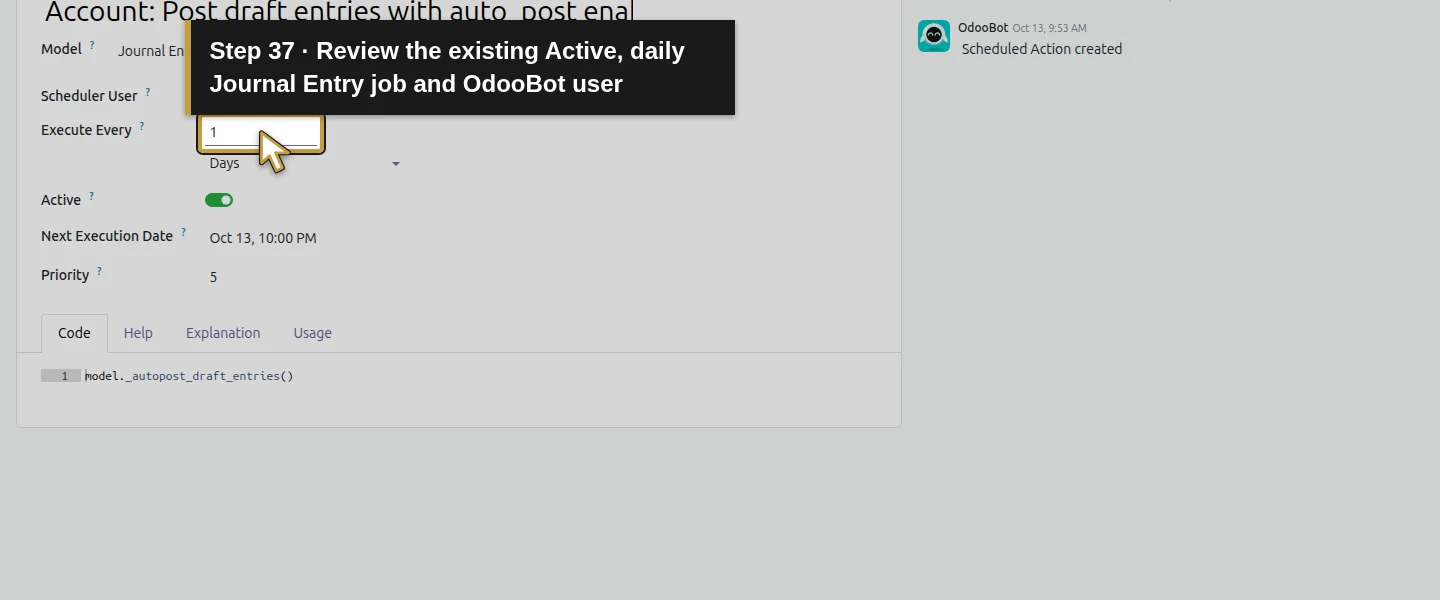
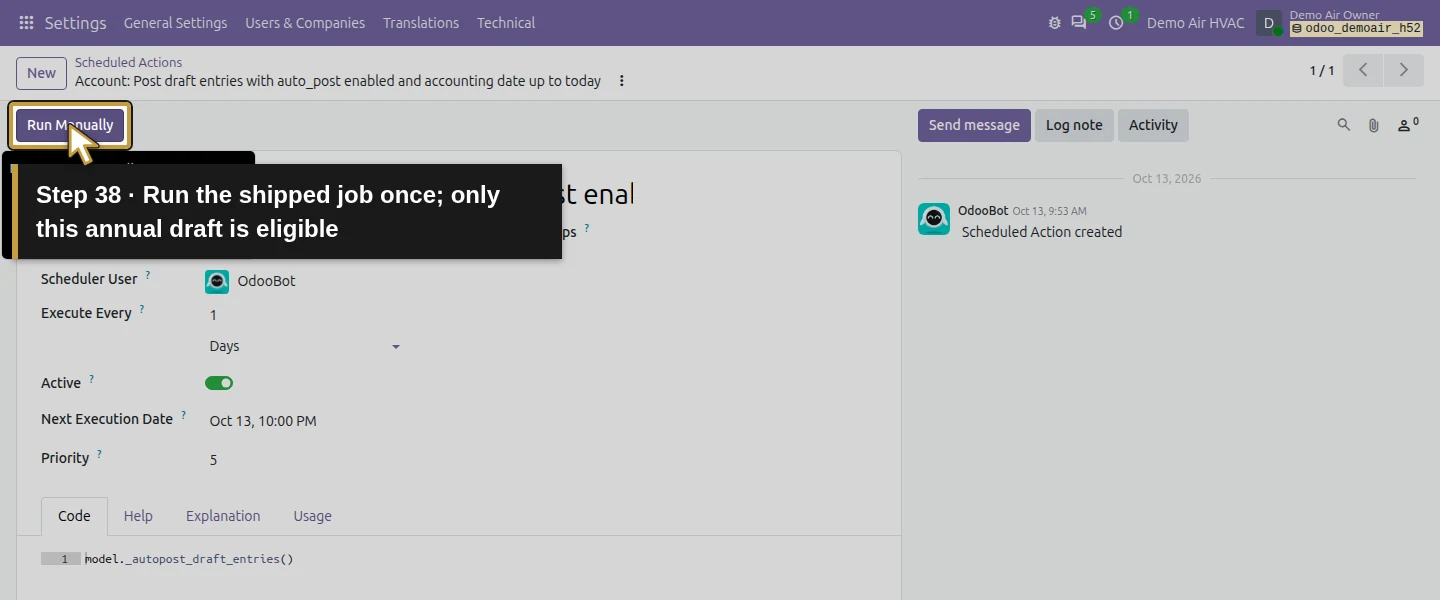
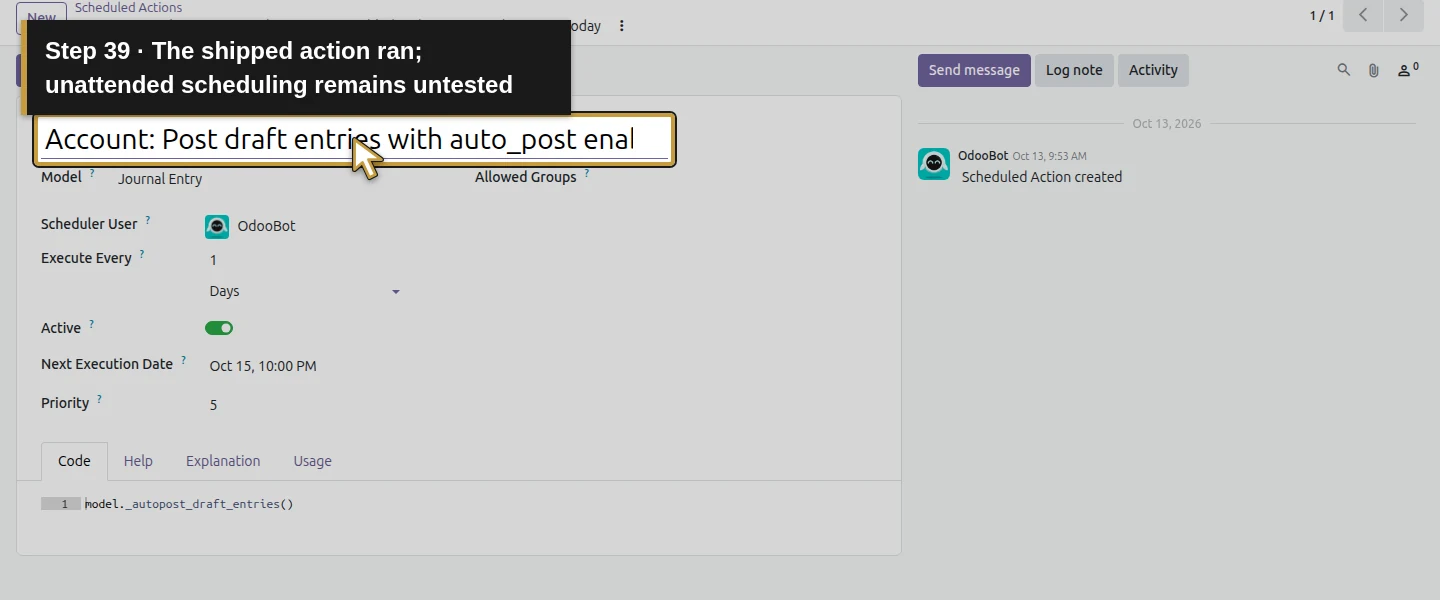
Step 9. Reopen the invoice posted by the job
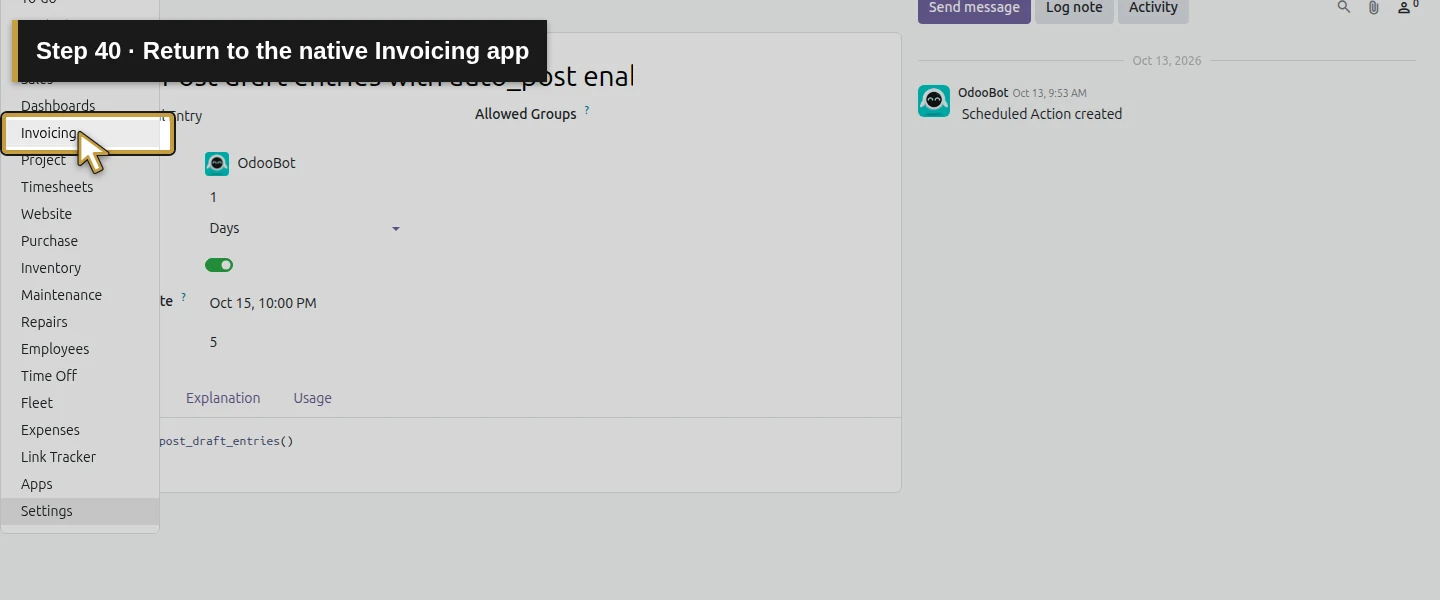
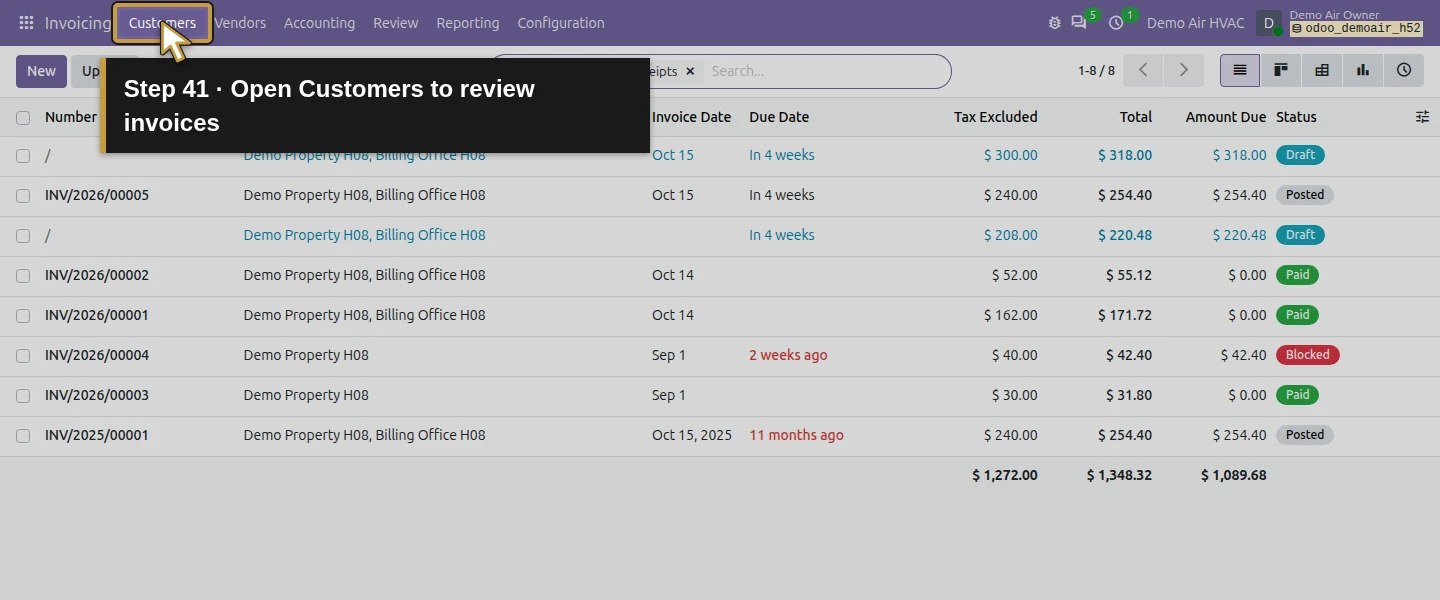
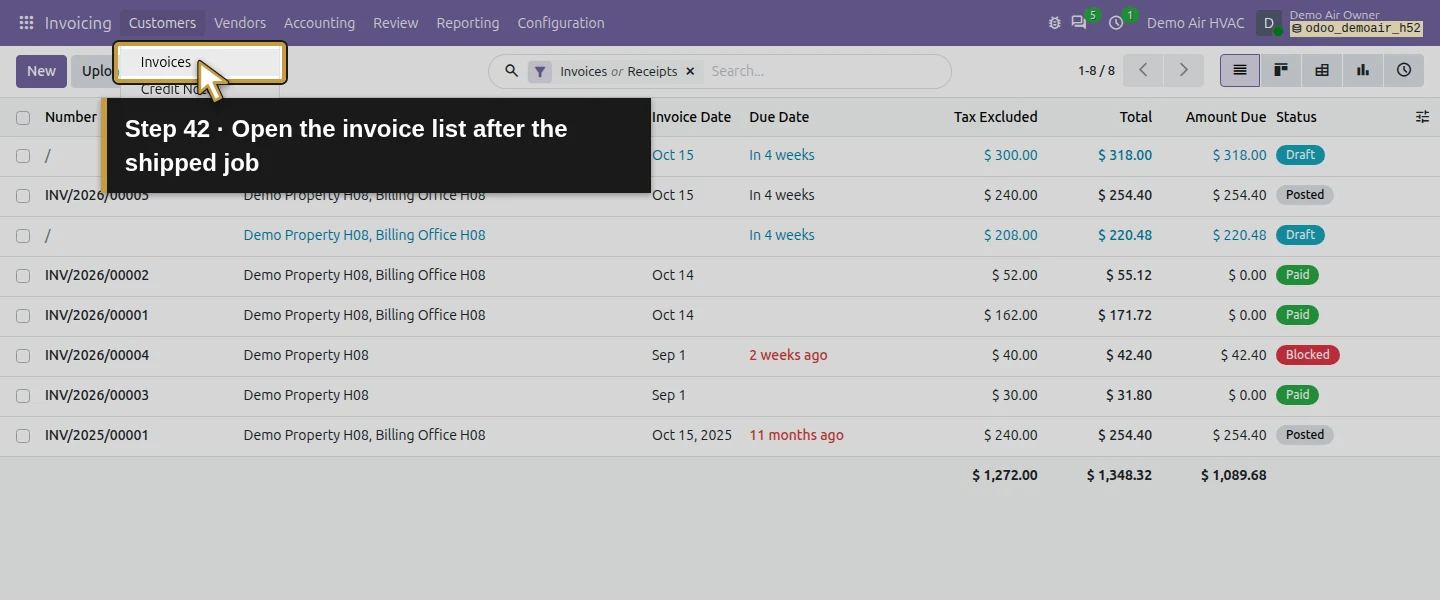
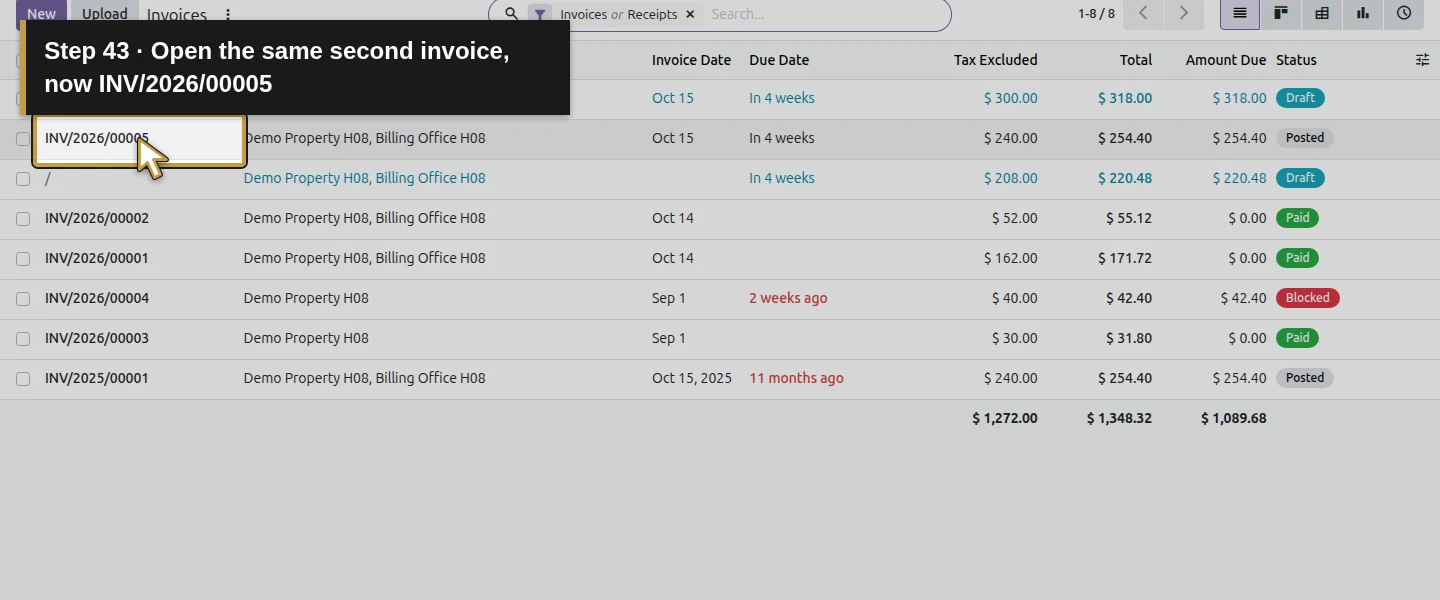
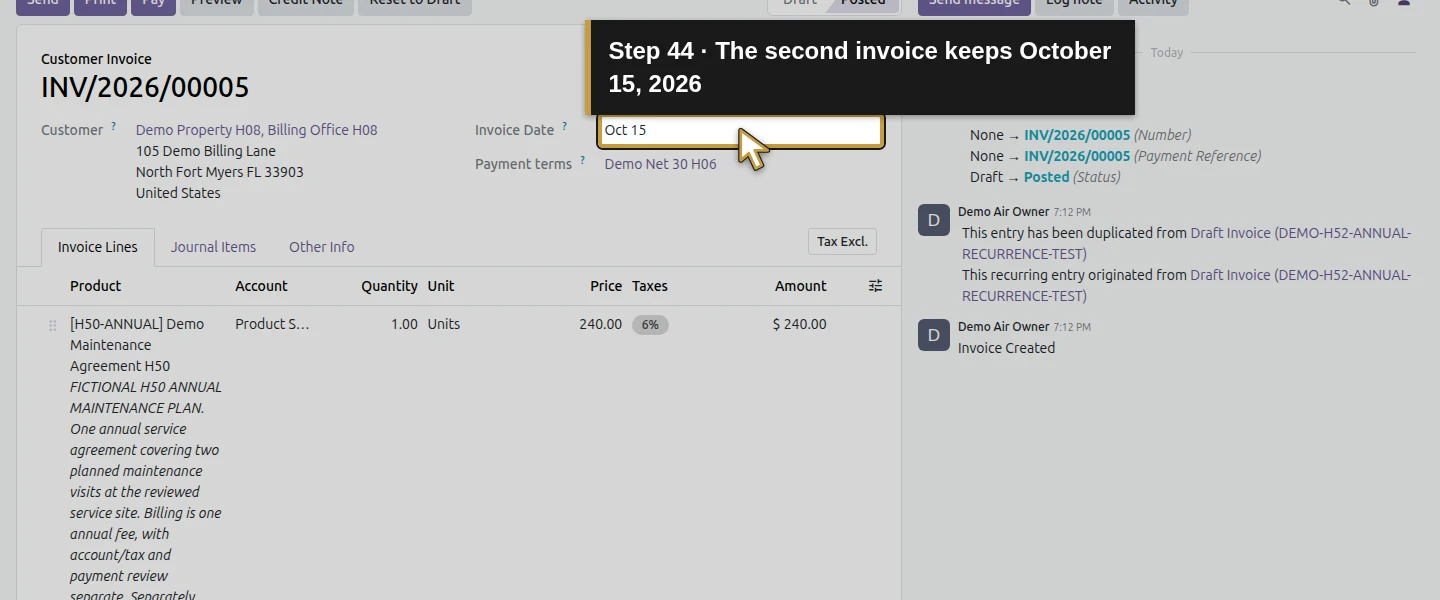
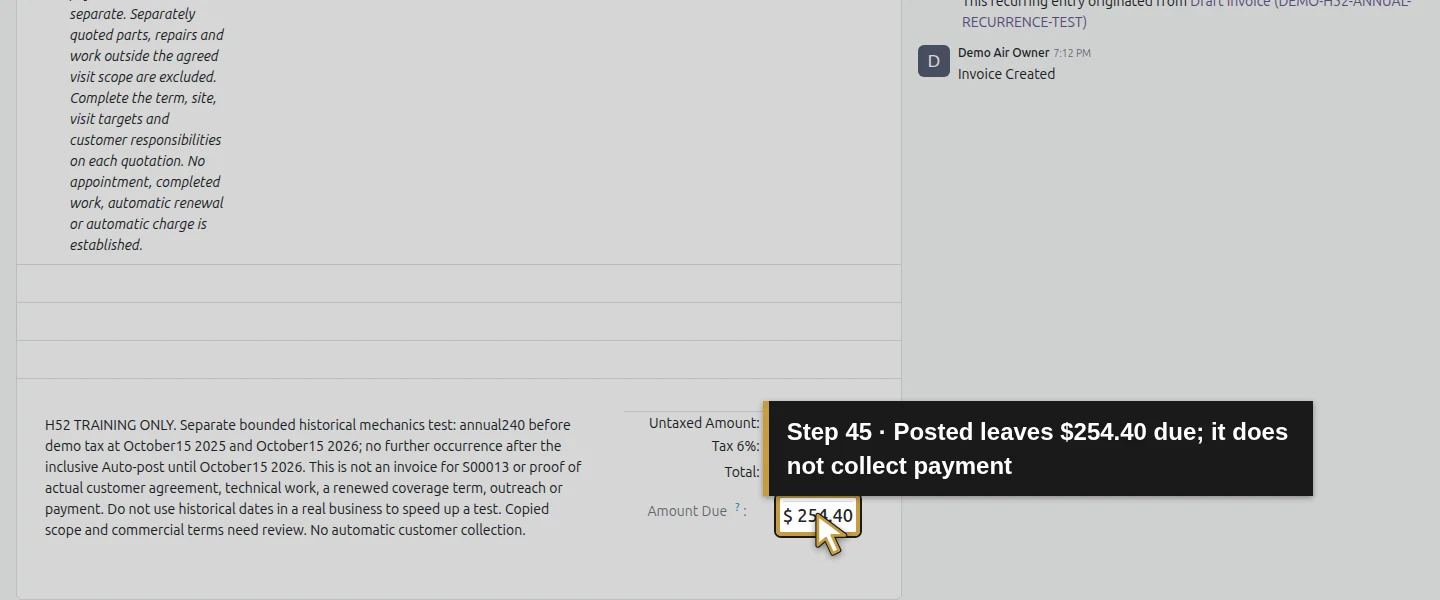
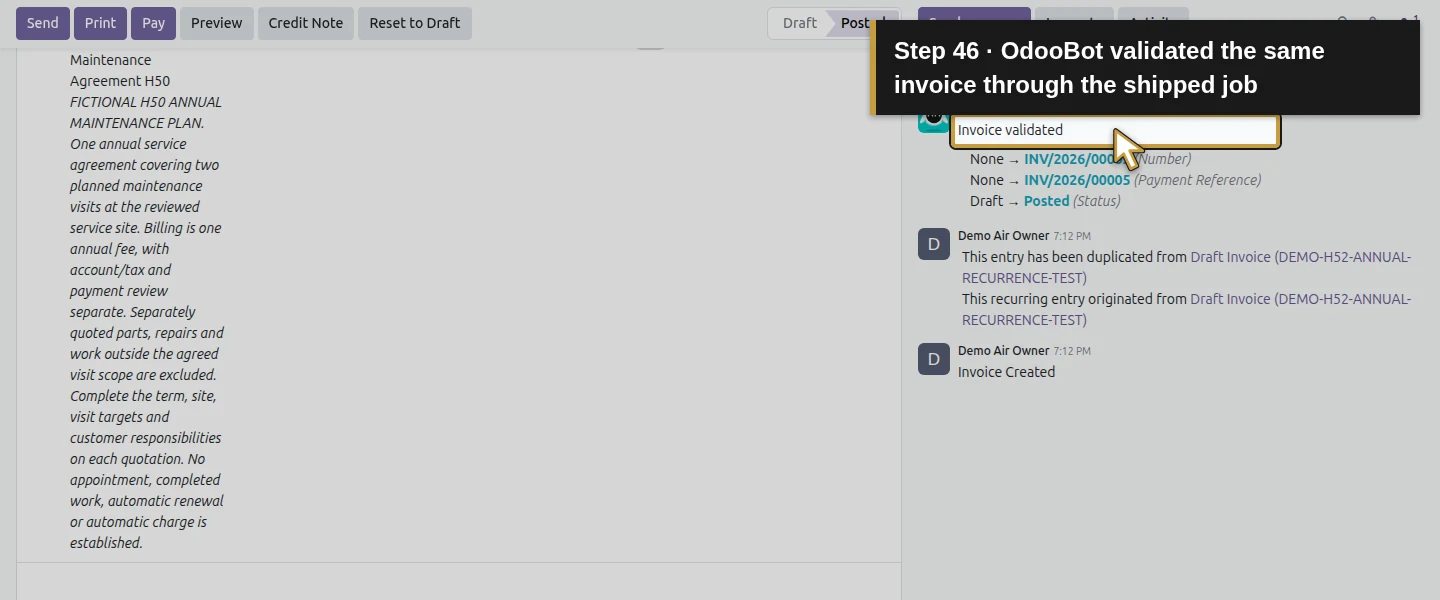
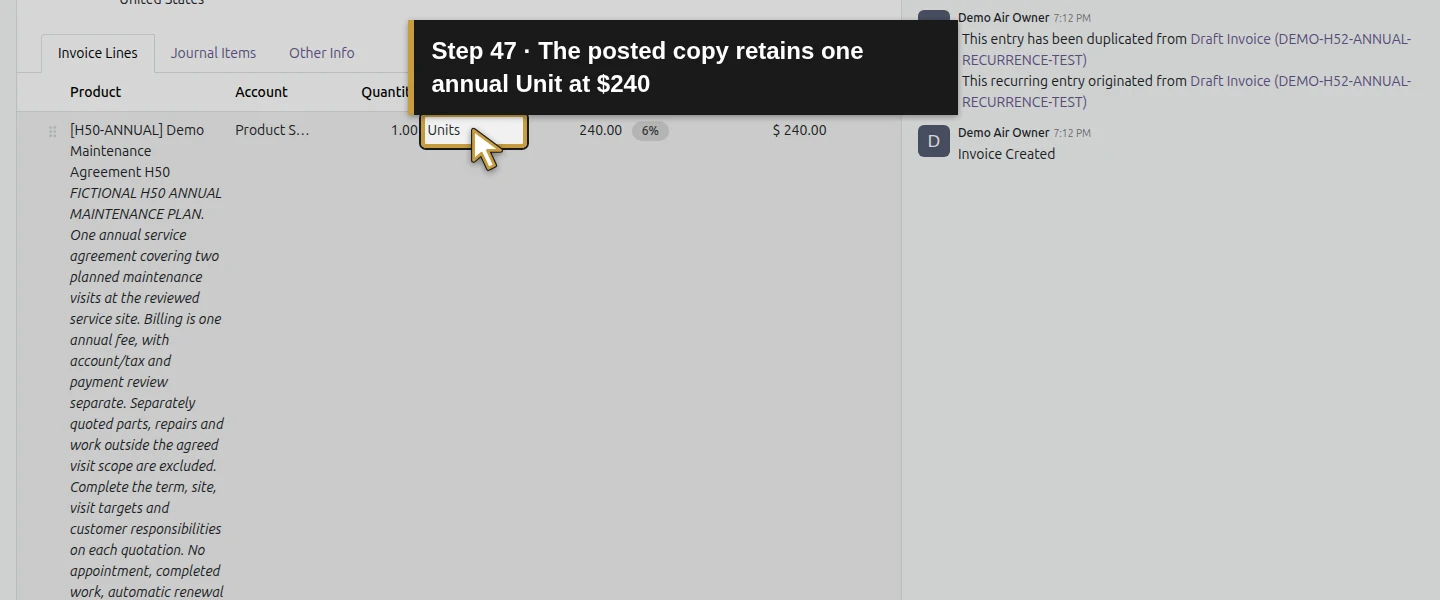
Return to Invoicing → Customers → Invoices and open INV/2026/00005. It is the same second record, now Posted with OdooBot’s validation in its chatter. Check its October 15, 2026 date, November 14 due date, $254.40 total and amount due, same service and copied training terms. The record remains unpaid, with no payment or payment transaction. No Send or Pay action was used. Posting produces accounting entries, not money received.
Step 10. Check repeated execution and the end condition
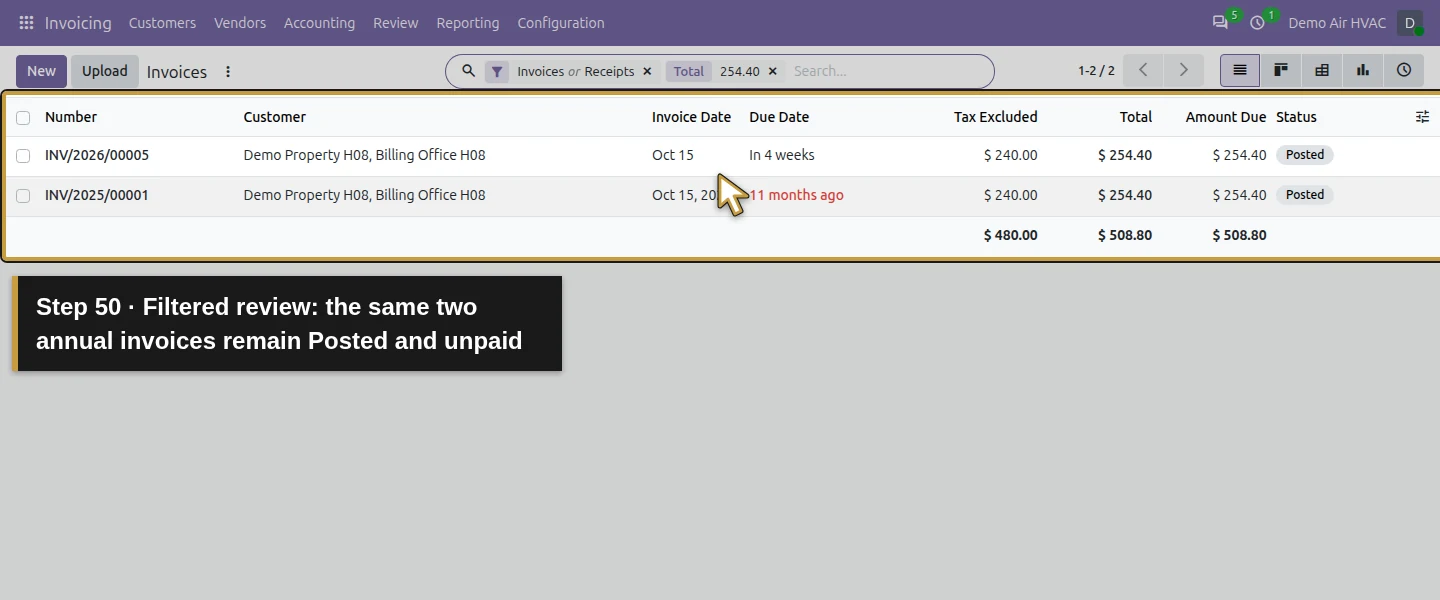
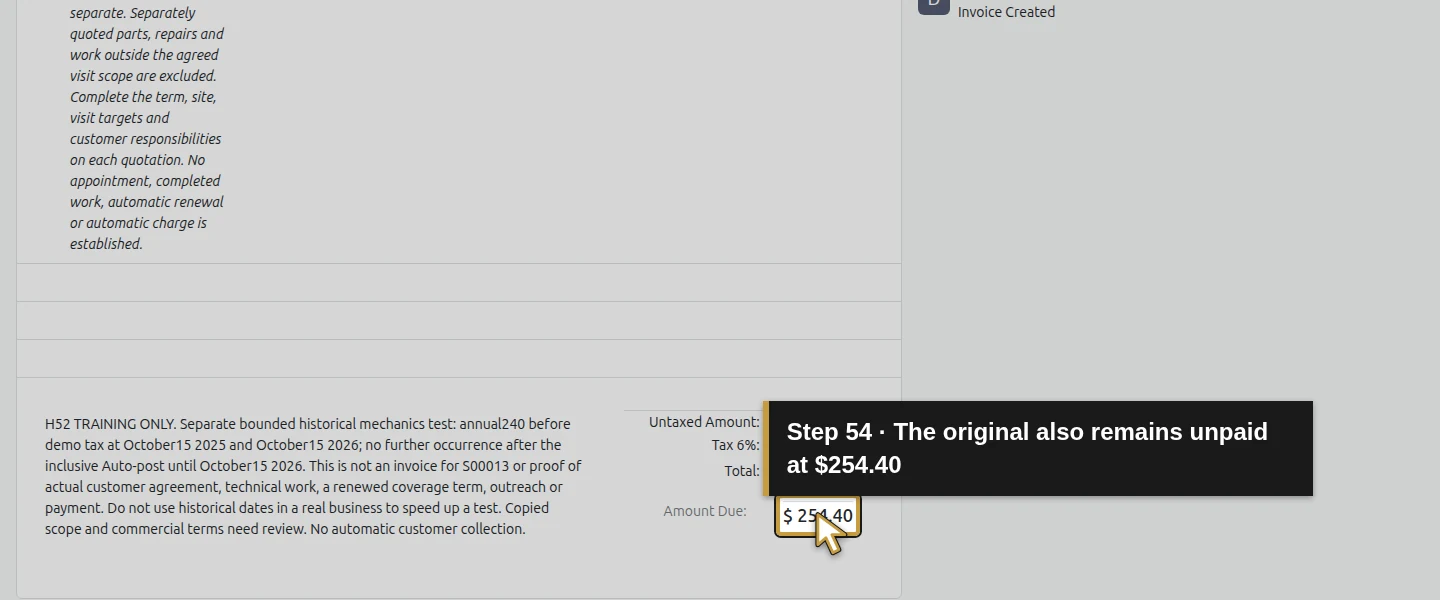
Run that same shipped scheduled action once more, then revisit the invoice list. The two test records remain INV/2025/00001 and INV/2026/00005; no duplicate or October 15, 2027 draft exists. The final invoice was allowed exactly on Auto-post until, but another year would exceed it. Both retain $254.40 due. This verifies repetition and the configured inclusive end; it does not test immediate disabling, cancellation or changing an already-posted recurrence.
Step 11. Reopen the original and preserve the business handoff
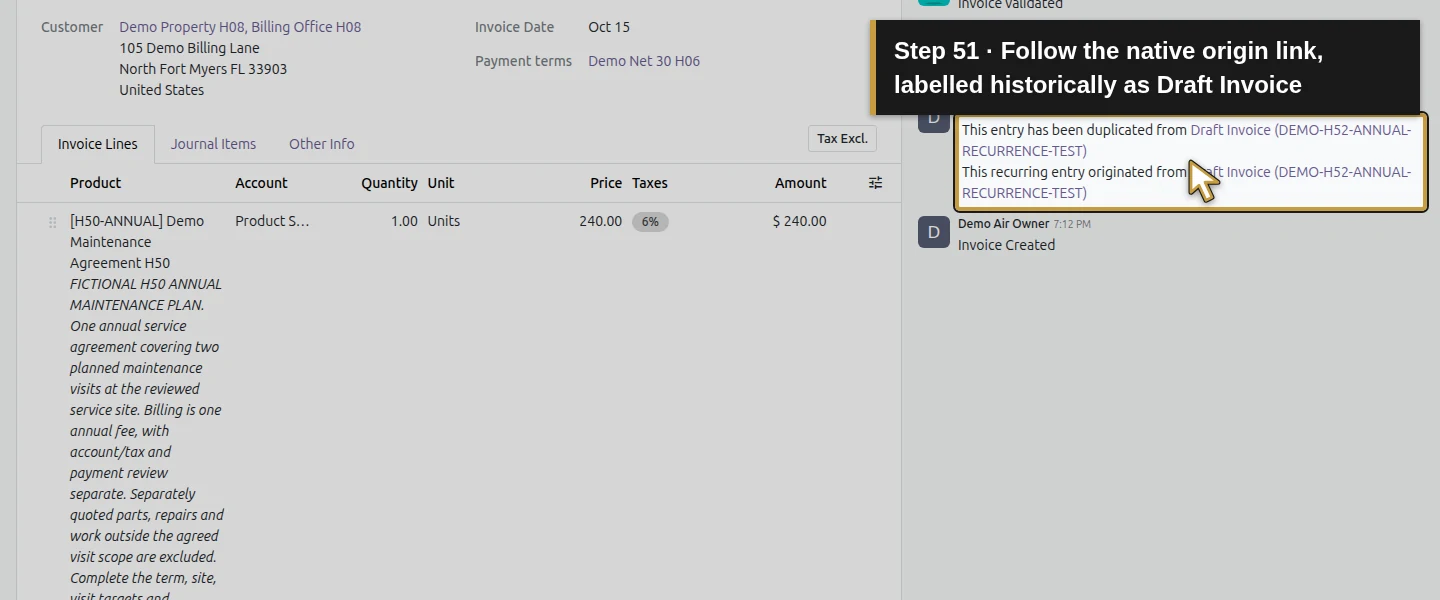
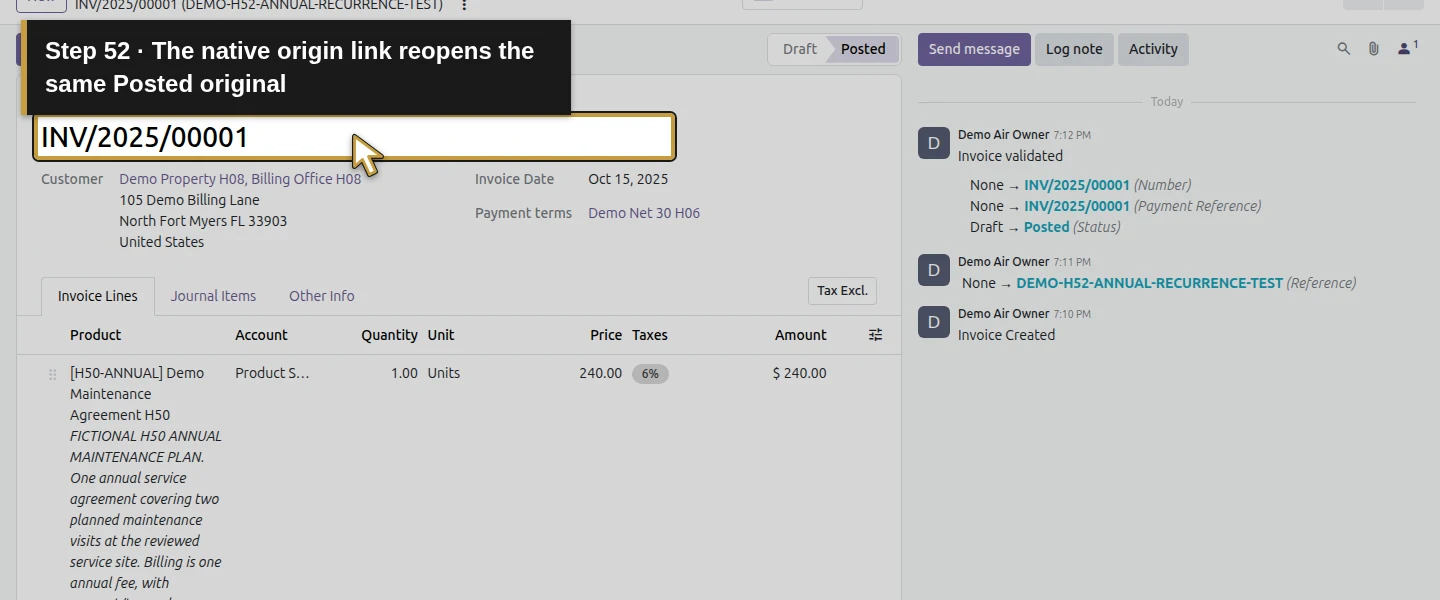
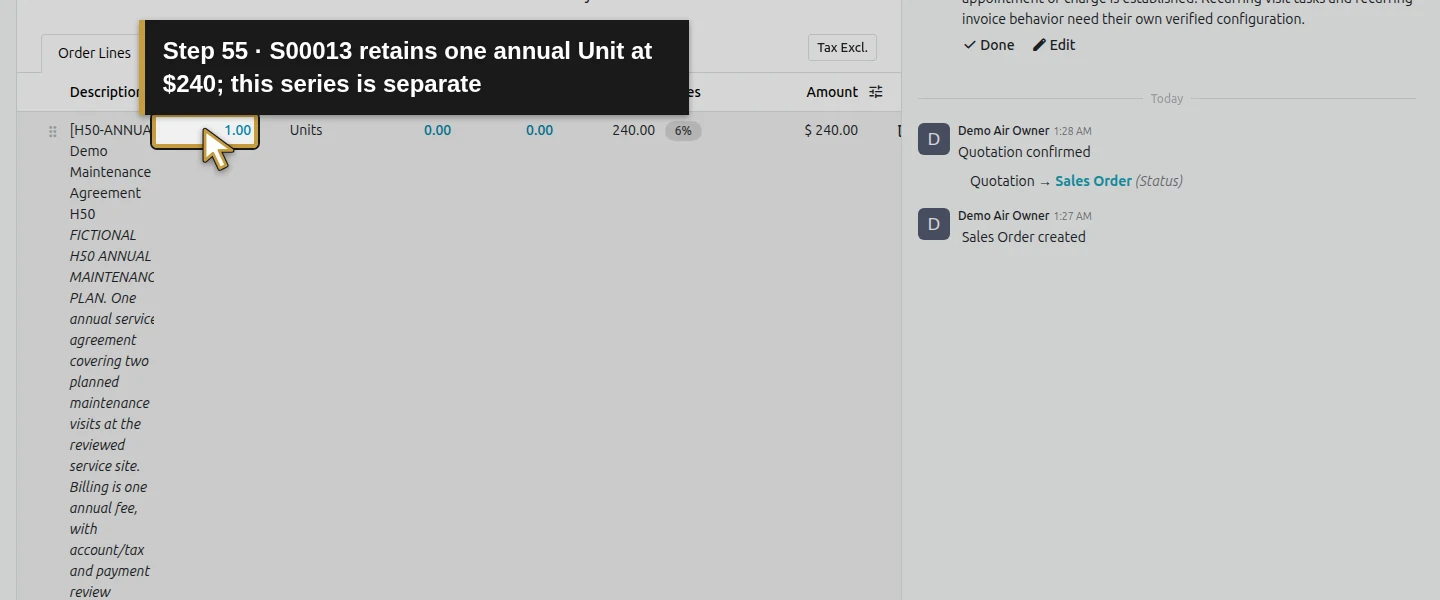
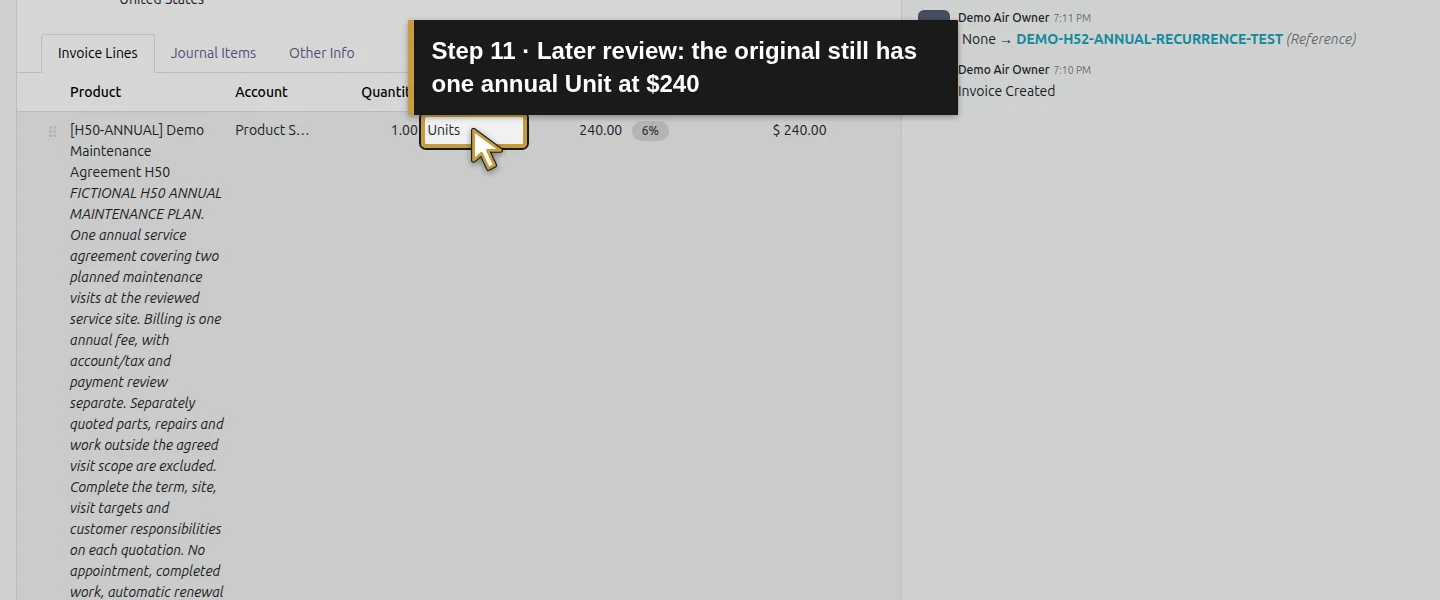
On INV/2026/00005, follow its This recurring entry originated from chatter link. It reopens the same posted INV/2025/00001 despite the link’s historical Draft Invoice label. Review its original terms and annual amount. Preserve the two synthetic test invoices separately from S00013, whose price, invoice links, visit tasks and planned office handoff remain unchanged. Before using recurrence for a real next term, review customer agreement, scope, dates, references and the renewal decision. Do not treat the generated invoice as authorization for continued coverage or collection.
Check the result
One native Confirm posts the first independent annual invoice and creates one next-year draft. The unchanged shipped job posts that due draft; repeating it adds none. INV/2025/00001 and INV/2026/00005 remain Posted and unpaid at $254.40 each, with dates October 15, 2025/2026 and Net 30 due dates November 14. Product, Units, quantity, price, tax, customer/site, terms and owner are copied; Customer Reference is not. Both belong to the same native recurrence origin, and the copy’s chatter link reopens the original. Auto-post until October 15, 2026 permits that final date and prevents a 2027 successor. No payment or transaction is created, and no email is sent. The earlier 20 finance records and all prior business remain unchanged; S00013 is still not invoiced by this separate test.
If your screen differs
This is stock invoice Auto-post in Odoo 20 Community, using one bounded historical annual test series and the shipped job through Run Manually. It is not the Subscriptions app or proof of automatic customer renewal, technical work or payment collection. Only Yearly, initial Confirm, the due posting job, repetition and the inclusive end were exercised. Monthly/quarterly, future-date hiding of Confirm, missing end dates, other roles, immediate disabling, cancellation/reset, changed posted recurrences and actual unattended timing remain untested. Product-cell editing cleared product selection in the initial draft and was corrected before posting. The copy retains general descriptions/terms, but not Customer Reference; this example has no sales-line link and does not prove how a sales-linked recurrence would copy that relationship. Use real reviewed dates and accounting/tax settings outside training. The historical invoices introduce synthetic open receivables; they are not actual customer debt.
Frequently asked questions
Can Odoo create recurring invoices automatically?
Yes. In this tested stock Odoo 20 Community example, Auto-post Yearly and an explicit Auto-post until configure invoice recurrence. Posting the first invoice creates a next-year draft, and the shipped due-entry job posts that draft. The job was run manually in a controlled test; unattended scheduling needs a running server scheduler. Customer agreement, copied scope, dates and billing basis still require review.Do recurring Odoo invoices charge the customer automatically?
The demonstrated recurrence creates and posts invoices; it does not collect payment. Both annual test invoices remain unpaid at $254.40, with no payment transactions or new payments. No Send, Pay or provider action was used. Review payment collection separately from invoice posting and from a maintenance-agreement renewal decision.How do I stop recurring invoices in Odoo at an end date?
Set Auto-post until explicitly on the draft before the series starts. In this Yearly test, October 15, 2026 is inclusive: the invoice on that date posts, but no October 15, 2027 successor is created. Repeating the shipped job adds no duplicate. Immediate disabling, cancellation and changing an already-posted series were not tested; inspect existing generated drafts before relying on a different stop method.Continue building the business
Continue with H53: How do I track maintenance-agreement renewals in Odoo? to plan a separate renewal review and next-term proposal. Keep the current annual agreement and H51 recurring visits distinct from this billing-mechanics fixture.
Talk about your Odoo setup
Bring your current process and the result you need to Onward to plan your Odoo workflow. Talk about your Odoo setup.