
Running an HVAC business with Odoo
How do I track maintenance-agreement renewals in Odoo?
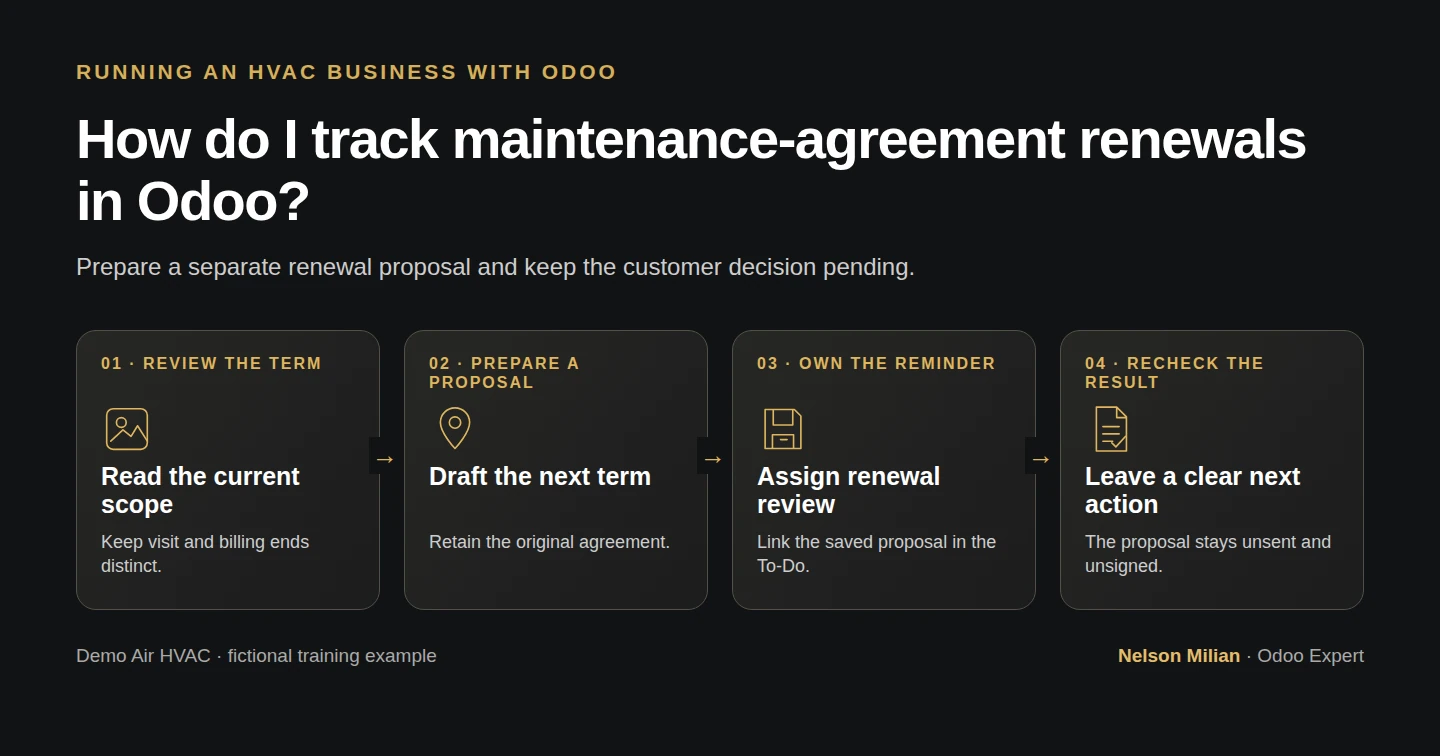
Track maintenance-agreement renewals in Odoo with an owned review reminder, a separate next-term quotation and independent visit and billing checks.
Alex needs a clear renewal handoff before the current maintenance term ends. This Odoo maintenance-contract renewal workflow uses a standard activity, a separate sales quotation and an internal review note. The office can prepare the proposed next term while keeping the customer decision pending and the existing agreement intact.
Alex Rivera and Demo Air HVAC are fictional training examples. Prices, dates, quantities and business situations in this guide are illustrative.
Before you begin
Tested in stock Odoo 20.0-20260926 Community as the demo owner administrator, with official modules and standard configuration. Complete H50 maintenance agreements, H51 recurring visits and H52 recurring invoices. Use existing standard Sales, mail activities, Project and Invoicing. S00013 covers October 15, 2026–October 14, 2027, at one annual $240 fee before demo tax for two planned visits. The H51 tasks were closed synthetically to test recurrence; the H52 historical invoices are a separate unpaid training series and do not bill S00013. This lesson prepares a fictional next-term proposal early, with no customer decision, actual renewal or cancellation asserted. Keep customer messages local. The tested role is the owner administrator; no Subscriptions app or custom expiry field is used.
Step-by-step workflow
Step 1. Read the current agreement before preparing another term
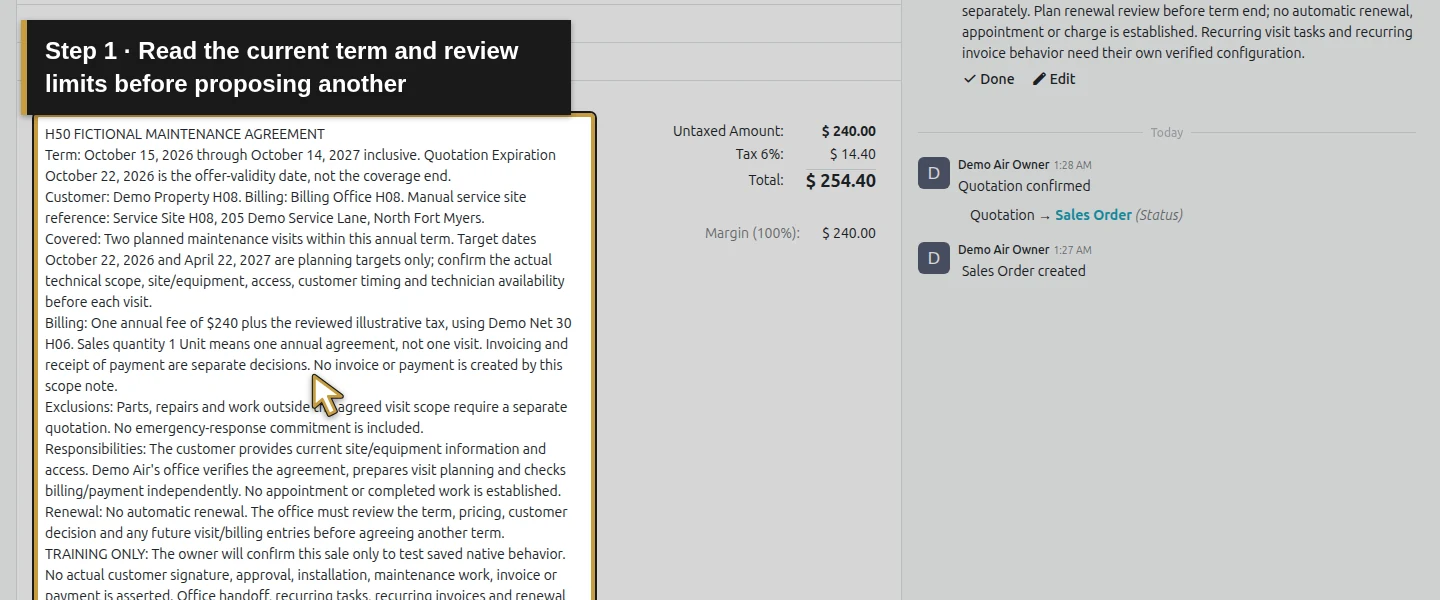
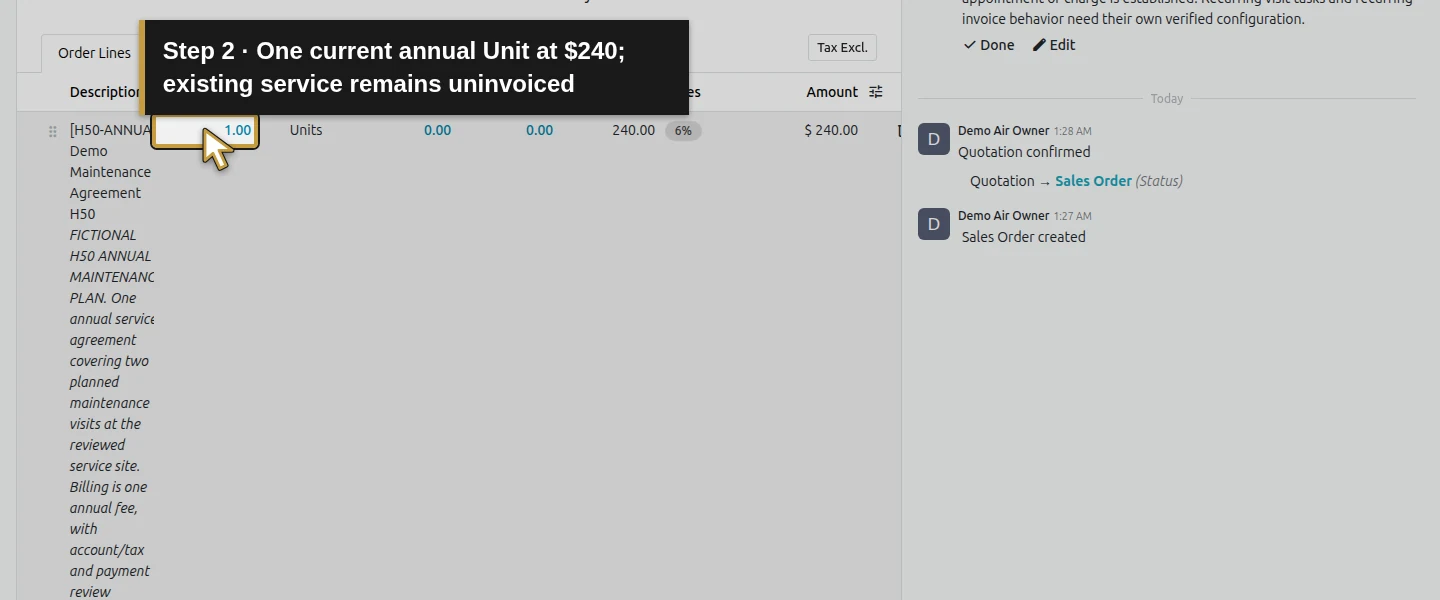
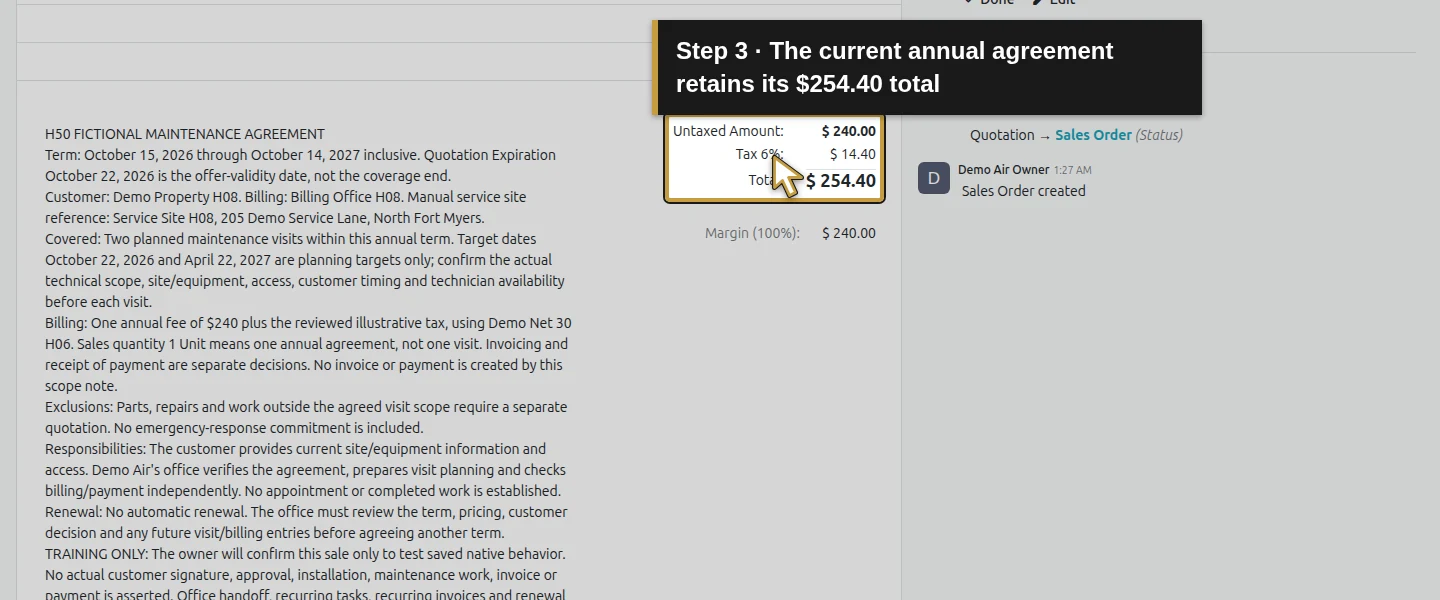
Open Sales → Orders → Quotations → S00013. Read its existing Terms and conditions under Order Lines: current coverage ends October 14, 2027, one annual Unit covers two planned visits, and renewal requires office review. Its original quotation Expiration, October 22, 2026, is a different date with a different purpose. Check the customer/site, scope, one $240 line and $254.40 illustrative total. The original line is still uninvoiced; the separate H52 test invoices do not change that.
Step 2. Review the actual visit and billing records
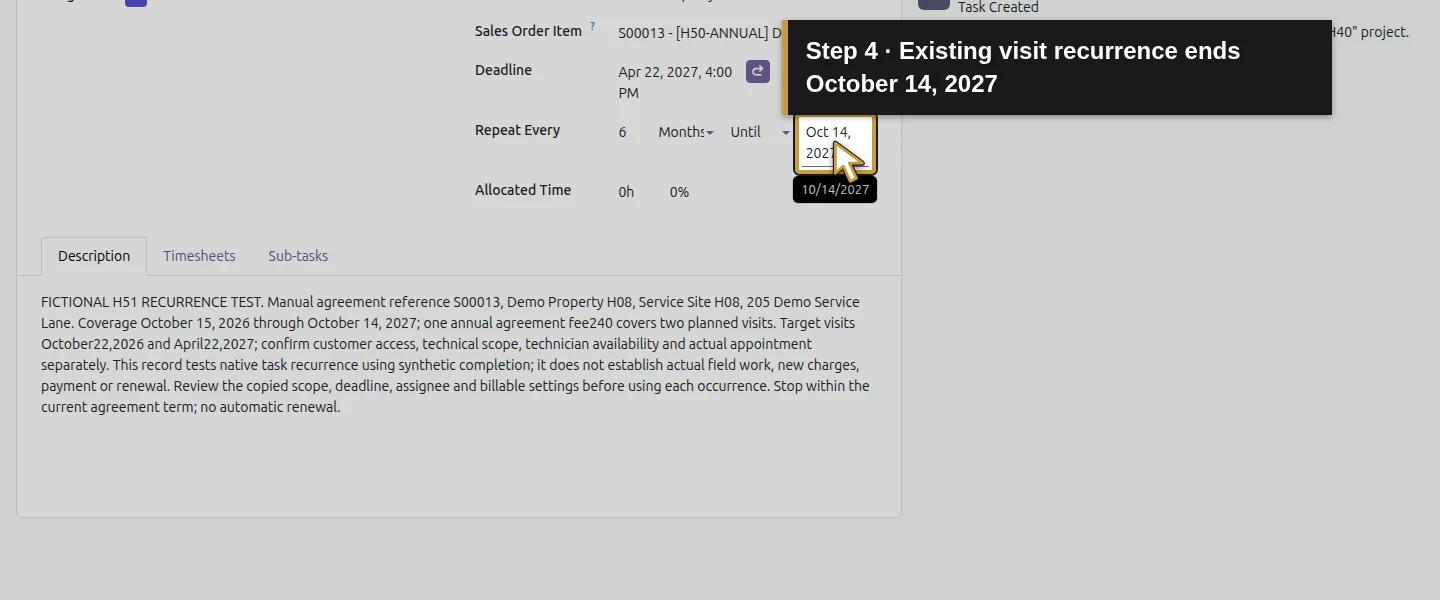
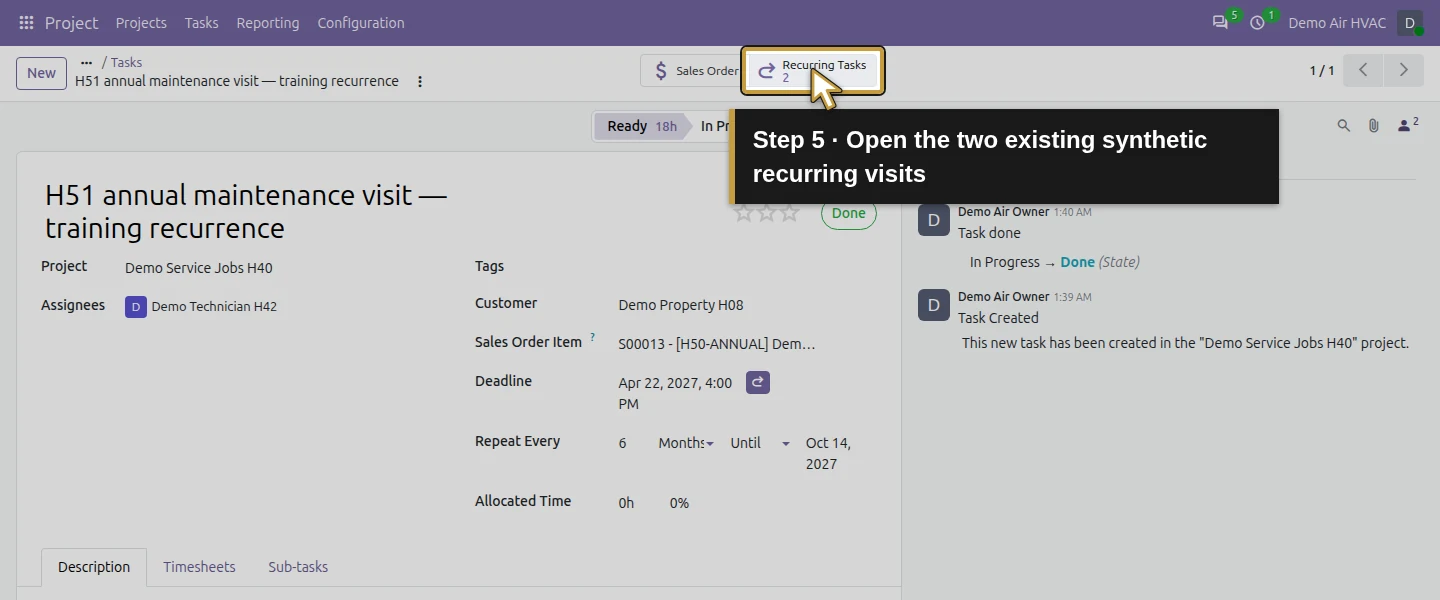
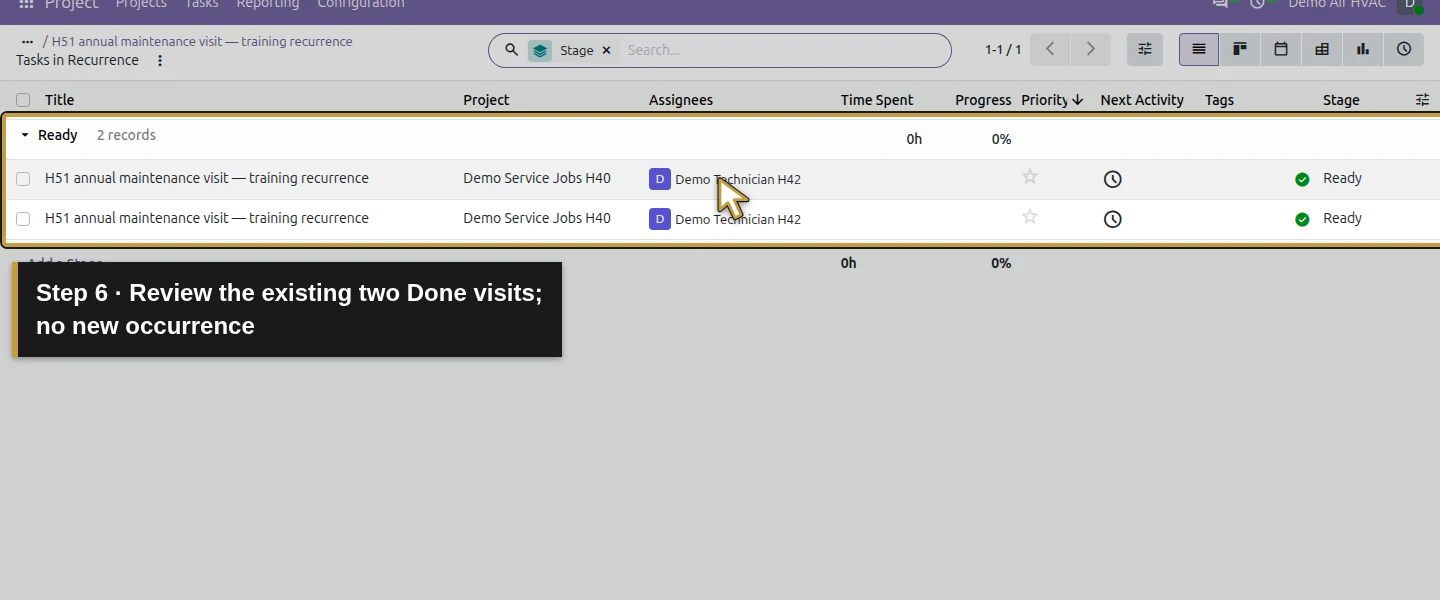
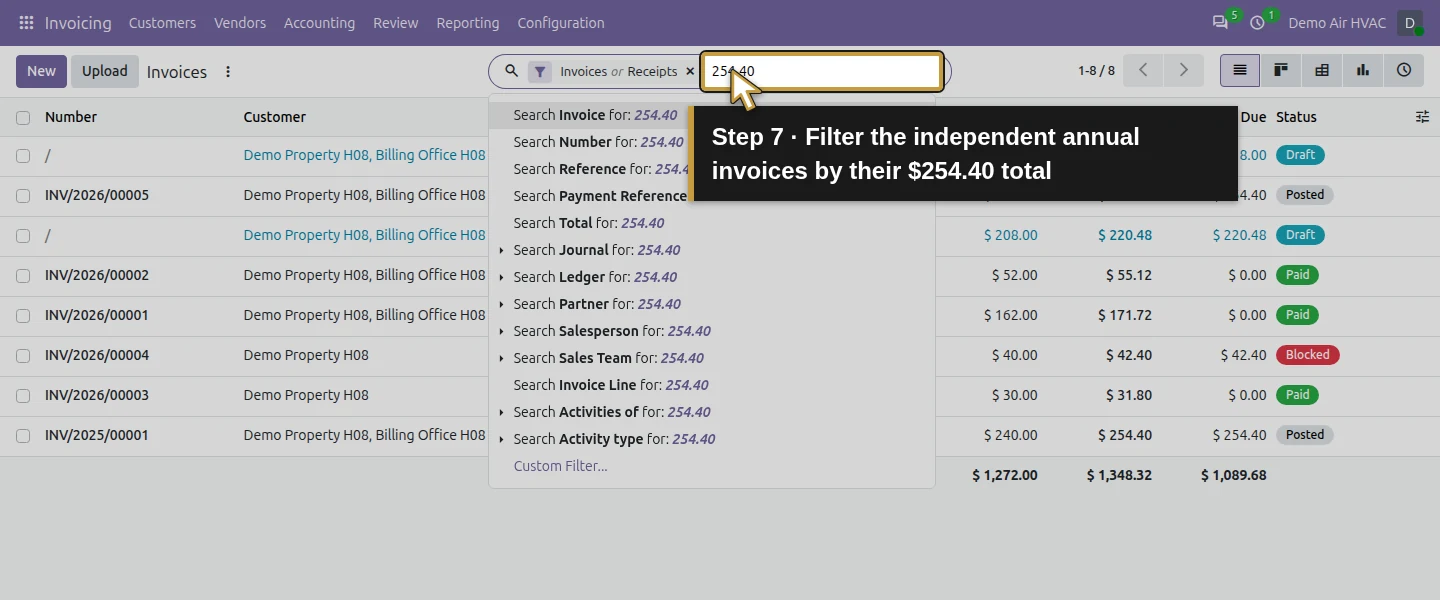
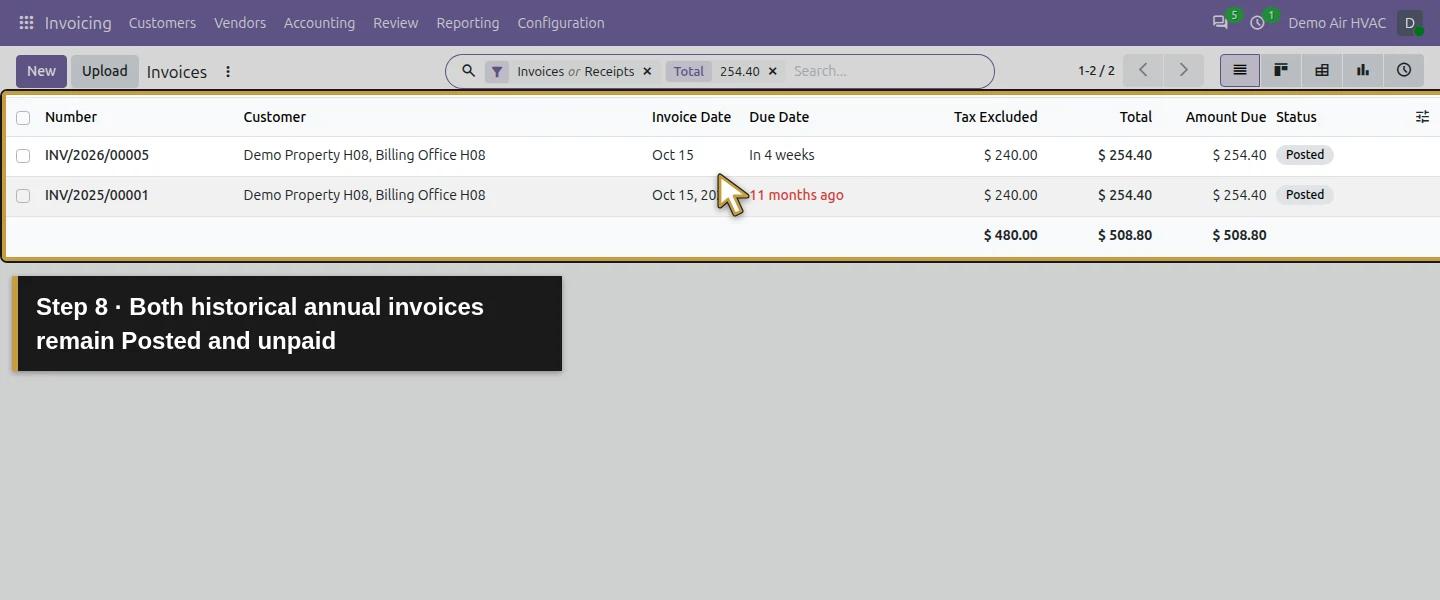
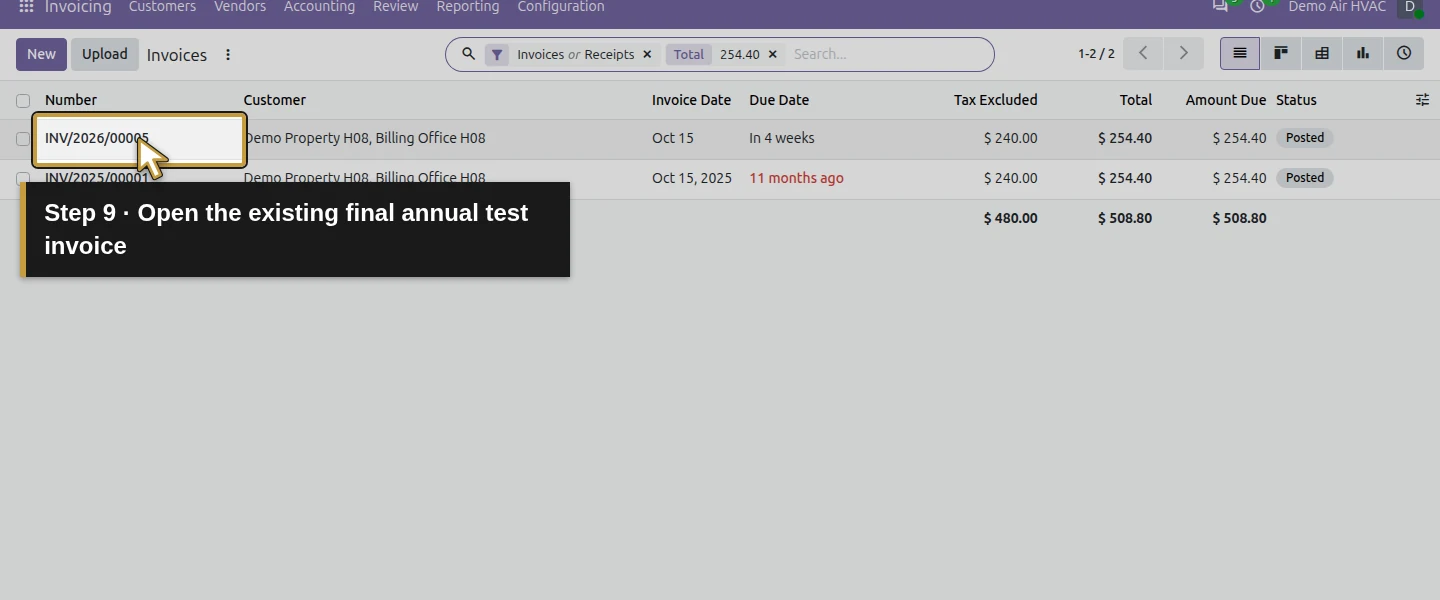
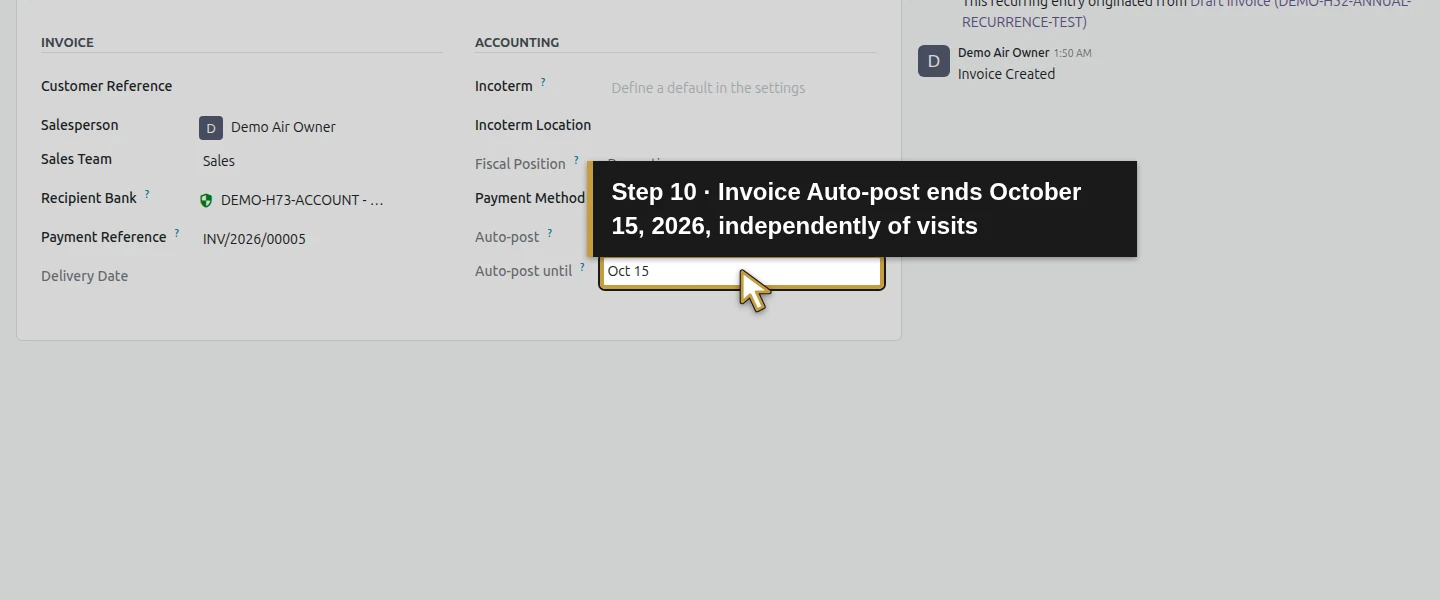
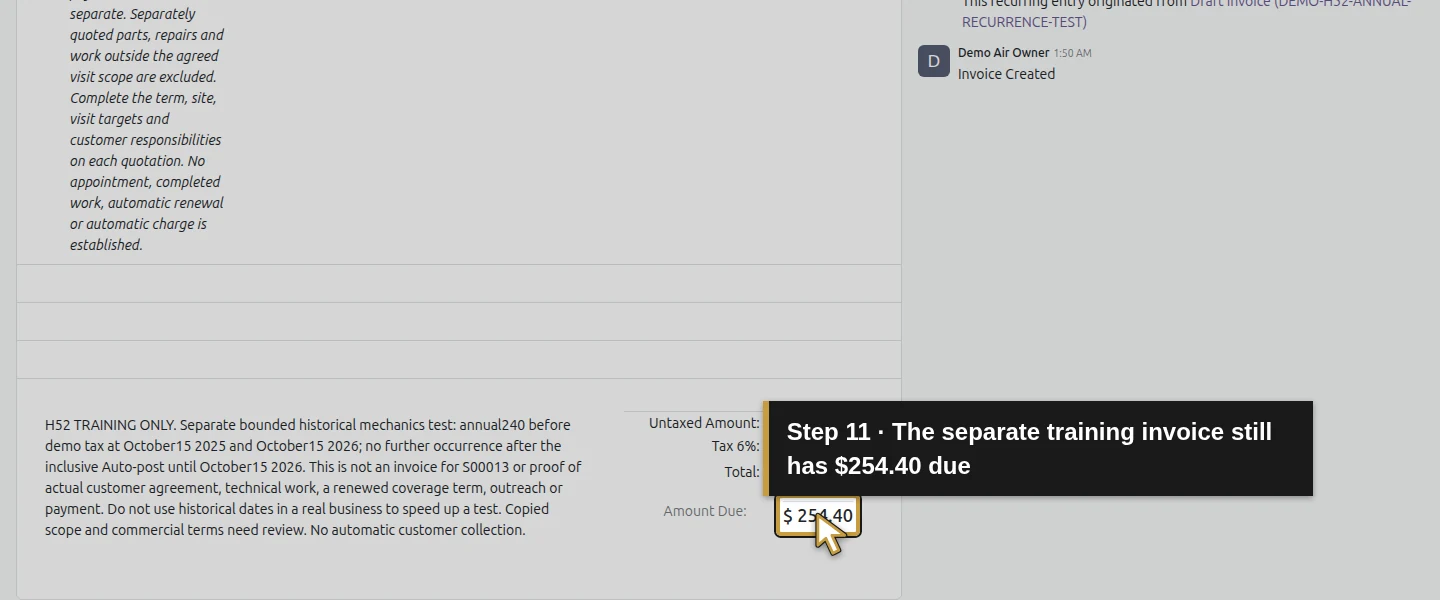
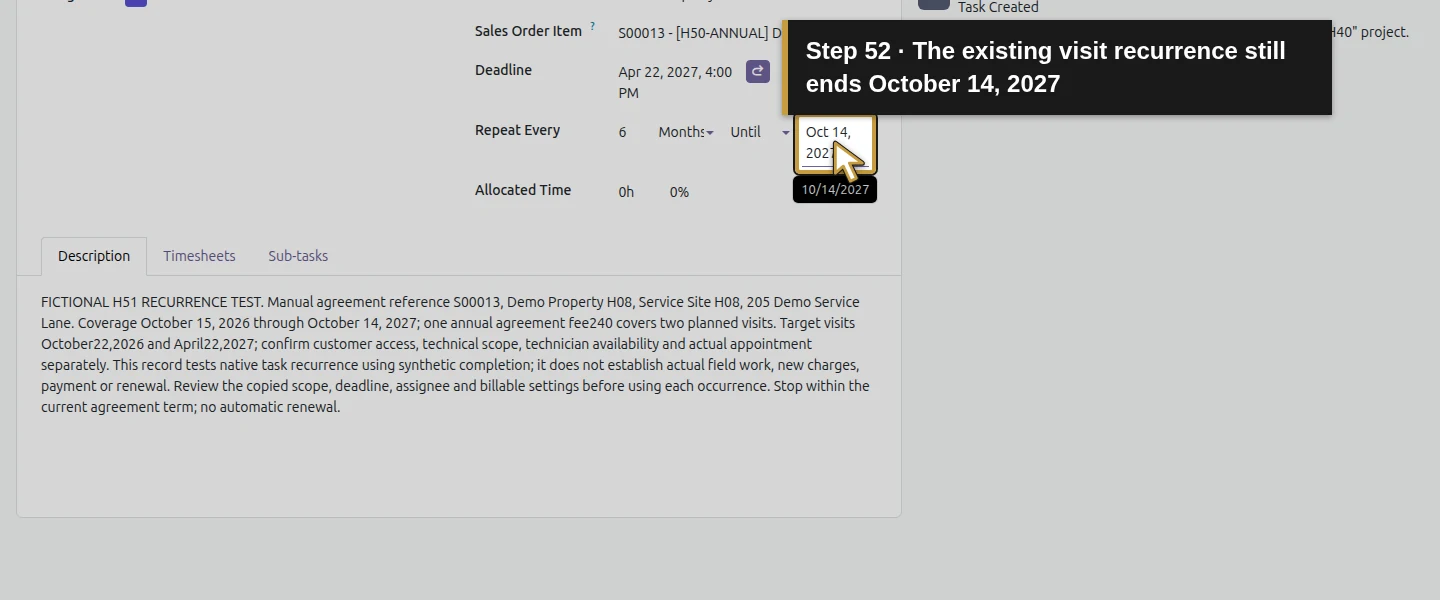
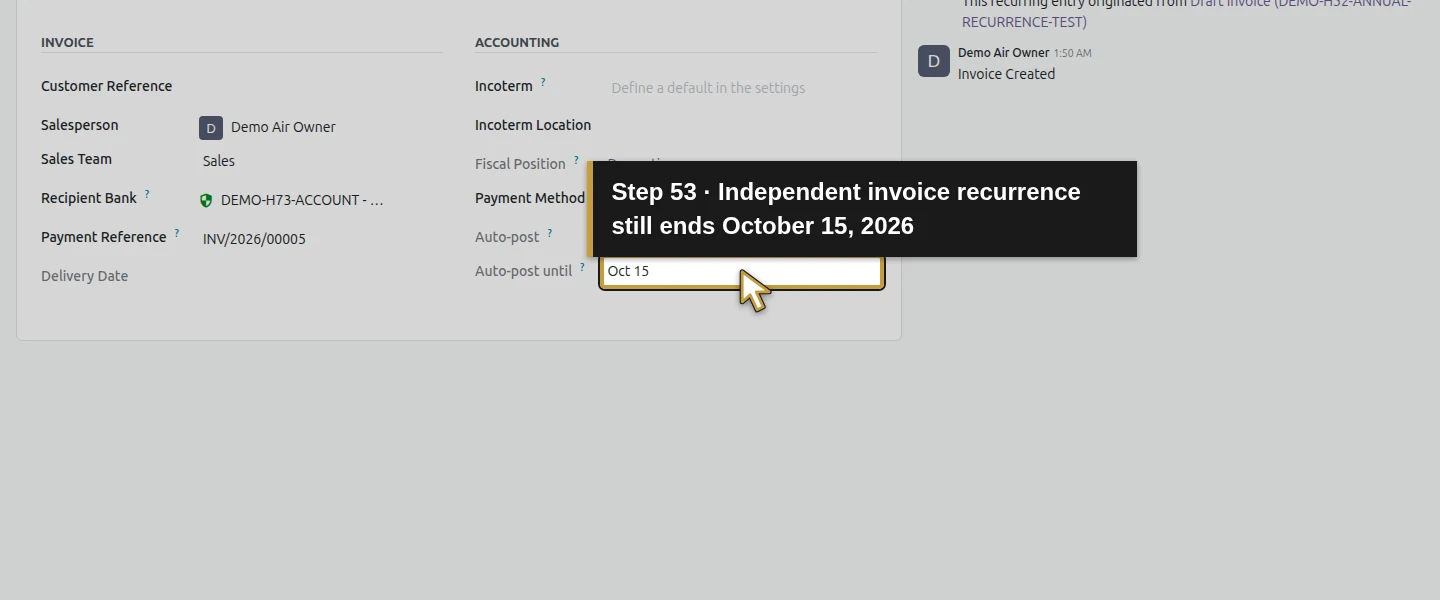
Use the H51 task records and their Recurring Tasks view to review the two synthetic Done tasks, last deadline April 22, 2027, and Until October 14, 2027. Review the separate H52 invoices in Invoicing → Customers → Invoices: INV/2025/00001 and INV/2026/00005 are Posted and unpaid, with Auto-post until October 15, 2026. Those bounded test series generated no further task or invoice. Record which agreement each record actually belongs to; a similar customer or product name does not make an independent invoice a bill for S00013.
Step 3. Save an owned renewal-review reminder
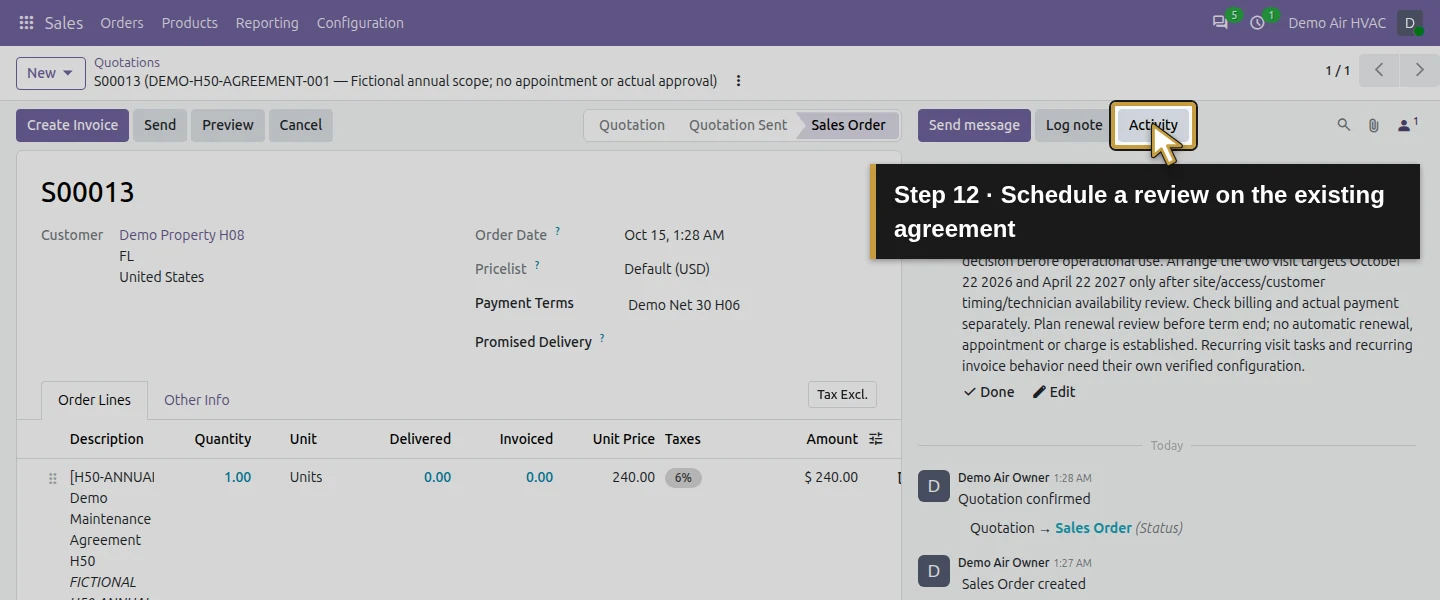
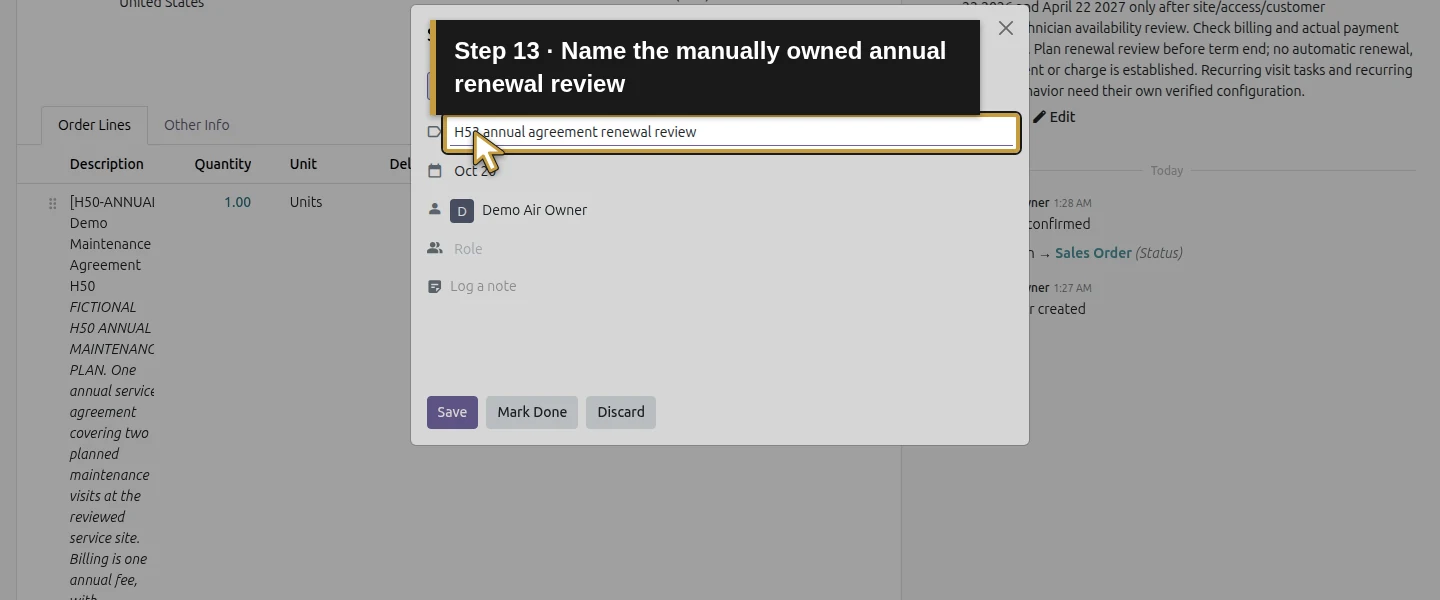
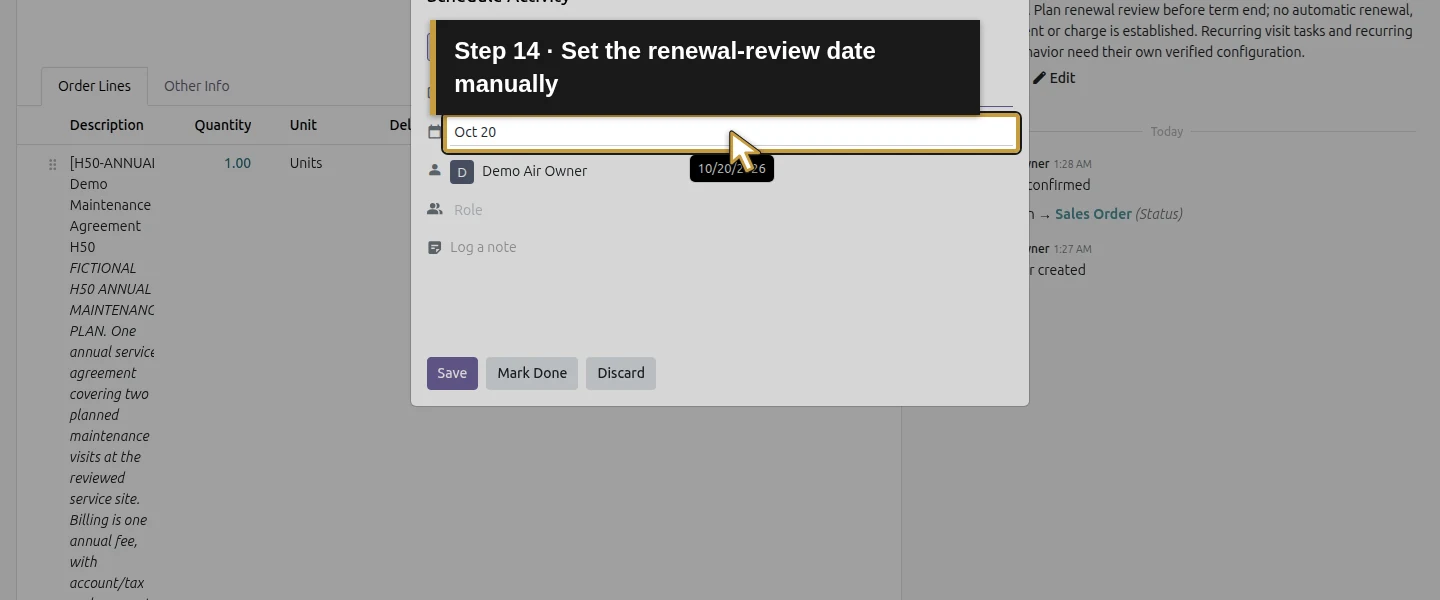
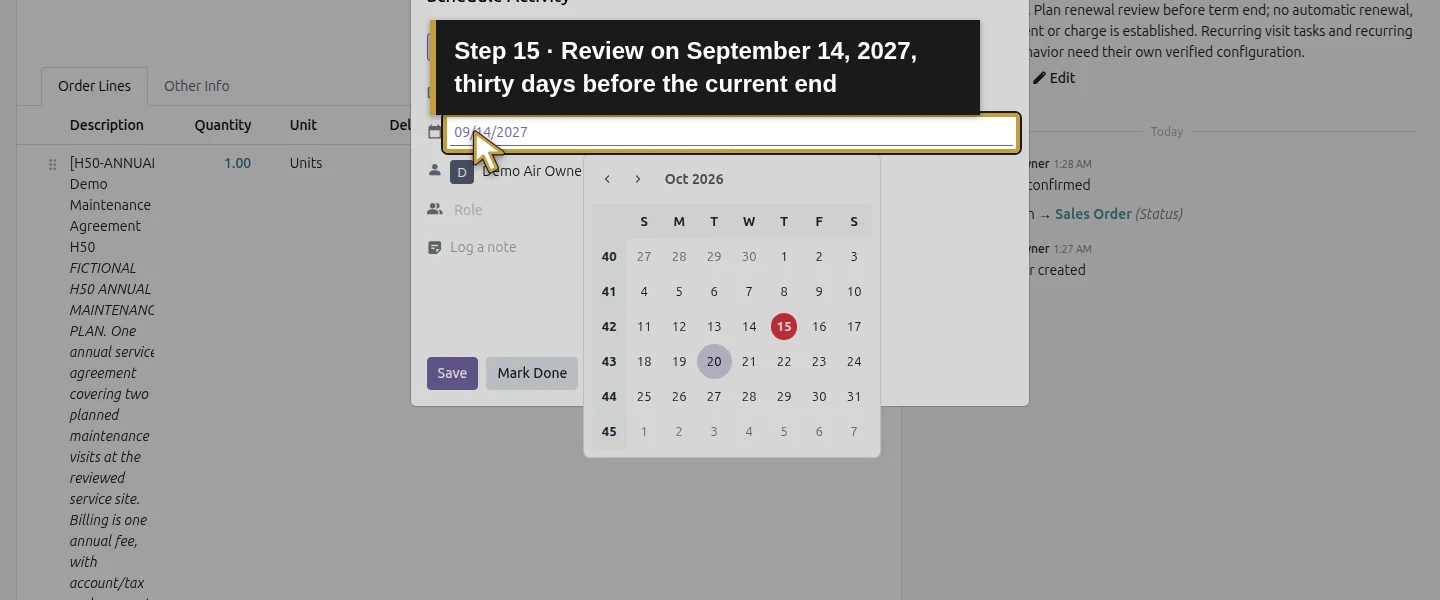
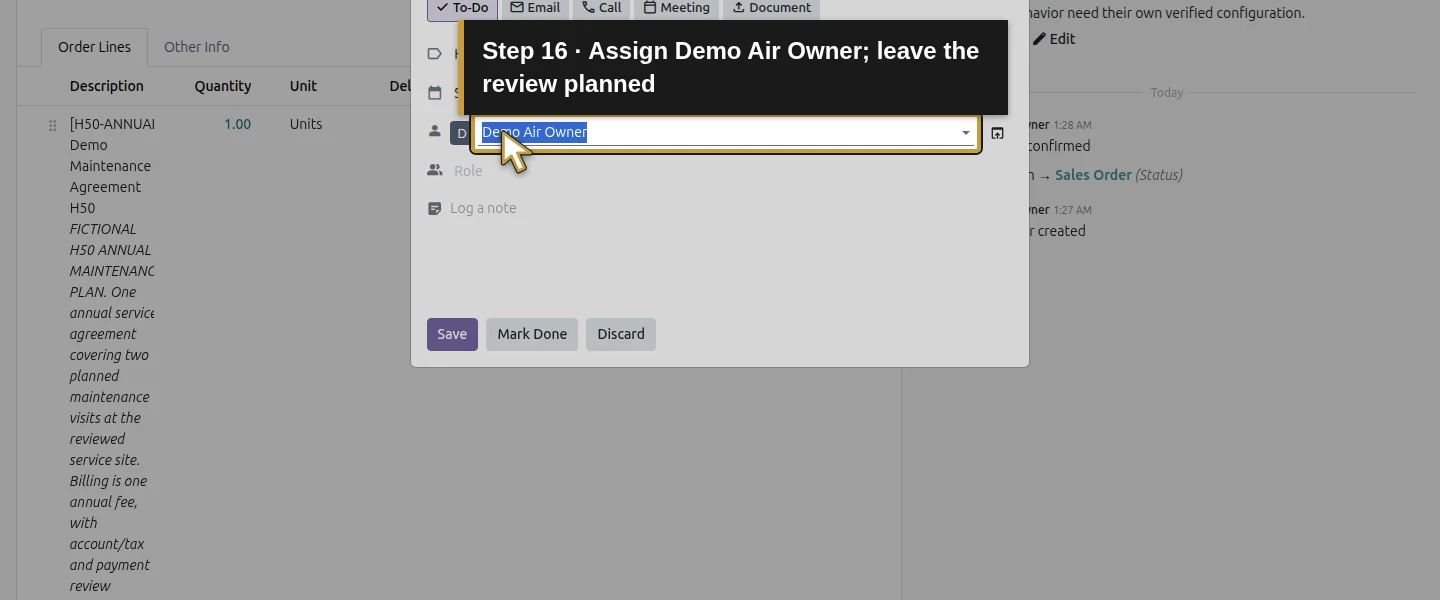
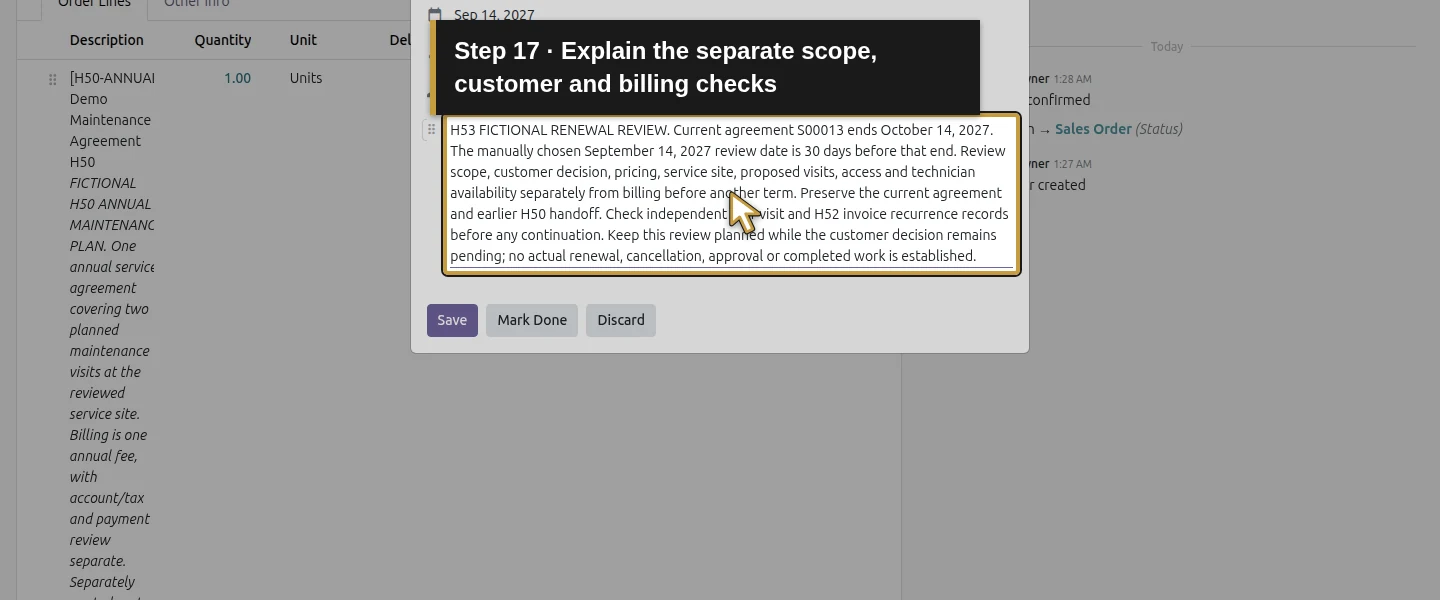
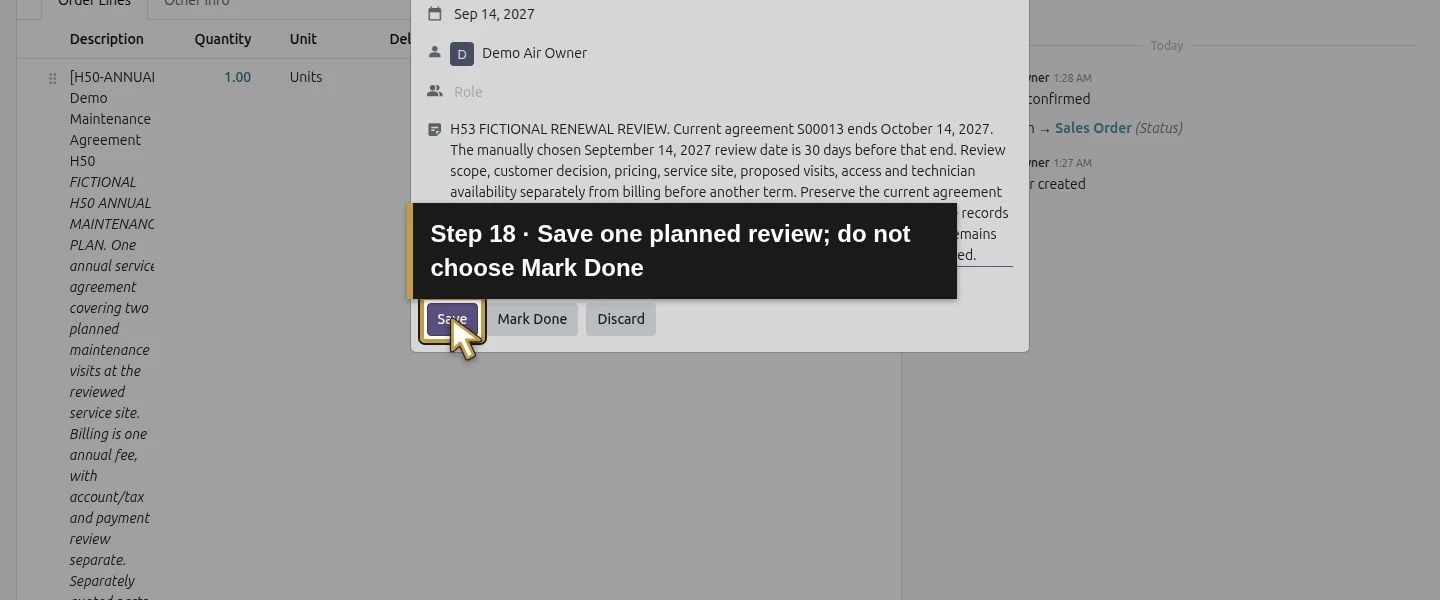
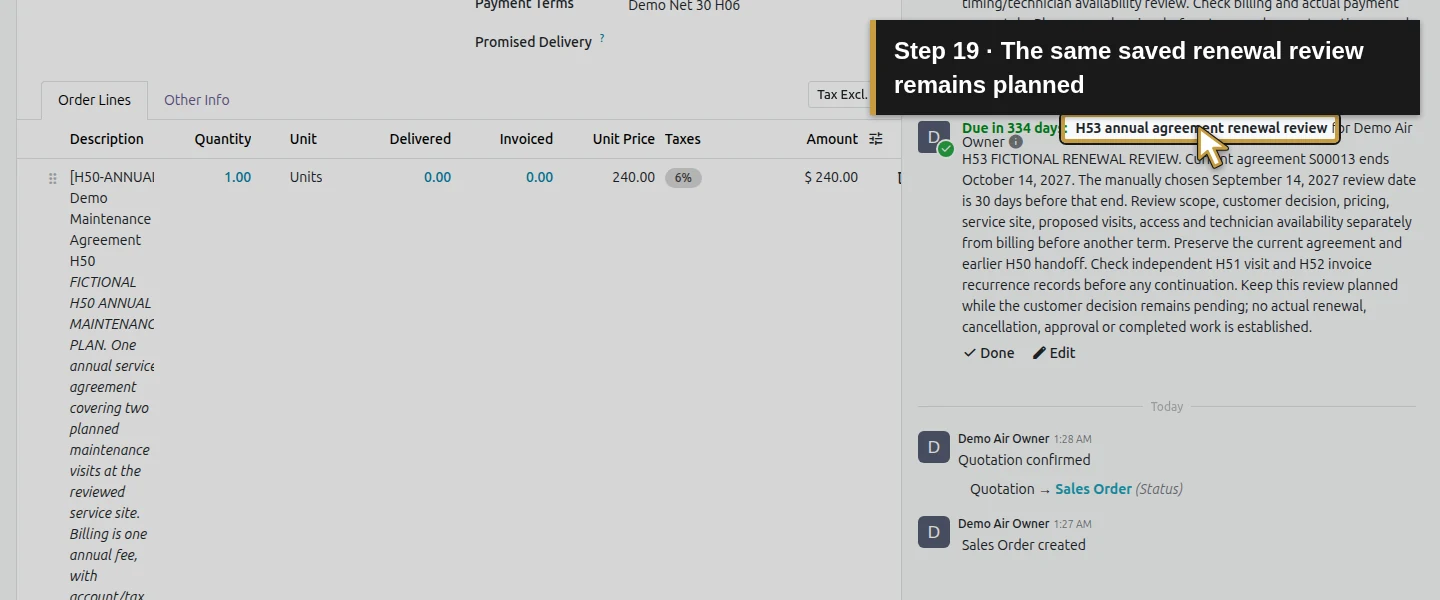
On S00013, click Activity. Keep To-Do, enter Summary H53 annual agreement renewal review, set Due on September 14, 2027, and verify Assigned to Demo Air Owner. That chosen date is 30 days before the current coverage end. In the note, ask the office to review scope, customer decision, pricing, site, visits and billing separately before another term. Click Save. Leave the activity planned; Mark Done would record a completed review. This date was entered manually, not calculated from the agreement’s free-text terms.
Step 4. Create a separate proposal for the next term
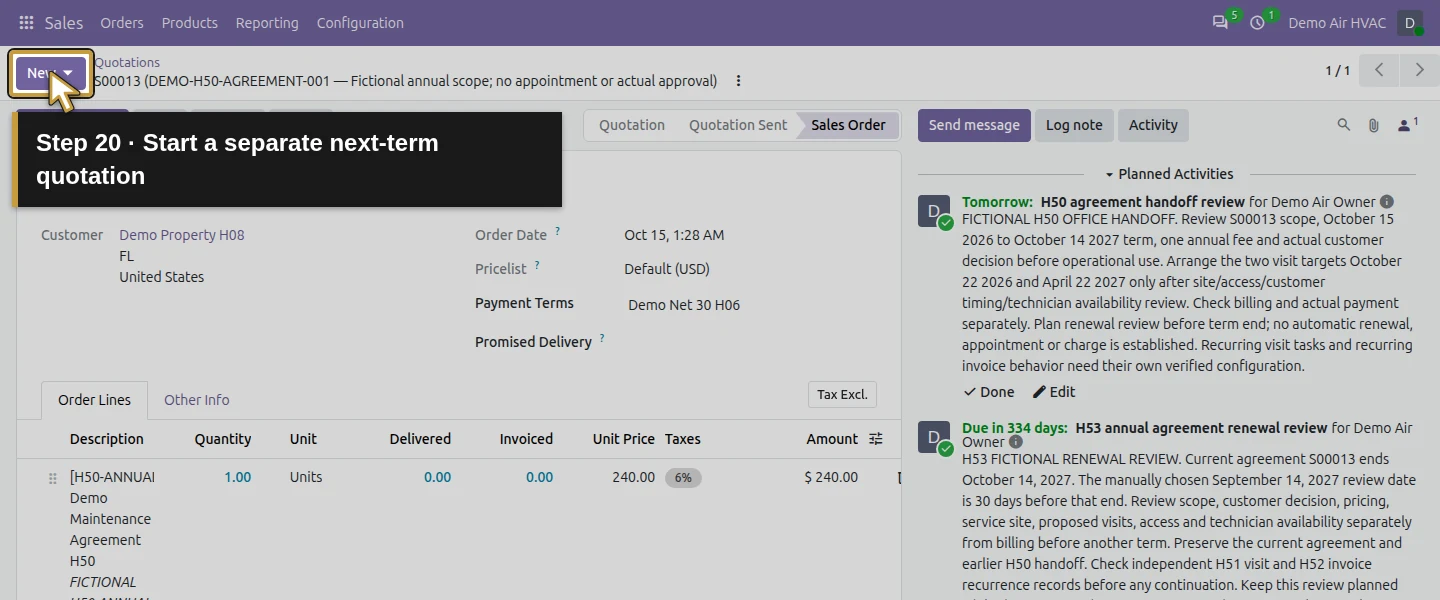
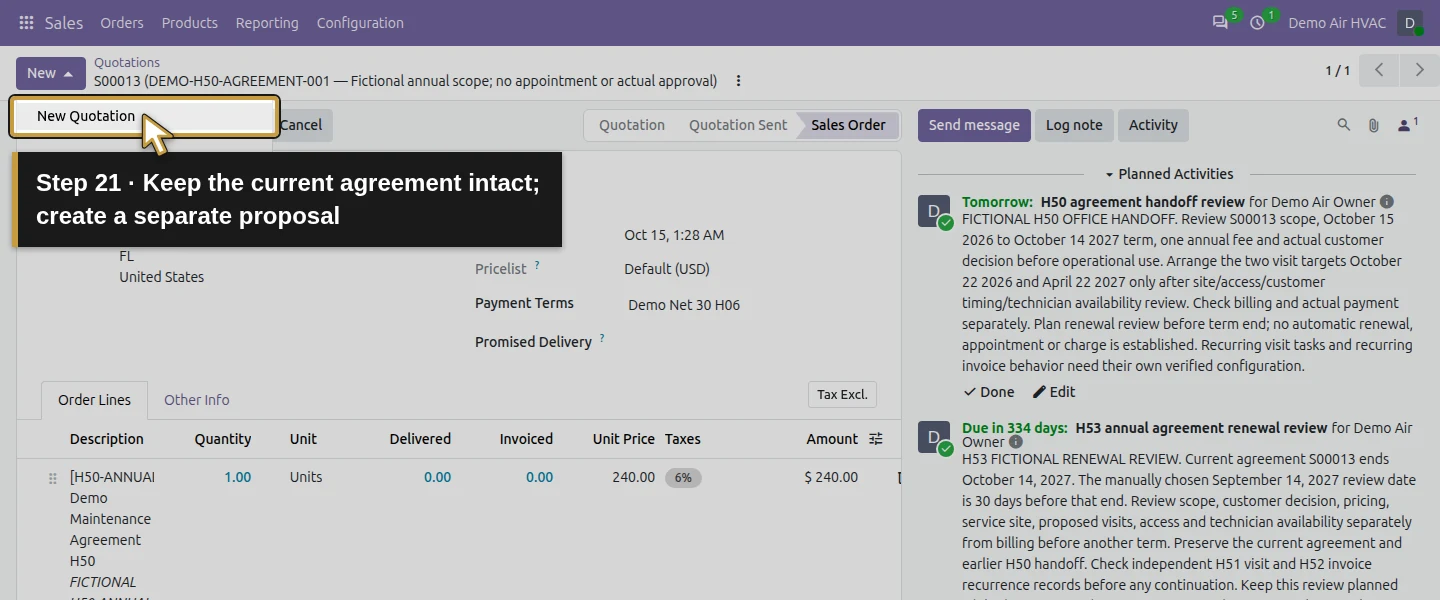
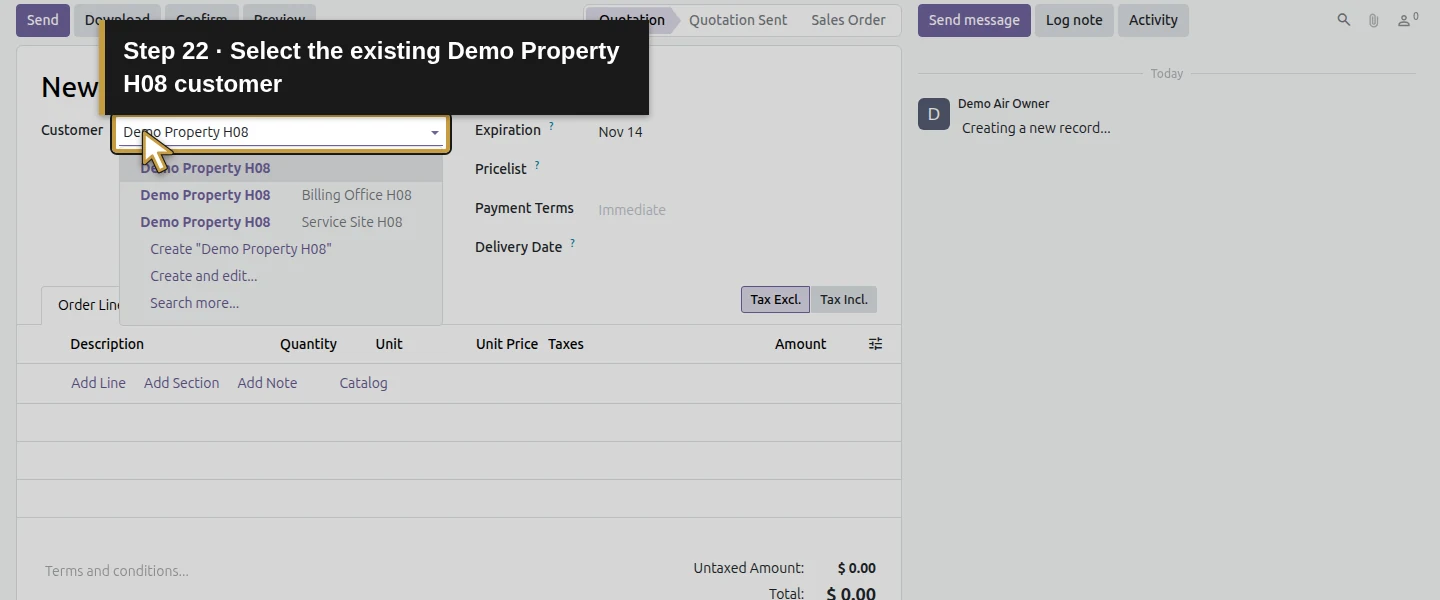
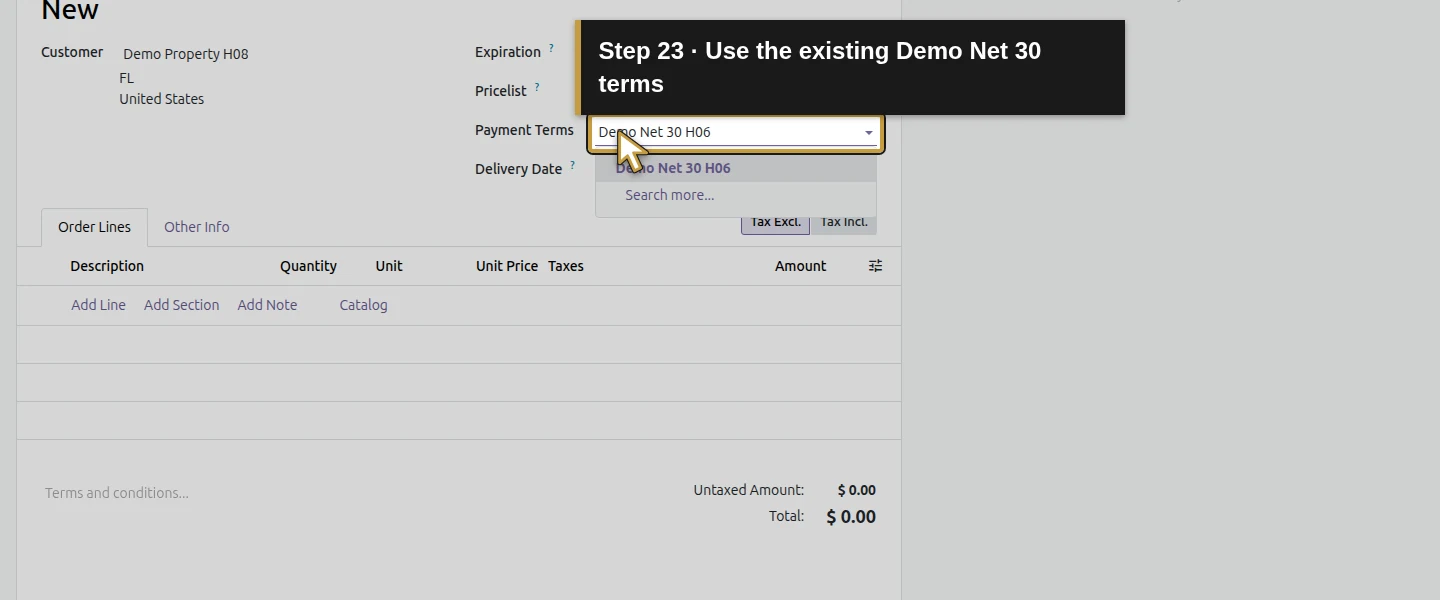
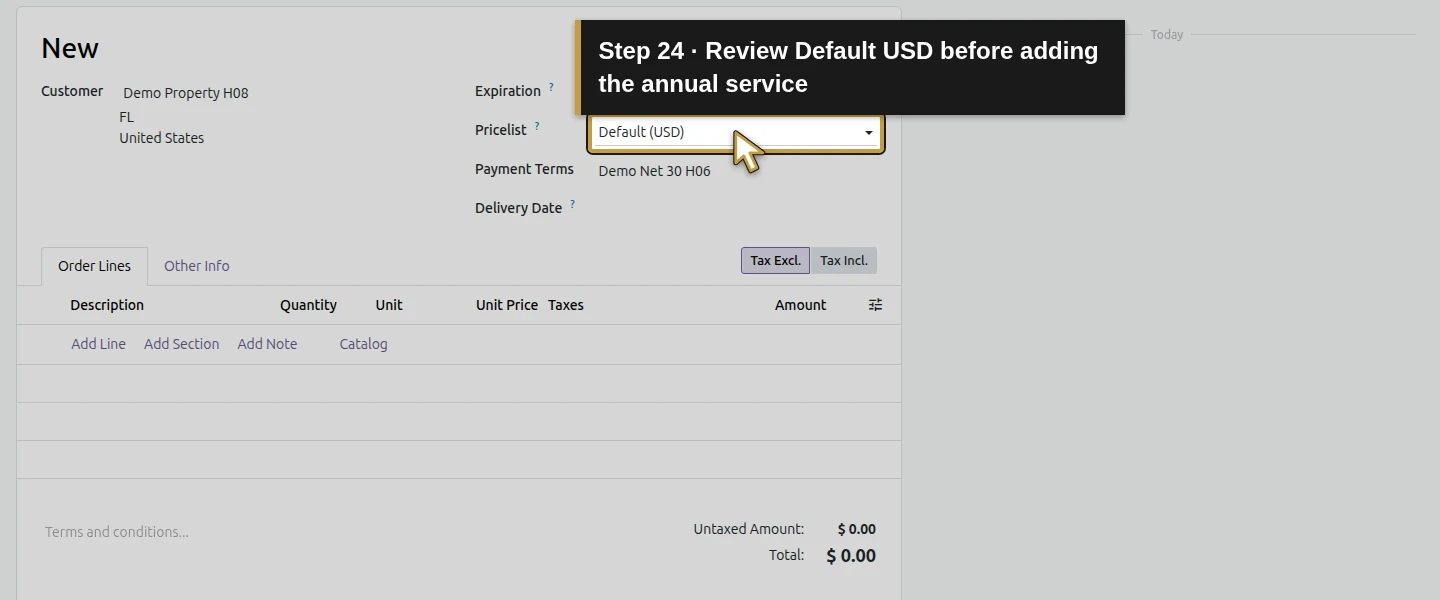
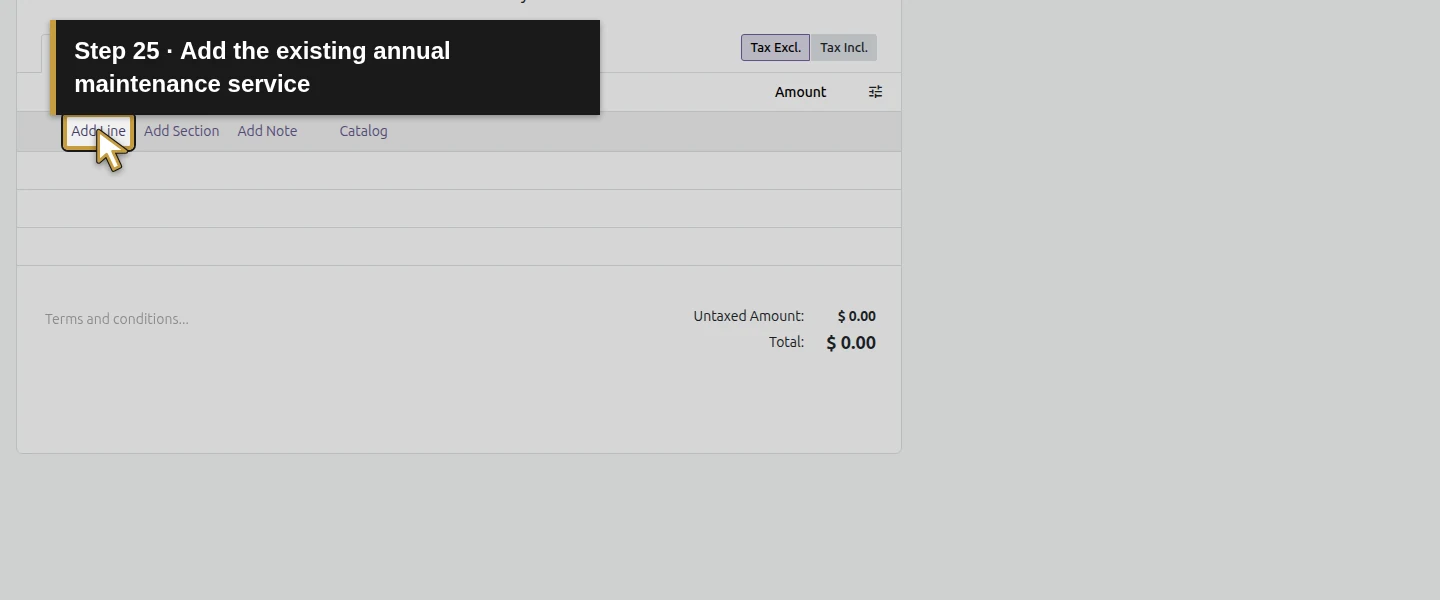
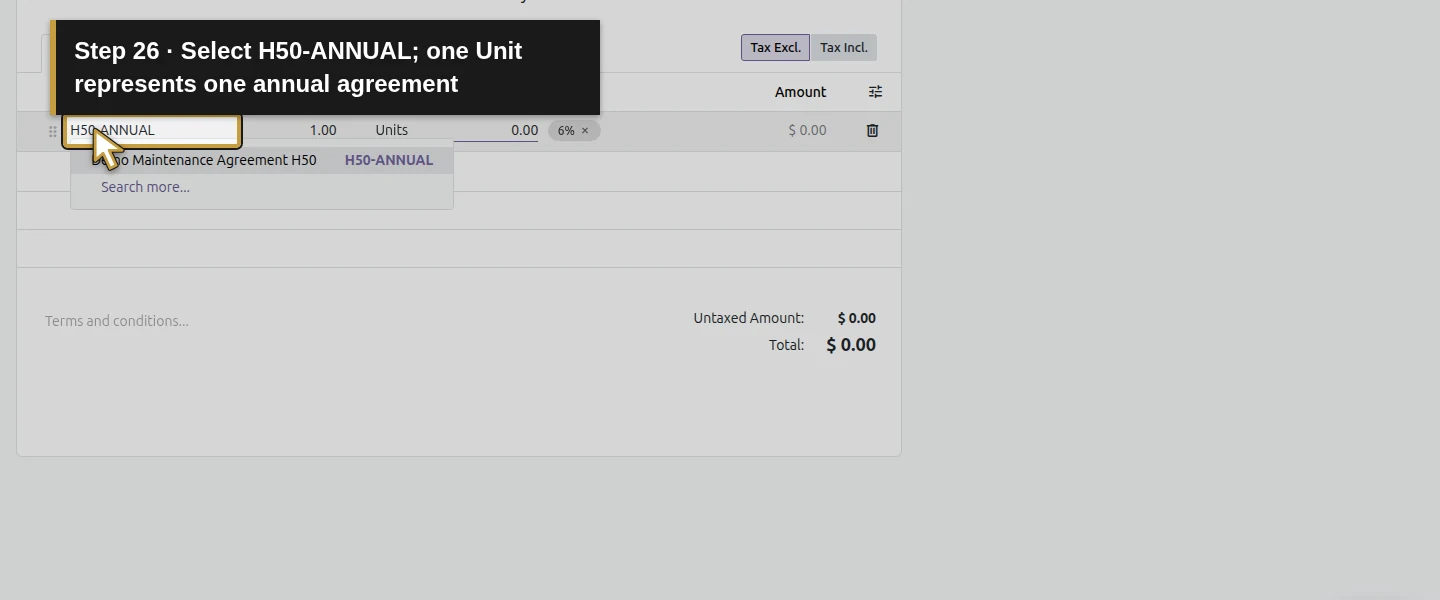
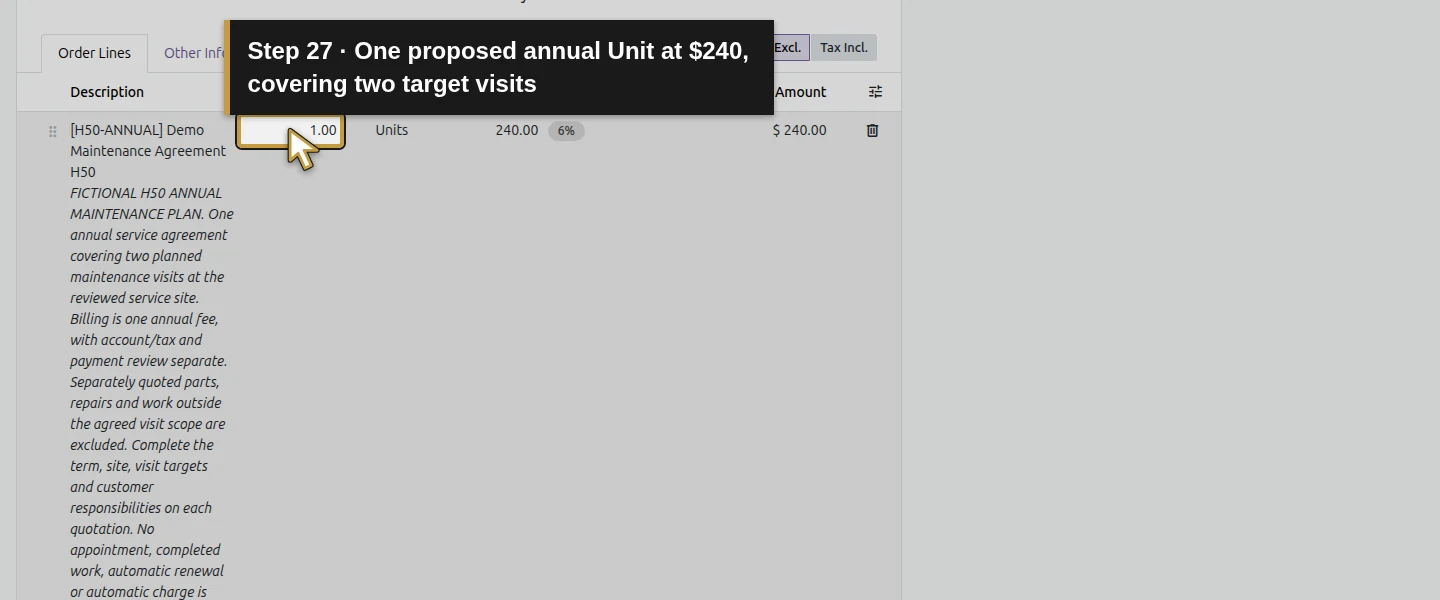
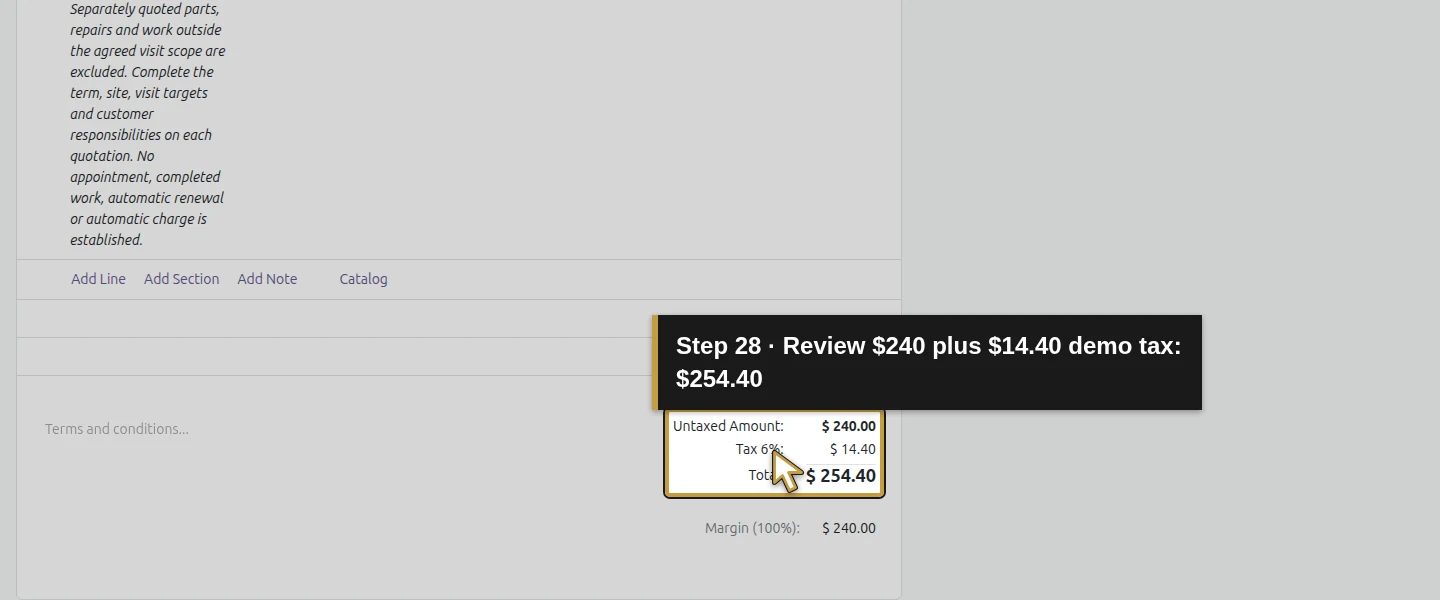
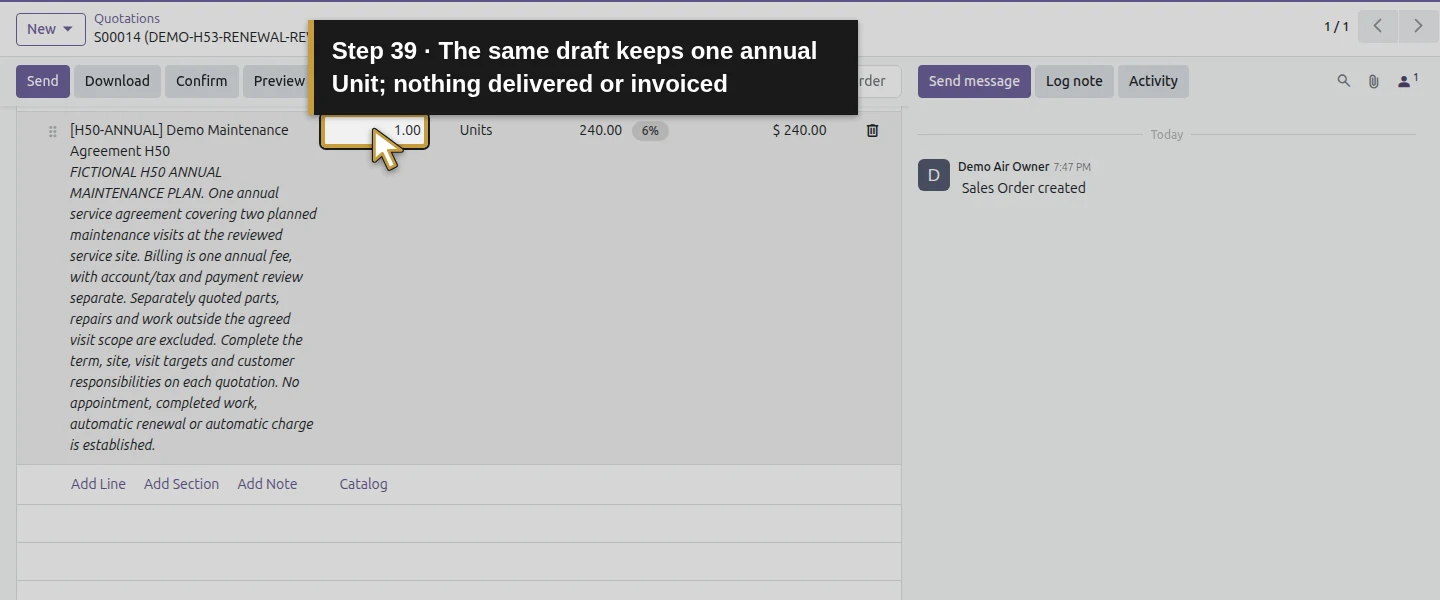
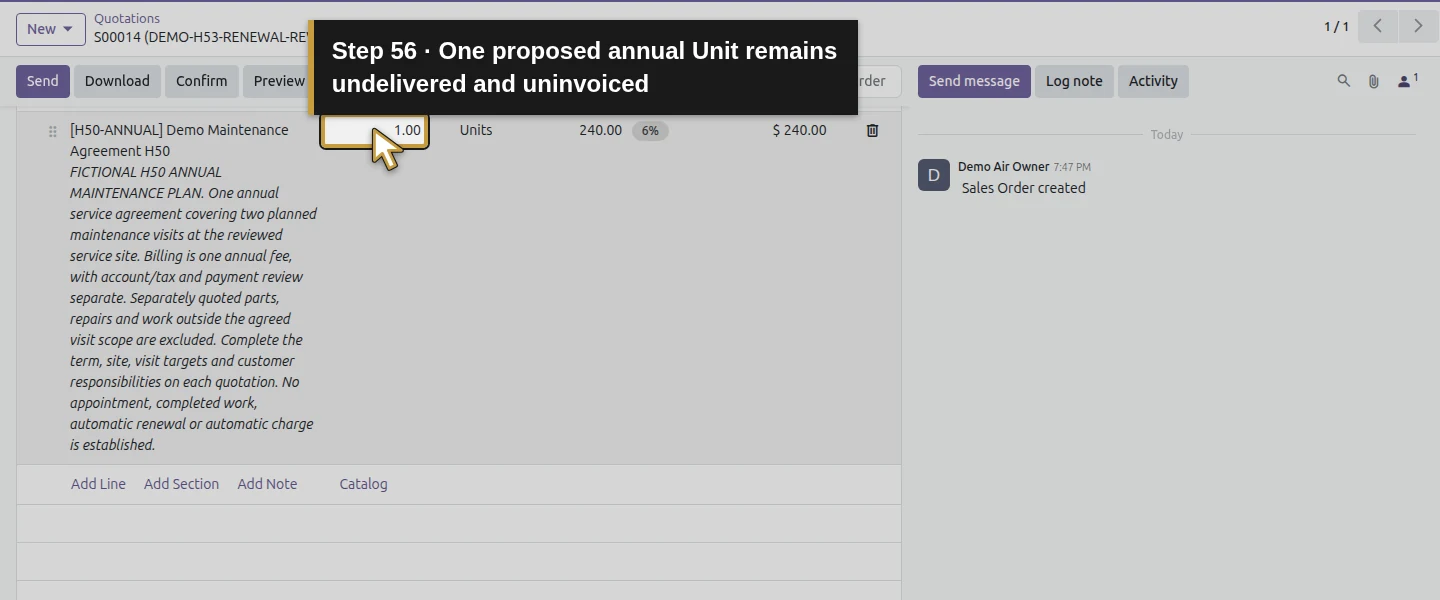
Use New → New Quotation to prepare a separate record. Select Demo Property H08, existing Billing Office H08/Service Site H08, Default (USD) and Demo Net 30 H06. Add H50-ANNUAL – Demo Maintenance Agreement H50 at 1 Unit × $240. Review its copied general scope, Units and illustrative total $240 + $14.40 demo tax = $254.40. One Unit represents one proposed annual agreement, rather than one visit. Review real pricing and tax independently; this fictional proposal retains the example price.
Step 5. Write the proposed term and keep the decision pending
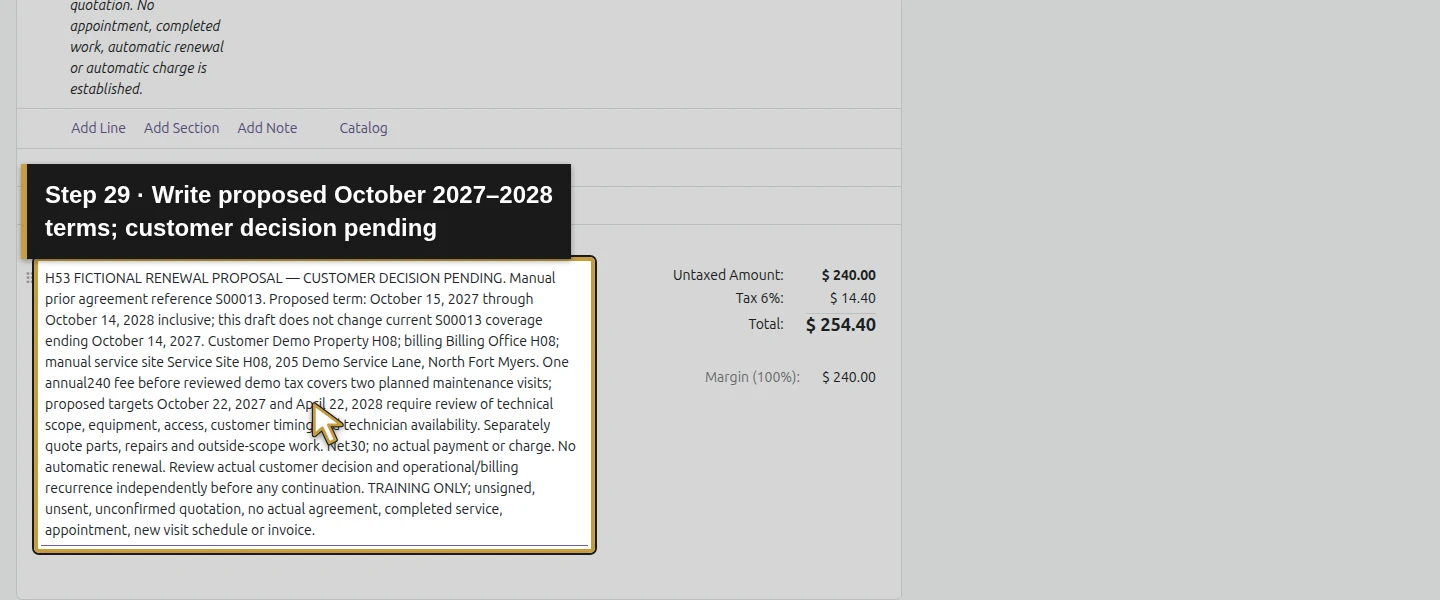
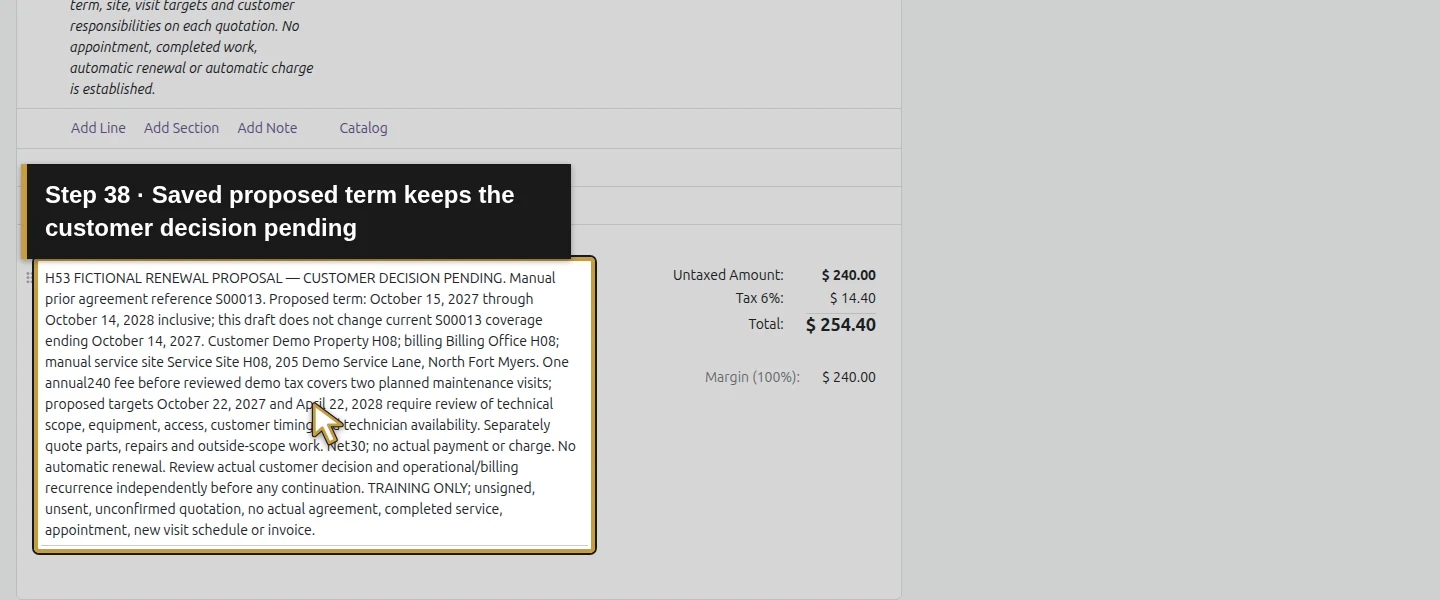
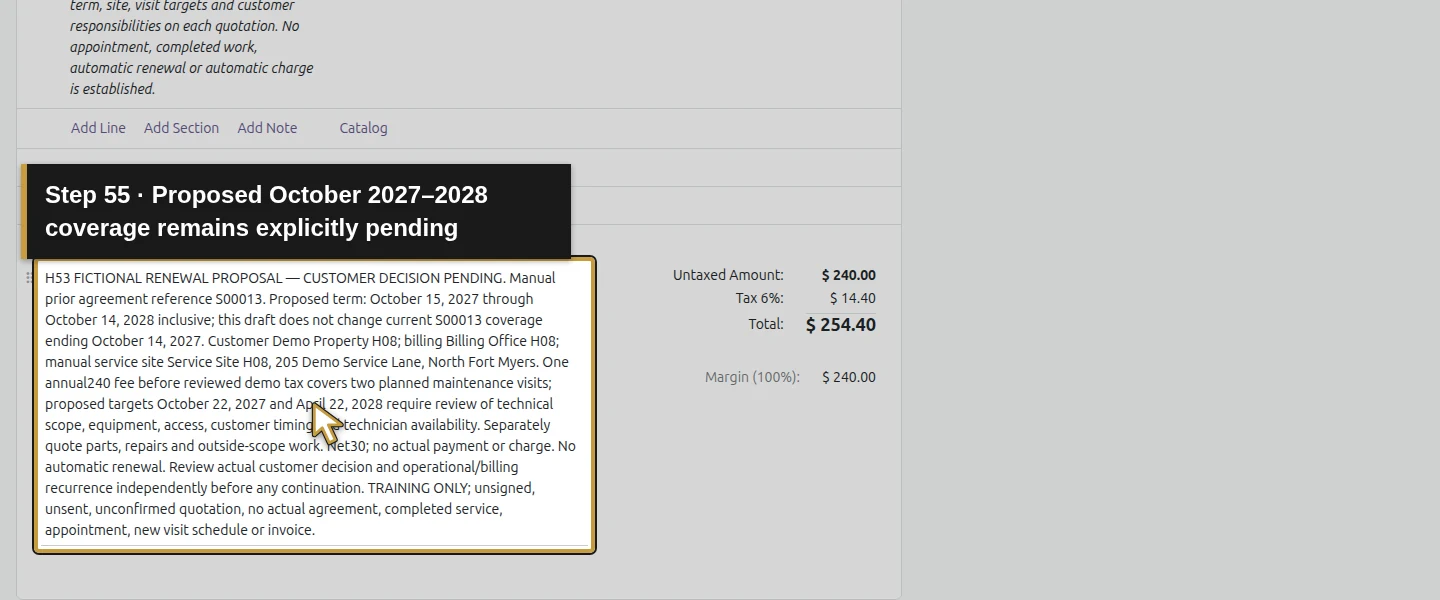
In the new quotation’s Terms and conditions, label H53 FICTIONAL RENEWAL PROPOSAL — CUSTOMER DECISION PENDING. Reference S00013 manually and state the proposed October 15, 2027–October 14, 2028 term. Include the existing customer/billing/site, two proposed visit targets October 22, 2027 and April 22, 2028, annual fee, Net 30, separately quoted parts/repairs and scope exclusions. Require review of technical scope, access, customer timing and technician availability. State no automatic renewal and no actual agreement, completed work, appointment, invoice or payment. Preparing this draft does not extend S00013.
Step 6. Identify the proposal and its offer-validity date
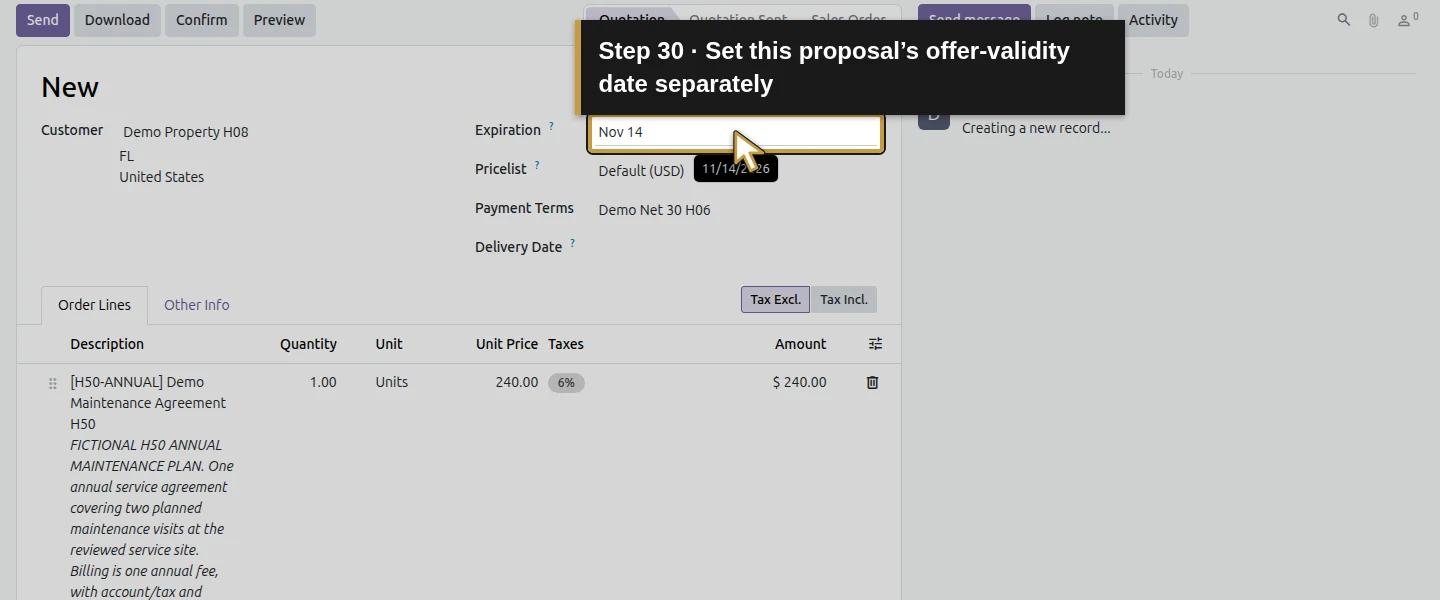
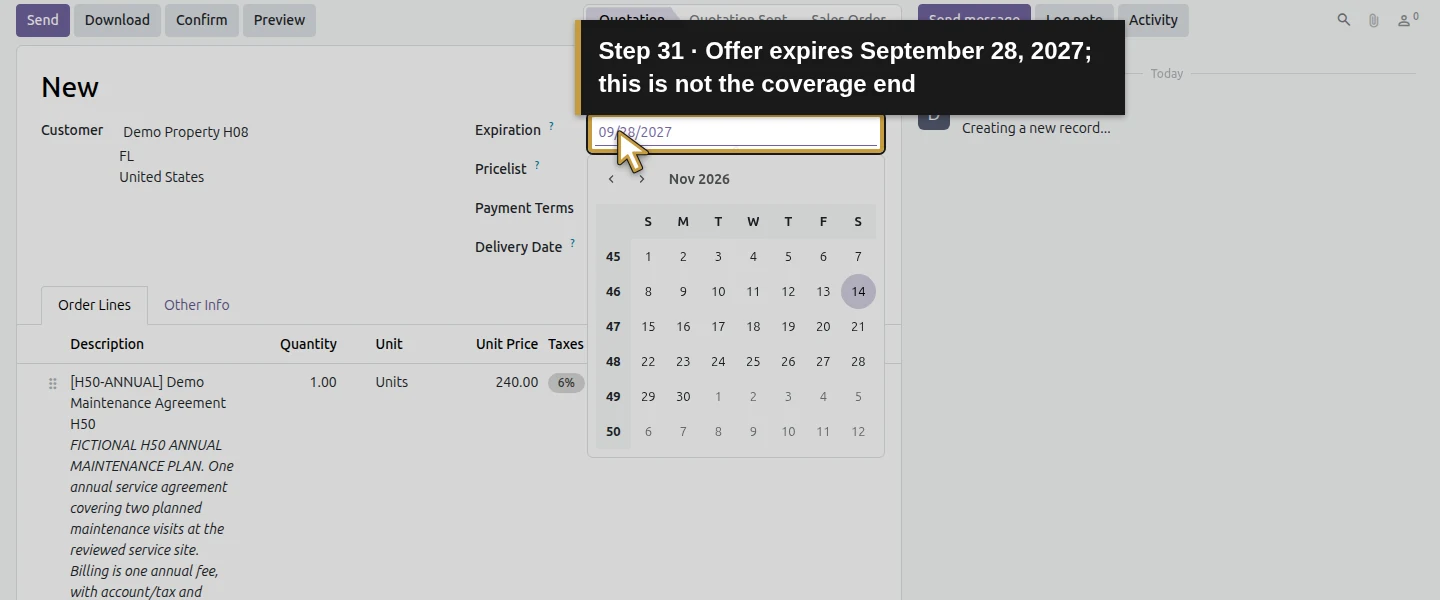
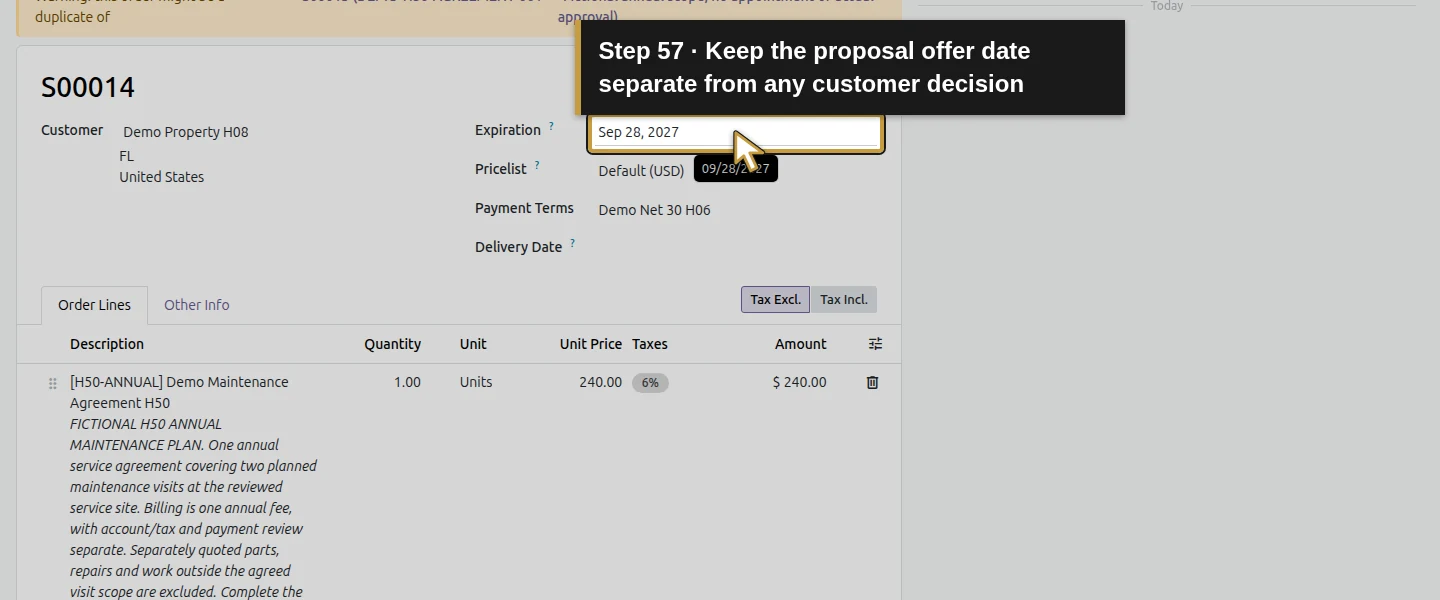
Set Expiration September 28, 2027 as this training proposal’s offer-validity date, separately from the proposed coverage end. In Other Info, set Source Document S00013 and Customer Reference DEMO-H53-RENEWAL-REVIEW-S00013 — Proposed next term; customer decision pending. These are manually entered references in standard fields. Clear Online signature for this local draft-only test; no actual customer-acceptance method is exercised. Keep the current agreement’s own dates and terms unchanged.
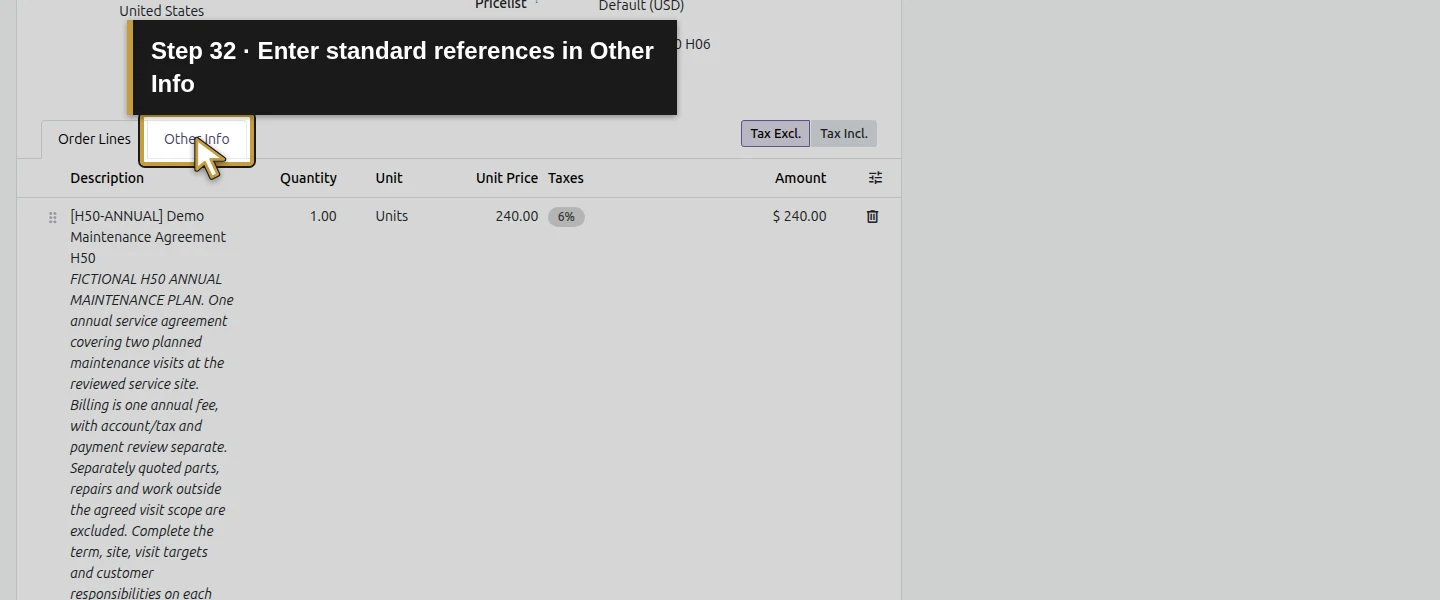
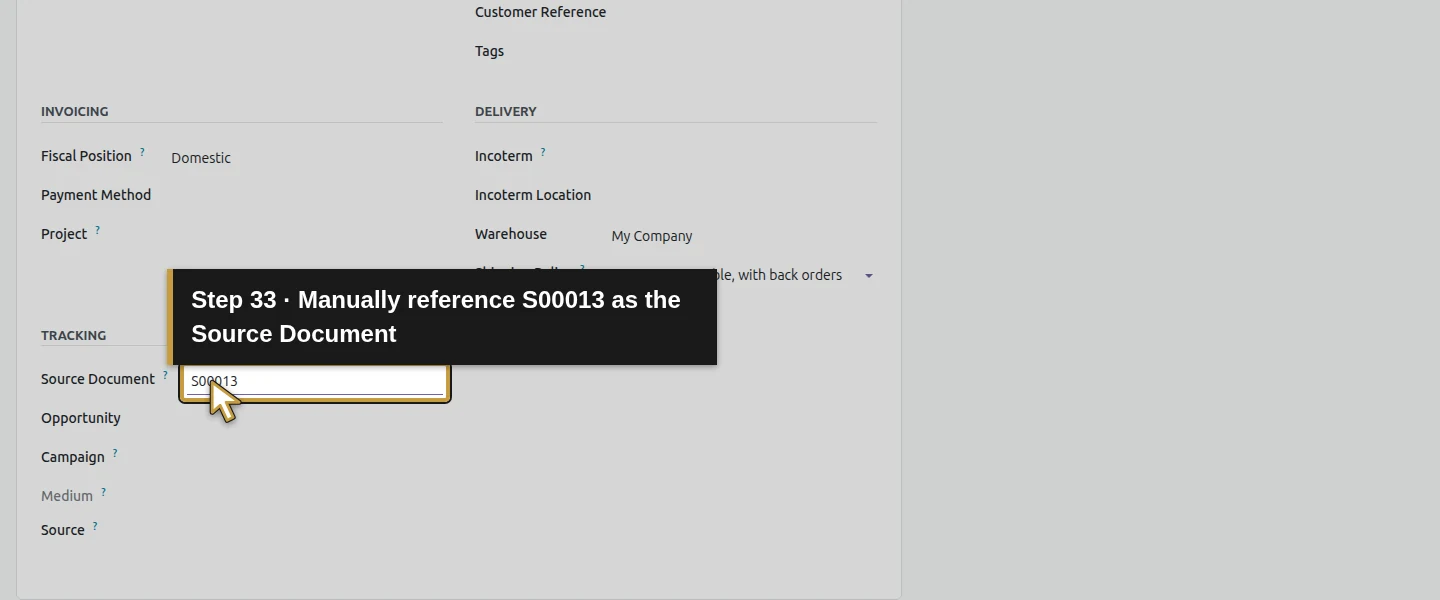
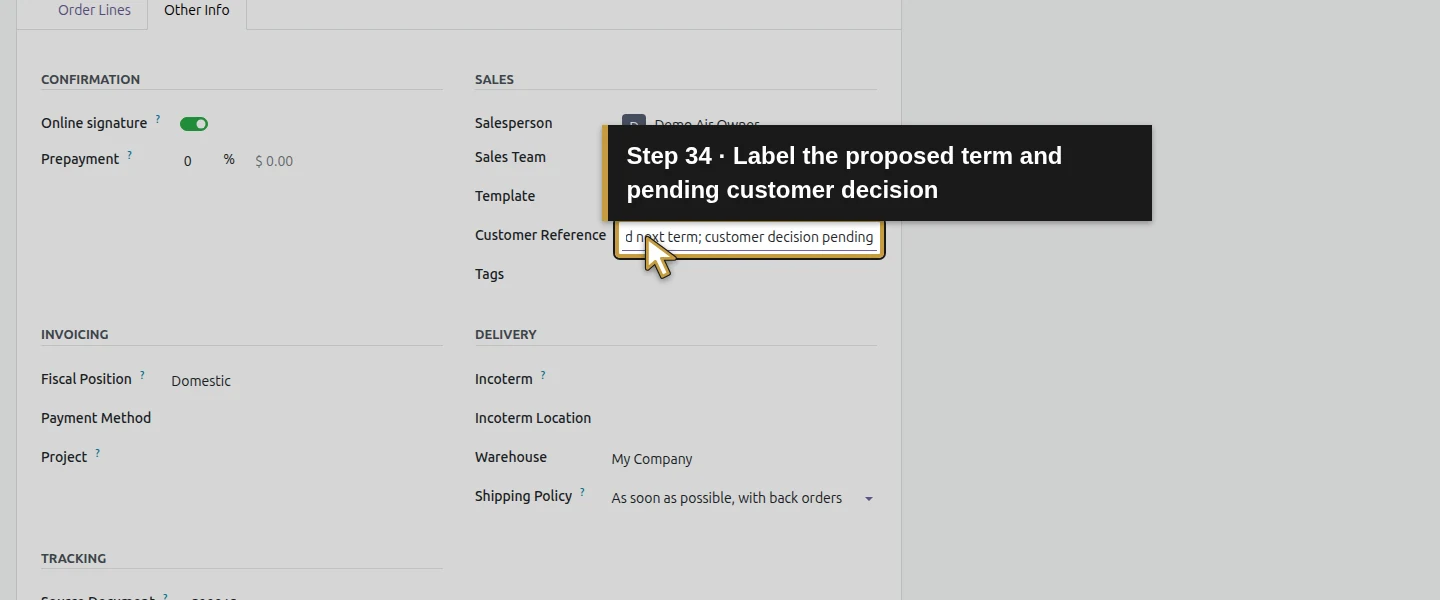
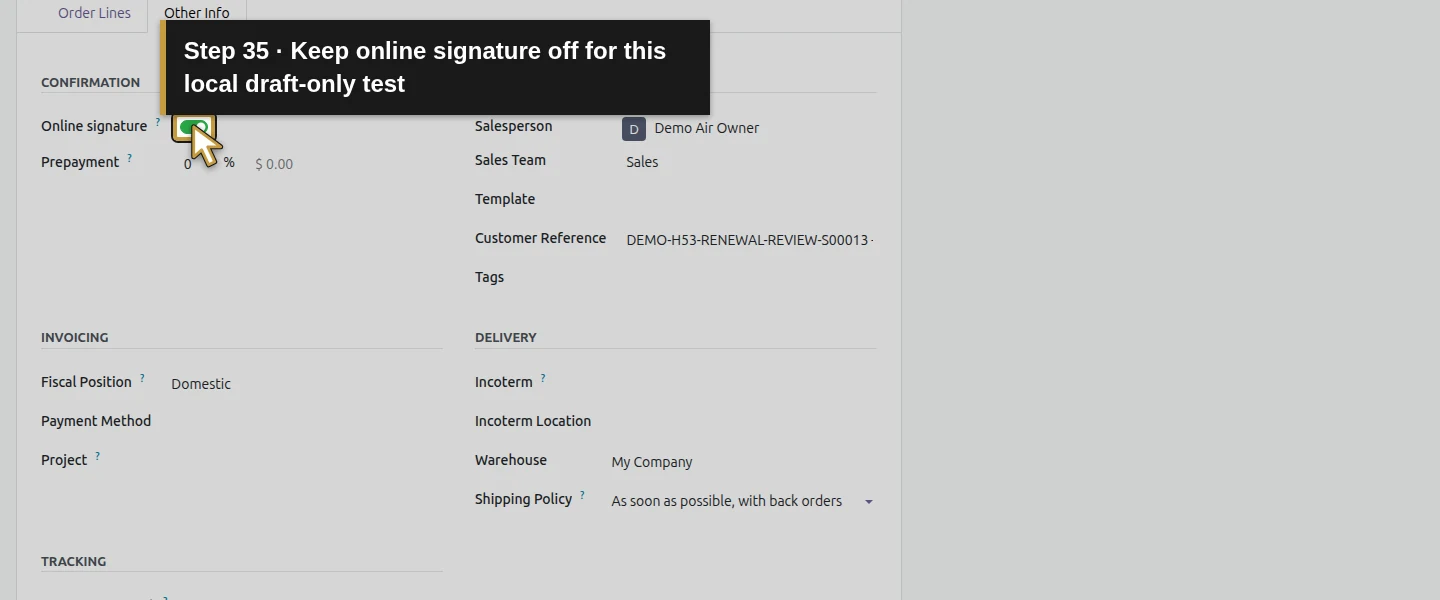
Step 7. Save and reopen the same quotation
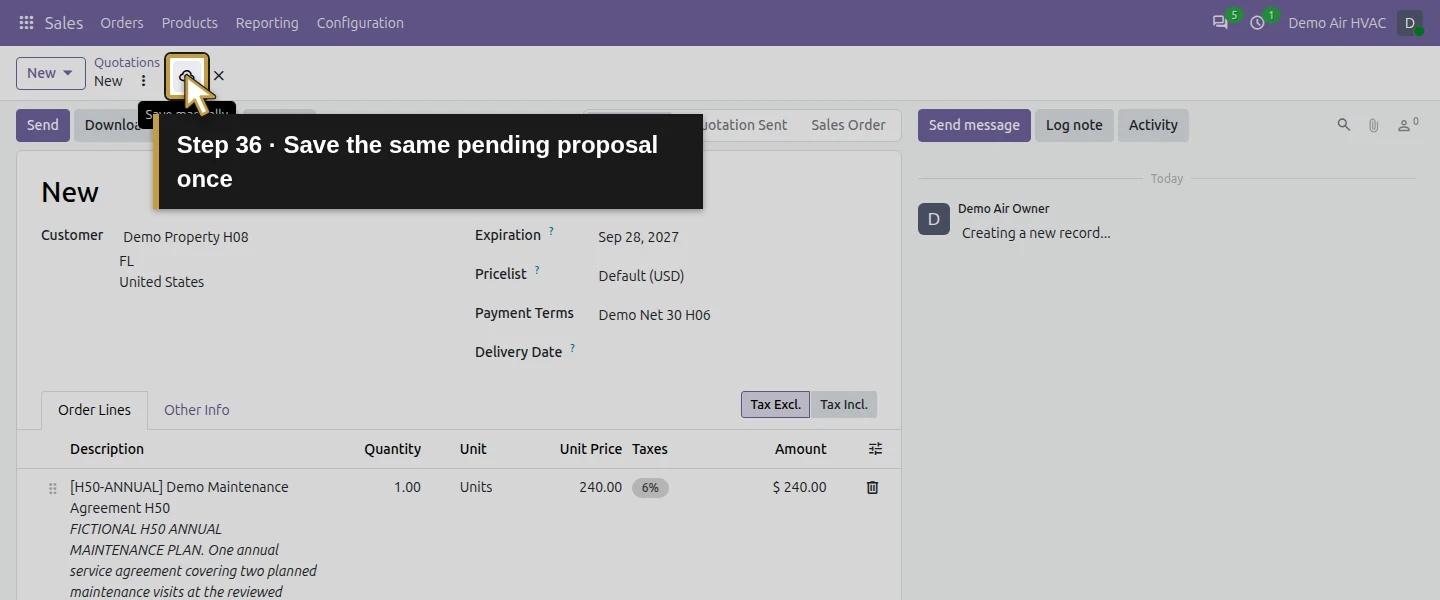
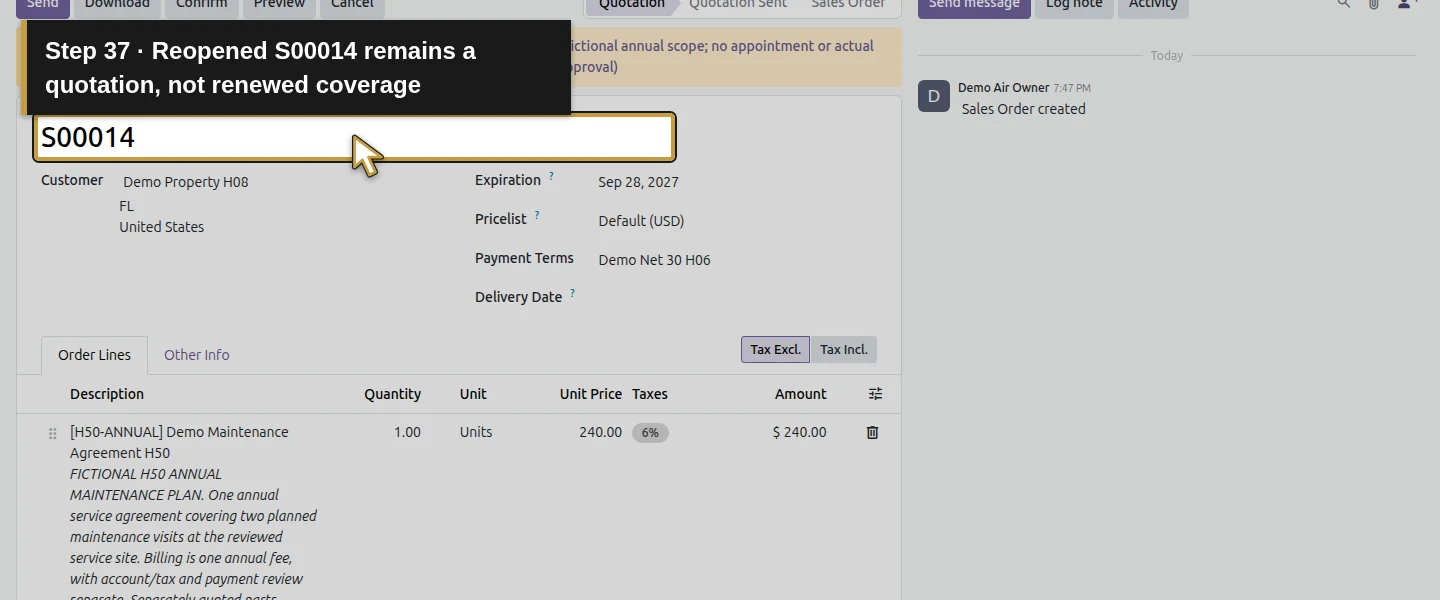
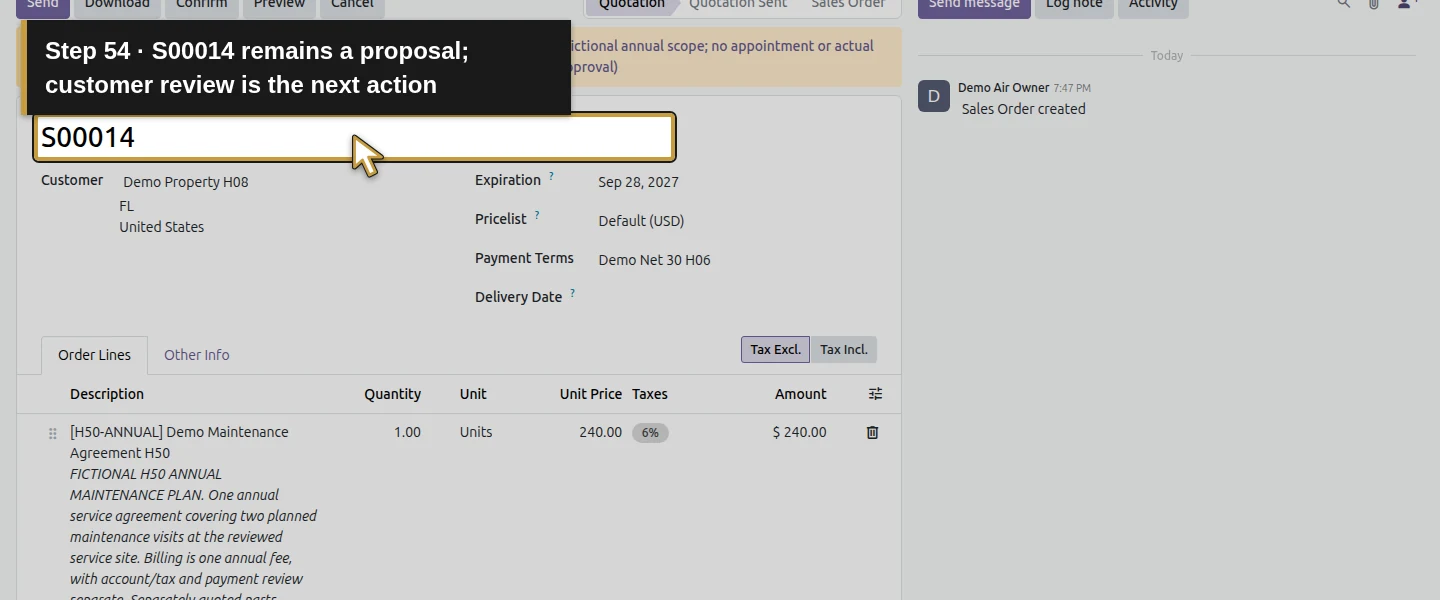
Click Save manually, wait for the saved number S00014, then reload. Check Quotation status, one annual service line, the proposed term, Source Document, Customer Reference, offer expiration and $254.40 total. S00014 remains unsigned, unsent and unconfirmed, with zero Delivered, Invoiced and invoiceable quantity. No project, task, picking or invoice is created. Preserve this pending proposal instead of treating it as renewed coverage.
Step 8. Update the existing reminder with the proposal reference
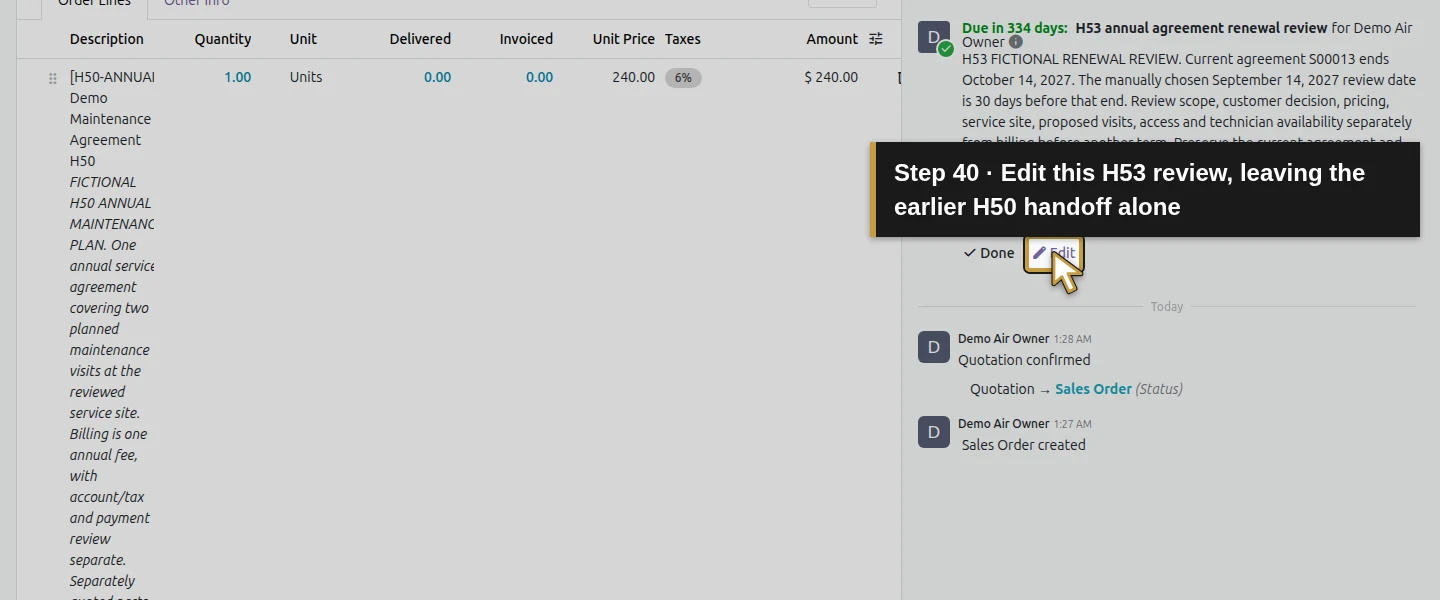
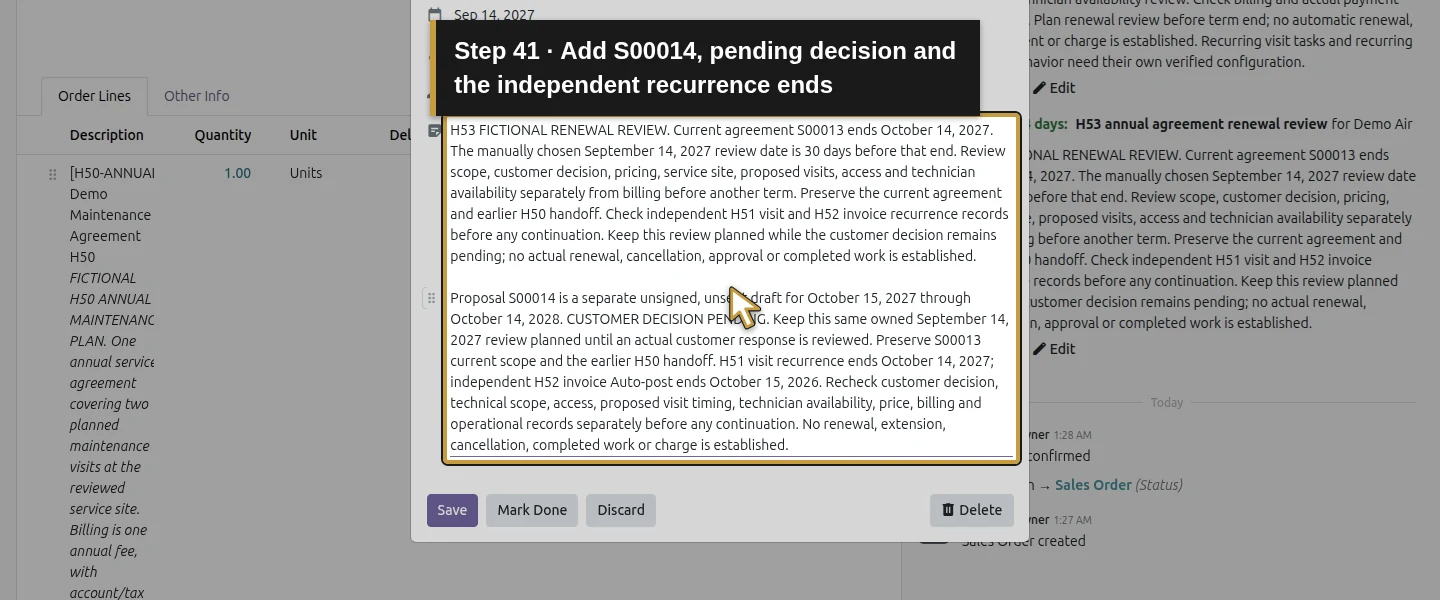
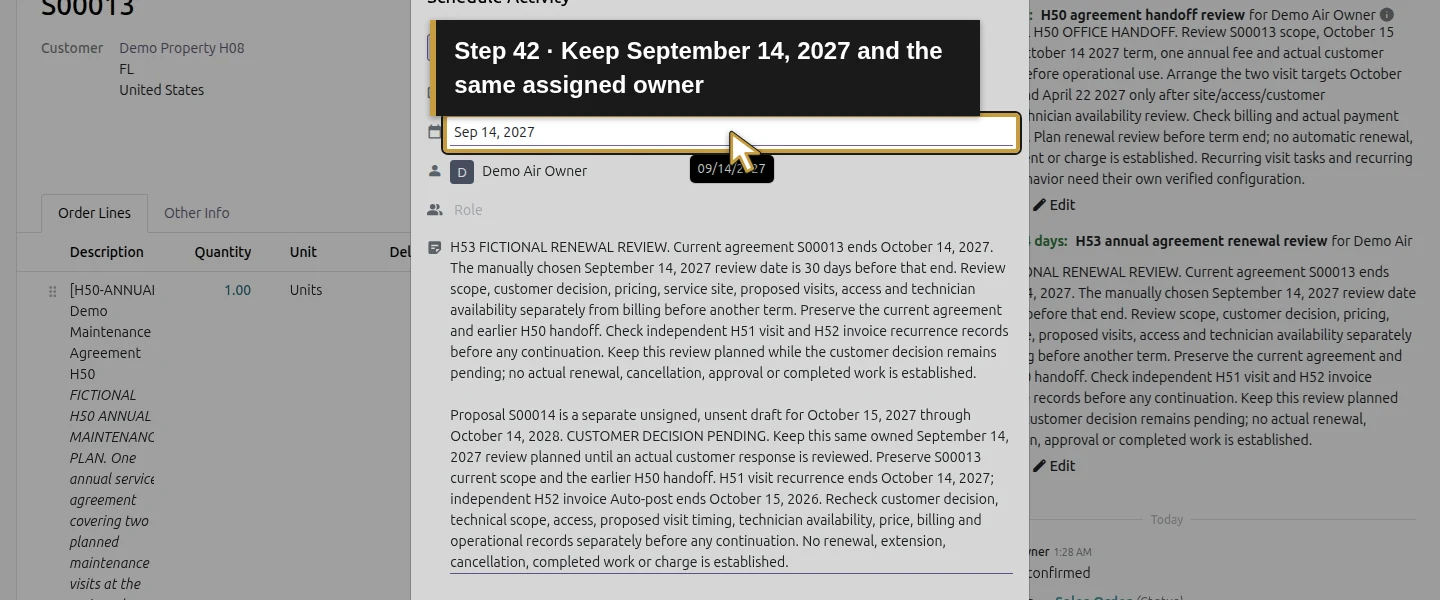
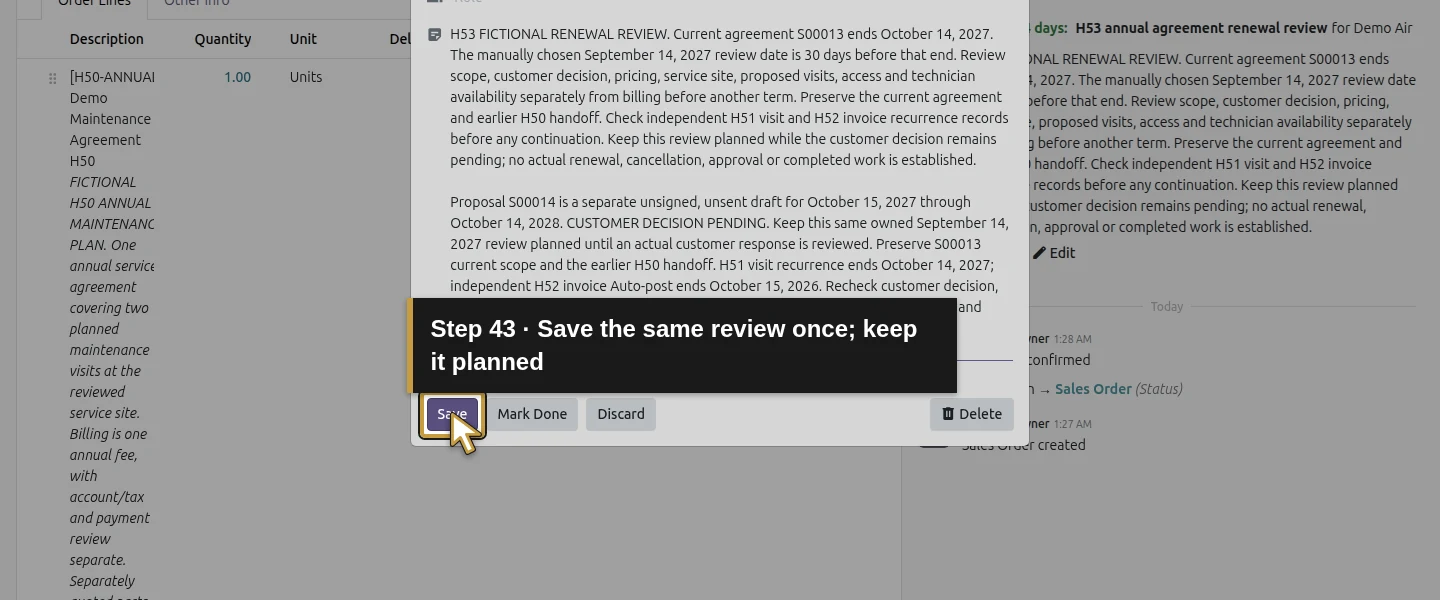
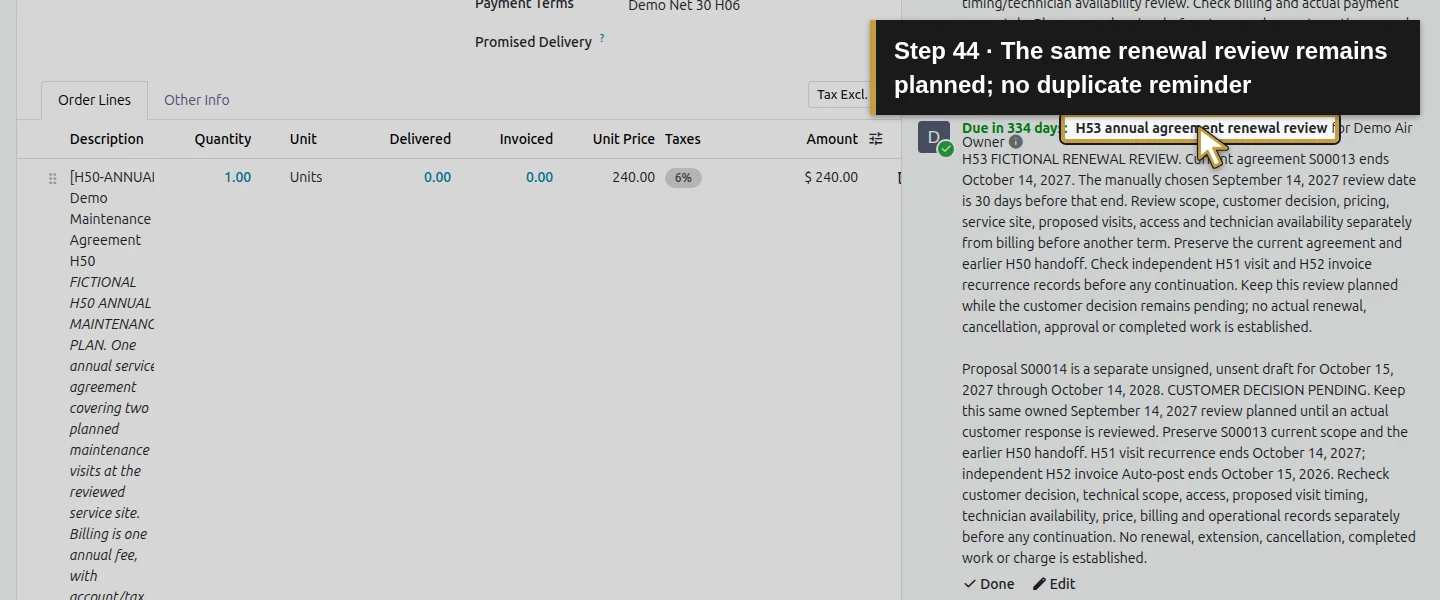
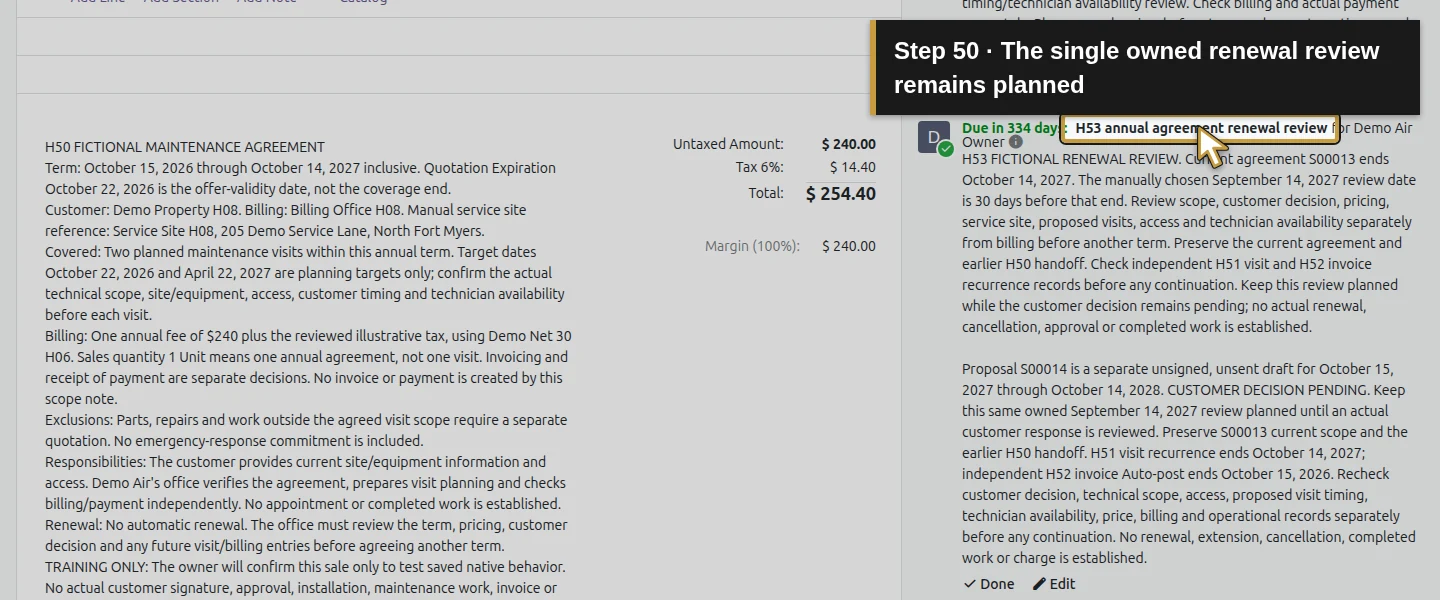
Return to S00013. Find H53 annual agreement renewal review and click its own Edit control, rather than the earlier H50 handoff’s Edit or a new Activity. Add S00014, its proposed term and customer decision pending to the note. Record the independent H51/H52 end dates and the checks needed before continuation. Keep the same owner and September 14 due date, then click Save. The same reminder stays planned; it is not replaced by a duplicate or marked complete.
Step 9. Record the office action as an internal note
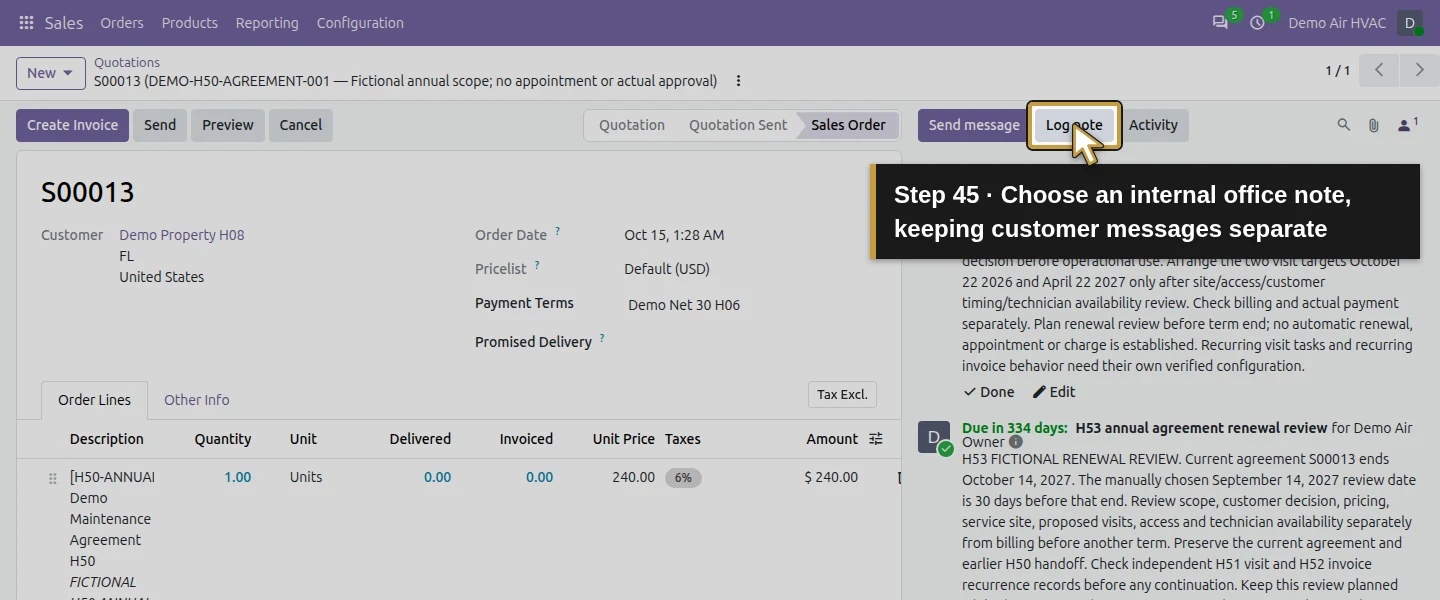
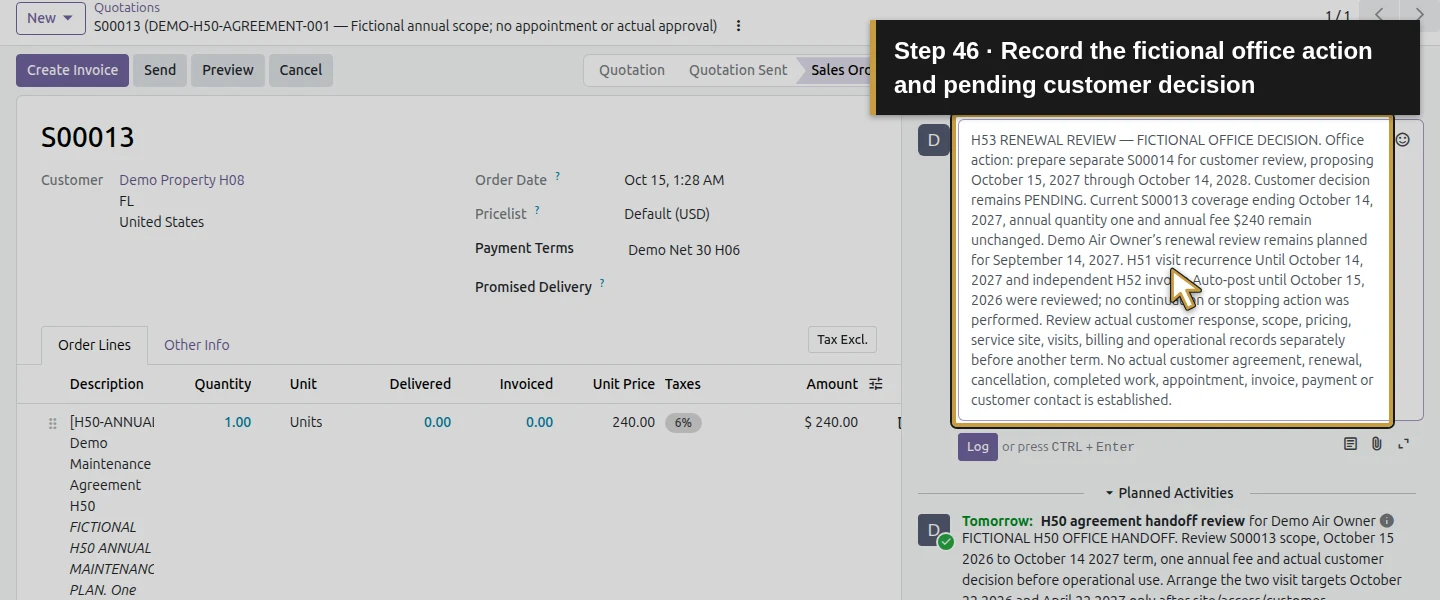
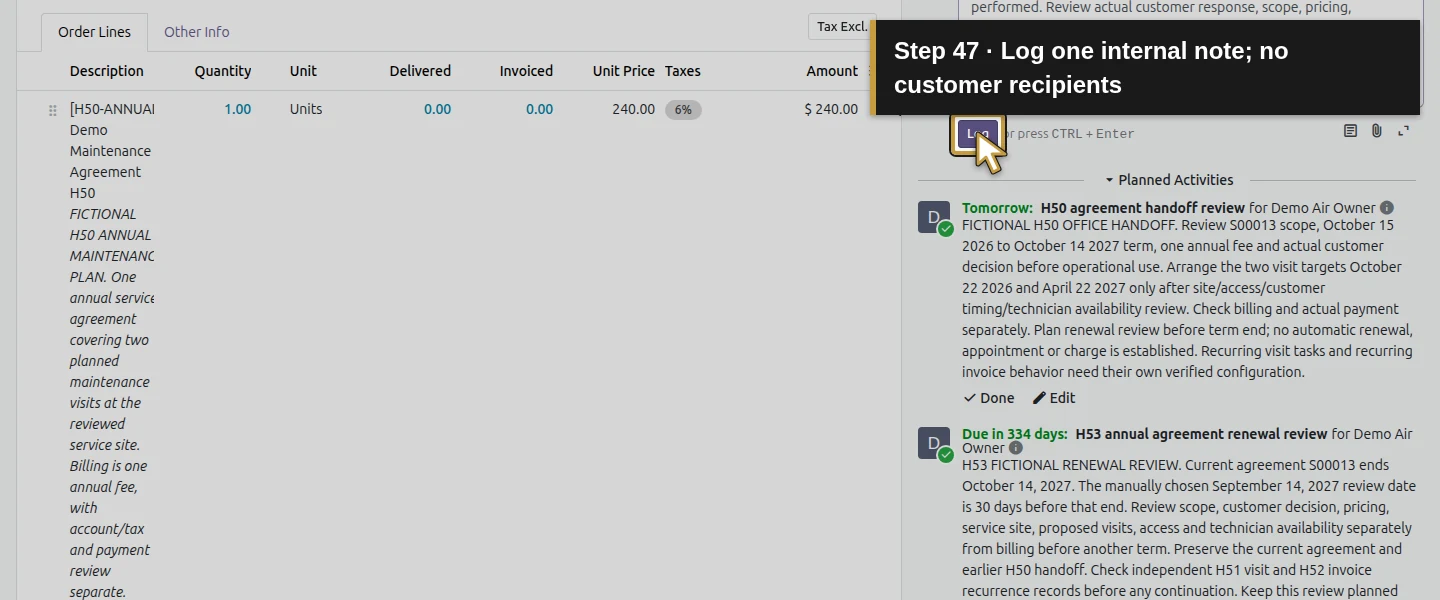
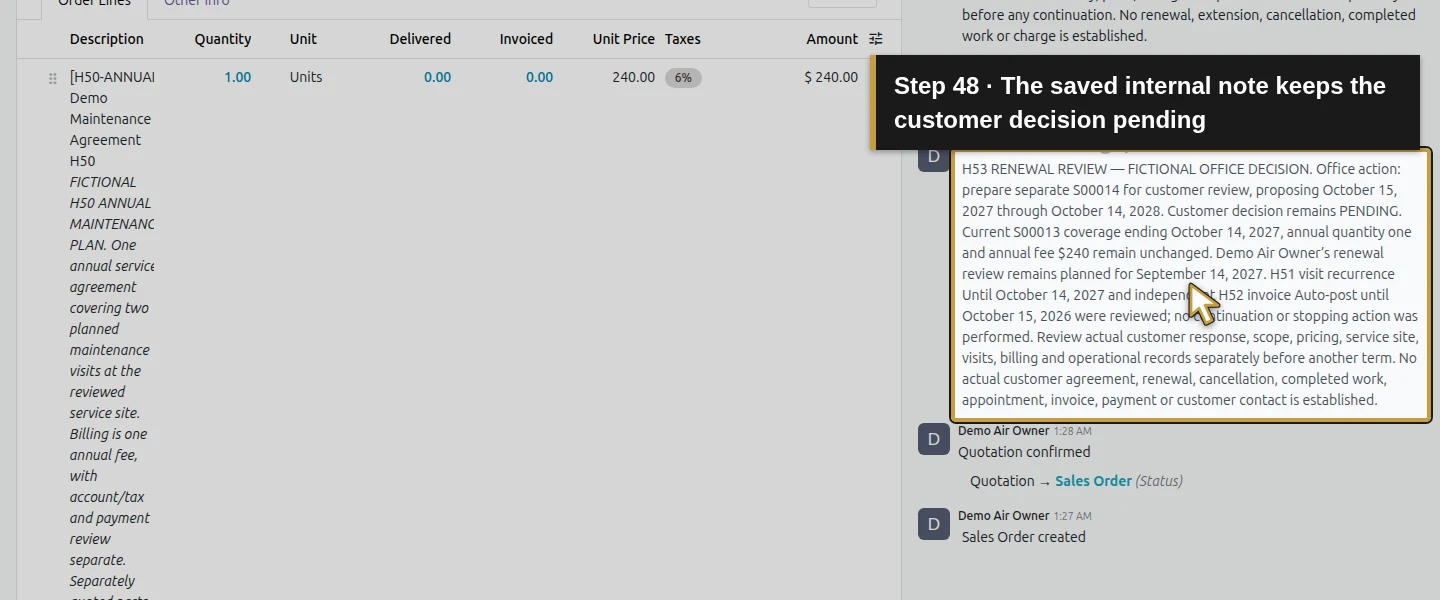
On S00013, click Log note. Enter H53 RENEWAL REVIEW — FICTIONAL OFFICE DECISION, identifying S00014 and the office action: prepare a separate proposed next term for customer review. State that the customer decision remains pending, the original term/quantity are unchanged, and any operational/billing continuation needs independent review. Include the owned reminder and separate recurrence ends. Click Log once. The saved internal Notes record has no recipients or notifications in this test; no customer message is sent.
Step 10. Recheck the current agreement and independent ends
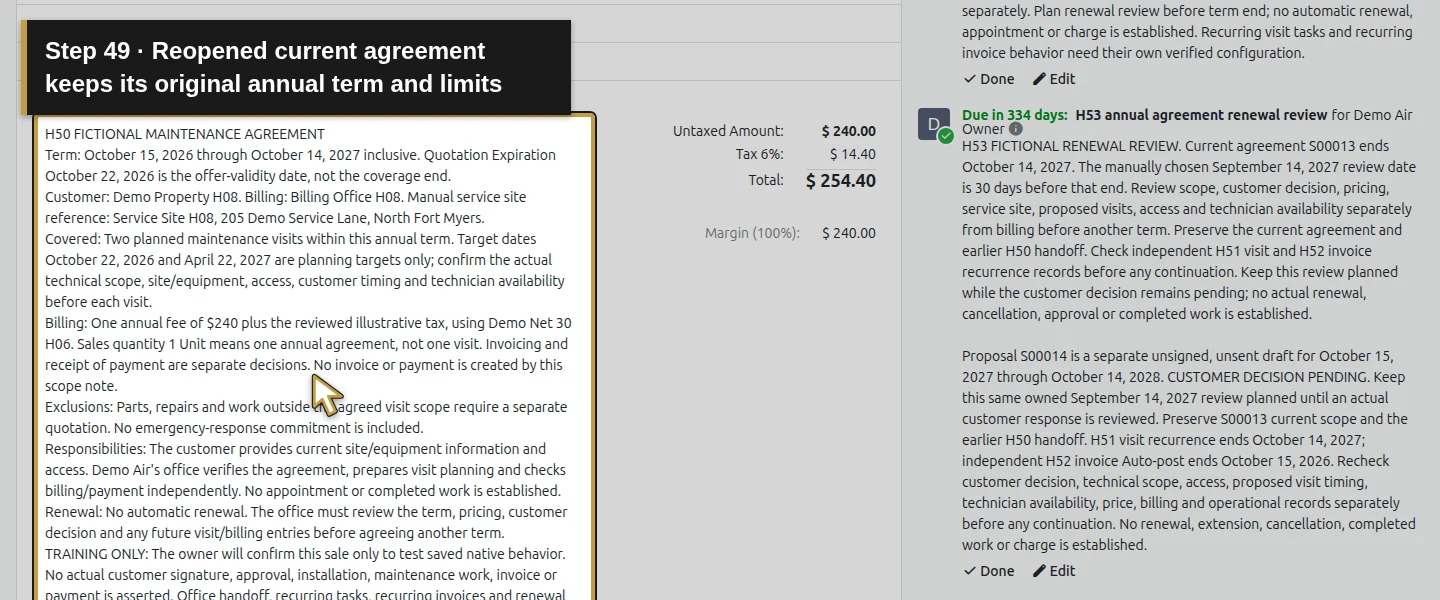
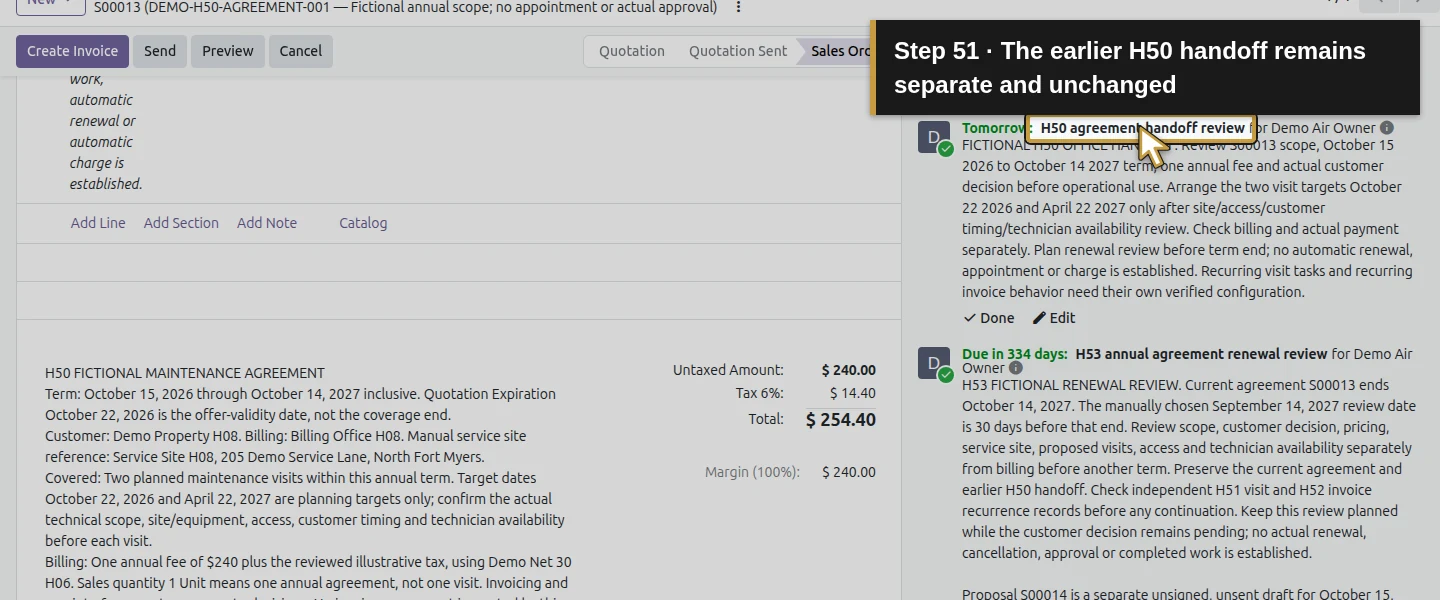
Reload S00013. Confirm the original term, price and service line, the unchanged earlier H50 handoff, the single new planned renewal reminder and the single internal review note. Reopen the H51 last task and H52 final invoice to inspect their existing end settings. They remain unchanged; this reminder, note and draft quotation extended neither series. Do not assume a renewal note, lost opportunity or sales cancellation stops a different schedule. Cancellation and immediate-stop behavior are not exercised in this lesson.
Step 11. Leave a clear next action for the customer decision
Reopen S00014 and verify the same pending proposal. The owner’s next action is to review the actual customer response at the assigned review, then decide any proposal changes and continuation through the applicable workflows. Keep the reminder planned while that review is outstanding. This example demonstrates a traceable office handoff, not a completed customer renewal. A new reminder or draft does not establish continuing service rights or authorize another charge.
Check the result
S00013 retains its original annual term, scope, $254.40 total, sold quantity, visit tasks and invoice links. One additional To-Do remains planned for the owner on September 14, 2027; its updated note identifies S00014. One internal Notes entry records the office decision to prepare a proposal, with the customer decision still pending. S00014 is one separate unsigned, unsent draft for October 15, 2027–October 14, 2028, with one annual $240 Unit, the copied general scope and manually entered Source Document/Customer Reference. It creates no visit, stock movement, invoice or payment. The existing H51/H52 end dates and saved results remain unchanged, and no new email reaches the sink. Reopening retains the same quote, reminder and note.
If your screen differs
This is a manual renewal-review workflow in stock Odoo 20 Community using existing Sales and mail activity fields. The coverage dates are manually recorded terms; the reminder date and Source Document are manually entered references, with no automatic expiry detection or subscription lifecycle established. The tested office action prepares a draft, while the customer decision remains pending. Actual customer acceptance, renewal, refusal, cancellation, Mark Done, immediate recurrence disabling and other roles remain separate untested cases. H51’s two future Done tasks are synthetic, and H52’s two historical posted invoices remain unpaid and independent of S00013. A draft proposal and internal note do not change those records or prove automatic cancellation coupling. Review actual scope, dates, approval, operational work and billing before another term.
Frequently asked questions
How do I track maintenance-agreement renewals in Odoo?
In this tested stock Odoo 20 Community workflow, keep the current agreement’s explicit term, save an assigned To-Do before its end, and prepare a separate next-term quotation if the office needs one. Record the current/proposed references and decision status. Here the reminder stays planned and the quotation remains draft because the customer decision is pending.Can I set a maintenance-contract renewal reminder in Odoo?
Yes. The owner schedules a standard To-Do on the existing sales order, assigns the owner and enters September 14, 2027, 30 days before the example term ends. The same reminder is edited with the proposed quotation reference and remains planned. The date is entered manually; automatic calculation from the agreement’s free-text term was not demonstrated.Does canceling an Odoo agreement stop recurring invoices or visits?
That cancellation case was not tested here. This workflow reviews task recurrence and invoice Auto-post separately; its note, reminder and new draft leave their existing end settings unchanged. Use the relevant verified recurrence/end procedure and inspect existing future records before relying on a stop. Do not claim that a sales status or note automatically controls a separate series.Continue building the business
Continue with H62: How do I record technician skills in Odoo?. Use S00013 and S00014 as separate current-agreement and proposed-term records, and retain the pending review instead of recording customer approval that has not occurred.
Talk about your Odoo setup
Bring your current process and the result you need to Onward to plan your Odoo workflow. Talk about your Odoo setup.